Guide
Configure automatic replica scaling
Set capacity bounds, choose meaningful thresholds, and review decisions before relying on automatic scaling for a worker or rolling-service app.
Illustrative workflow
Follow the workflow
- 1Set replica limits
- 2Watch resource use
- 3Add healthy capacity
- 4Review the decision
Workers and rolling services are supported. Missing metrics block scale-down.
Choose supported workloads and bounds
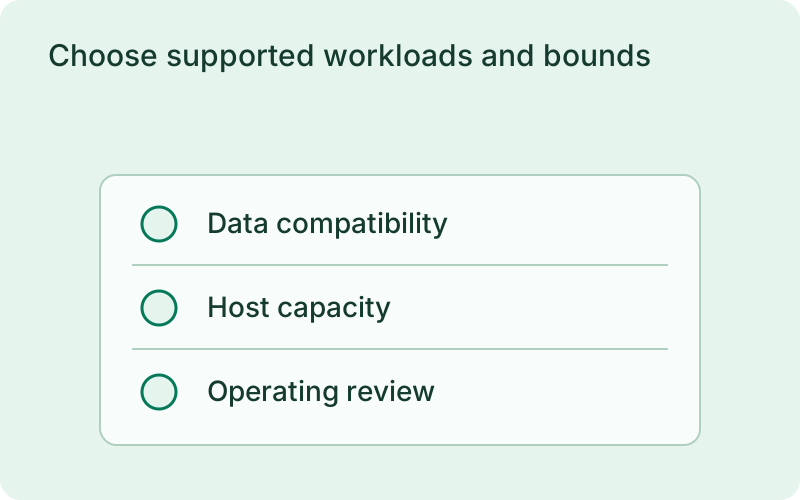
Use an existing worker or rolling-service application. Add deploy.autoscaling with enabled set to true and explicit minimum and maximum replicas. If the maximum is omitted, it defaults to the declared deploy.replicas count. Start with a CPU threshold and realistic evaluation windows and cooldowns. Add memory thresholds only with a configured per-replica memory limit; traffic thresholds require the proxy.
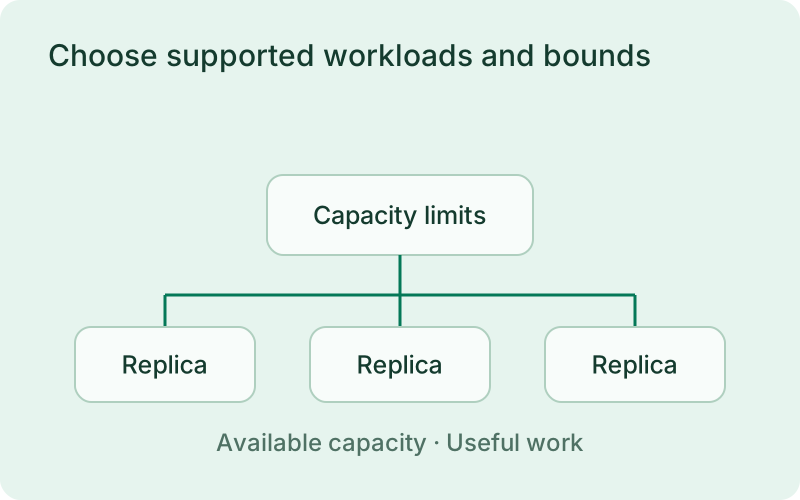
Start with a workload whose bottleneck is understood and a replica range the server can support. Consider memory, file descriptors, database connections, and external rate limits as well as processor use. A larger replica count is not always more productive if every instance waits on the same constrained dependency or competes for resources on the same host.
phelix config lintphelix autoscale status apiphelix autoscale history apiphelix autoscale pause apiphelix autoscale resume apiValidate and observe decisions
Lint the configuration, apply it through the normal lifecycle, and keep the monitor running. Inspect autoscale status for metrics and desired capacity, then review history to understand each decision. Missing metrics block scale-down and stale samples do not trigger a decision. Scale-up occurs when any enabled threshold is crossed; scale-down needs every enabled metric below its lower threshold.
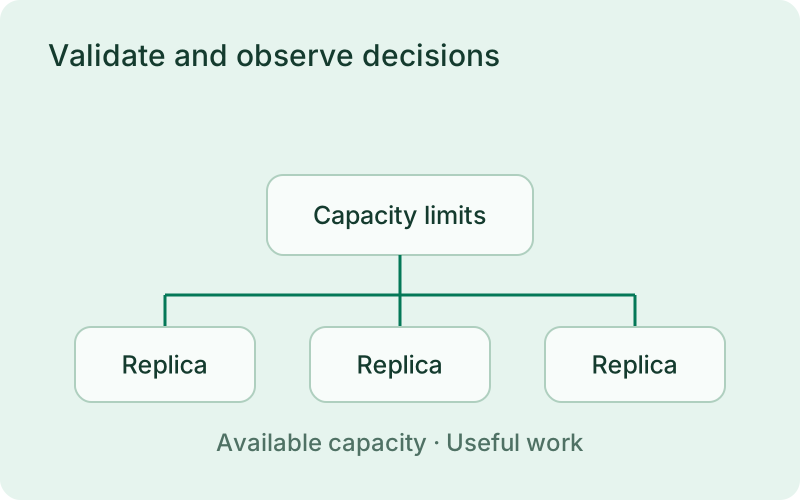
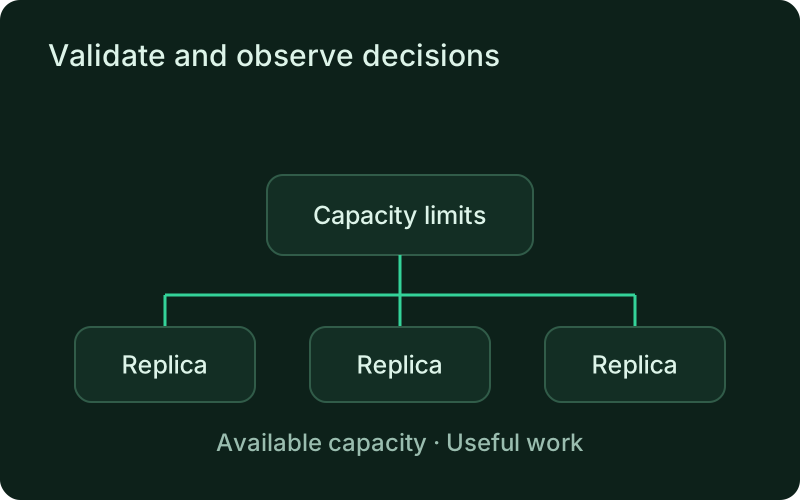
Observe the first decisions under a representative workload and compare them with actual service behavior. Review the reasons for both adding and removing capacity, especially near the thresholds. If the controller follows noisy or missing measurements, improve the signal or timing before relying on it to make frequent changes during busy customer-facing periods.
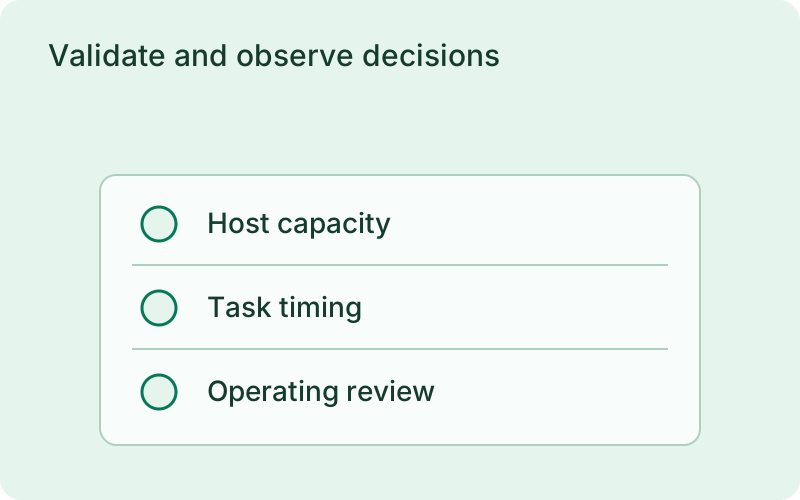
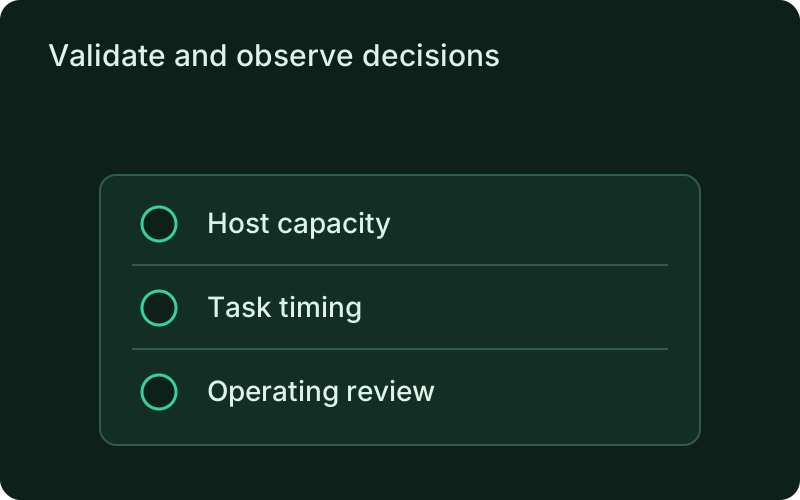
Keep operational control
Pause during an investigation, resume when the metrics are trustworthy, and request an immediate evaluation when useful. A pause survives monitor restarts. These controls are also available remotely under scale authorization. Scaling uses the existing artifact and shares the deployment lock. Added rolling replicas pass health checks; removed replicas drain. Use longer scale-down stabilization when brief demand dips should not remove capacity.
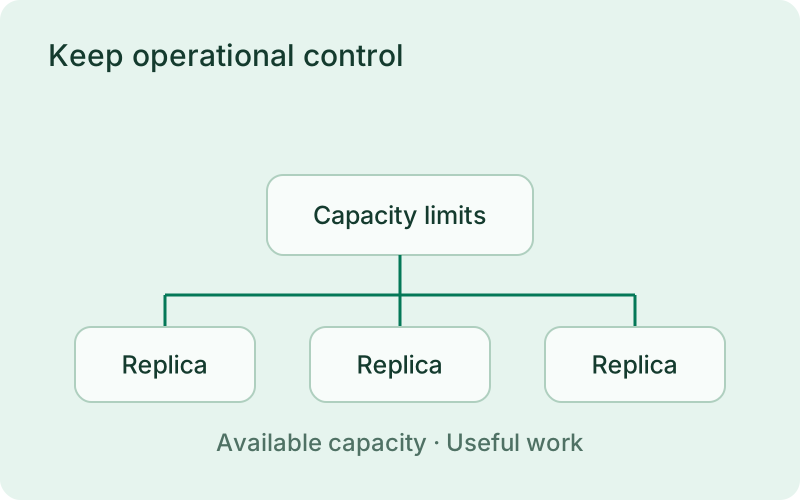
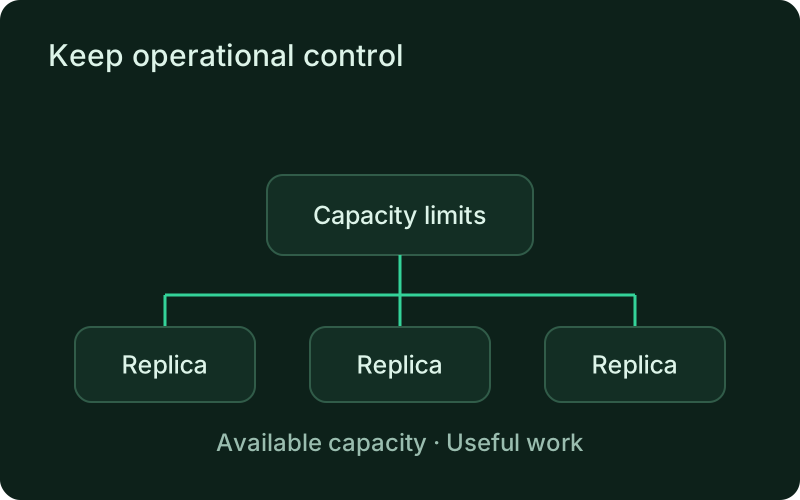
Use pause as part of an incident procedure when automatic changes would make the situation harder to understand. Review the active replica count and decision history before resuming. Keep shutdown grace periods long enough for normal work to finish, since scaling down should reduce capacity deliberately rather than interrupt requests or tasks that are still in progress.
Related
Read next
One binary between git push and production.
Install the CLI, verify the host, and follow the quick start to build your first application.