Feature
Automatic scaling engine
Let capacity follow demand while you keep the limits. The monitor evaluates resource and traffic metrics and adds or drains replicas for worker and rolling-service apps.
Illustrative workflow
The monitor watches each replica and evaluates demand.
Scale from measured demand
Set the minimum and maximum replicas and the thresholds that matter. CPU and memory describe each replica; request rate and latency apply where the application uses the proxy. Scale-up occurs when any enabled metric exceeds its threshold. Scale-down requires every enabled metric to remain below its lower threshold. Missing metrics block scale-down, and stale samples do not trigger decisions.
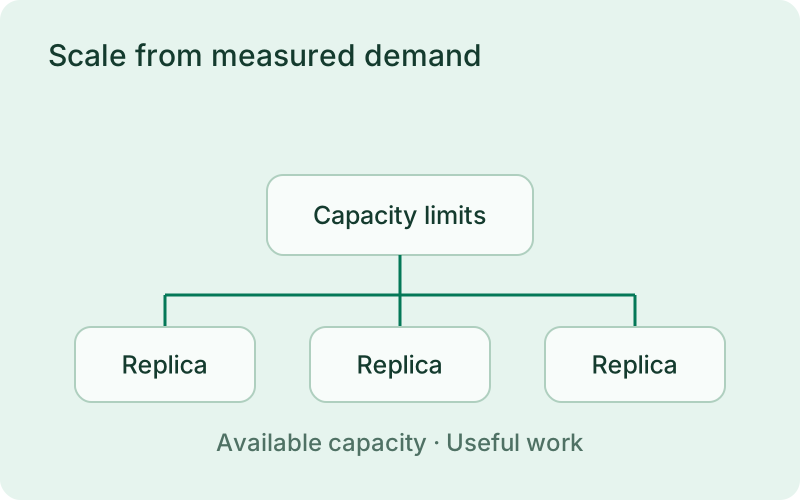
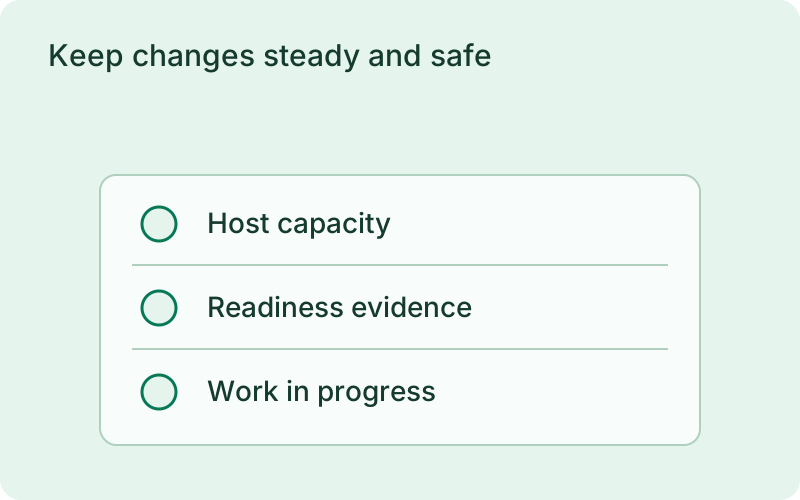
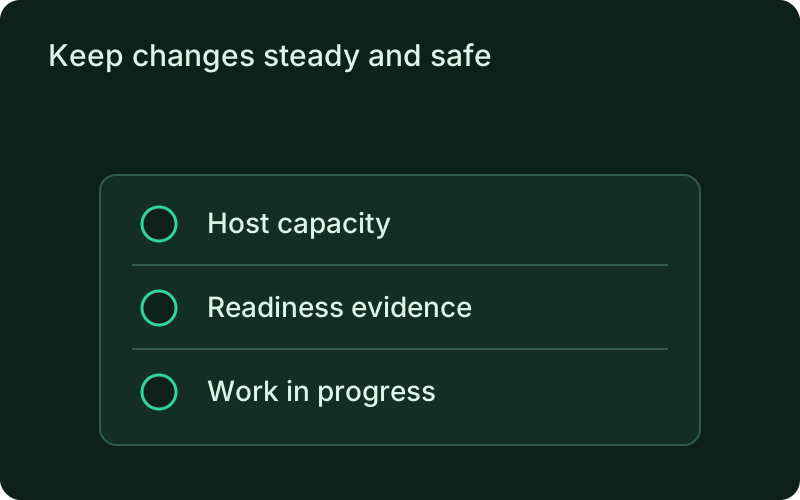
Choose signals that describe a real capacity need for the workload. CPU can reveal busy processing, while response time may also reflect a slow dependency that adding replicas will not fix. Keep a practical minimum and a maximum the host can actually support. Automatic scaling changes instance counts on that host; it does not add new machines.
Keep changes steady and safe
Evaluation windows, per-direction cooldowns, and a scale-down stabilization window prevent rapid reversals. Each decision changes capacity by one replica within the declared bounds. Scaling uses the current artifact without rebuilding. It shares the application deployment lock, rejects conflicting rollouts, health-checks added rolling replicas, and drains removed replicas before stopping them.
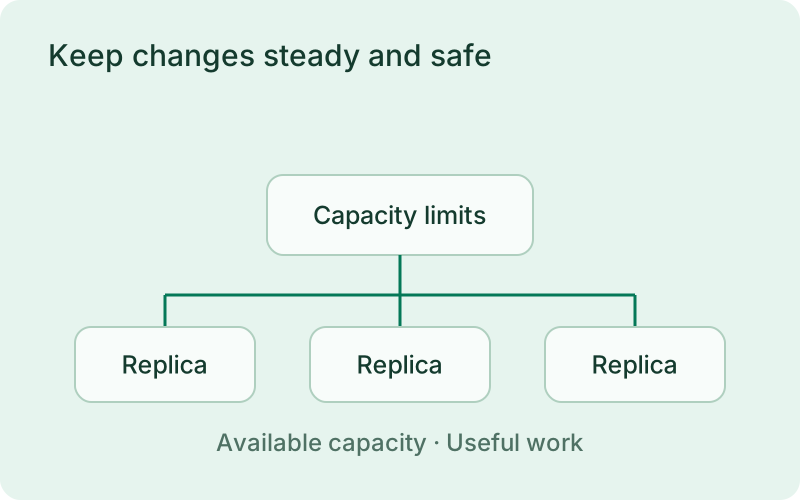
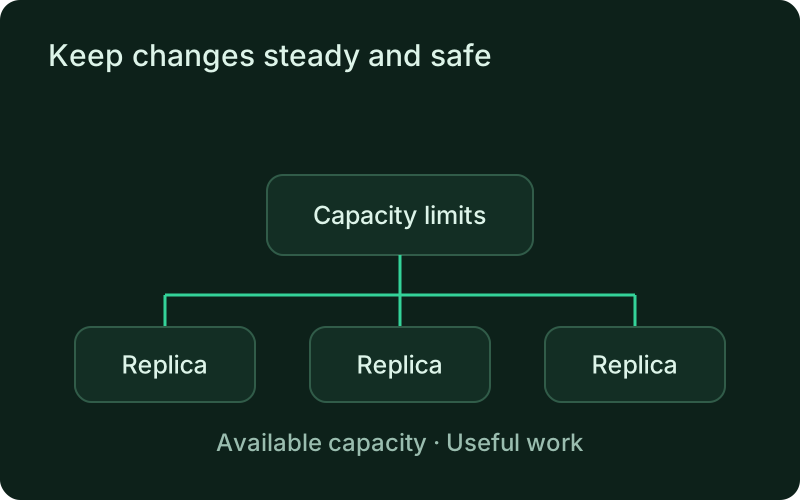
Steady adjustments help avoid removing capacity immediately after a short drop in demand. Review cooldowns and stabilization alongside request or task duration, then observe decisions under normal load. Scaling uses the current release, so it should work within the same readiness and shutdown expectations as a planned deployment rather than bypass those protections.
Pause, resume, and review remotely
Inspect the controller status, request an evaluation, review decisions, and pause or resume through the connected monitor under scale authorization. The runtime pause survives monitor restarts. Decision history records the reason and execution outcome. Per-replica resources remain visible even with autoscaling disabled, and interrupted scaling is reconciled on restart.
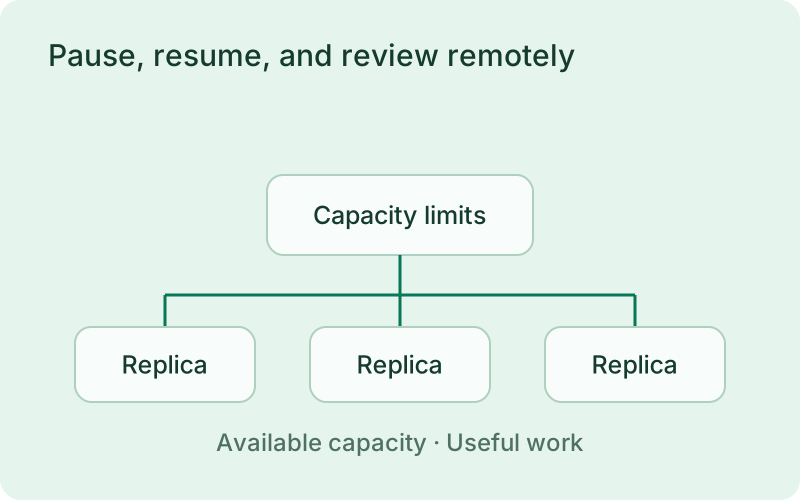
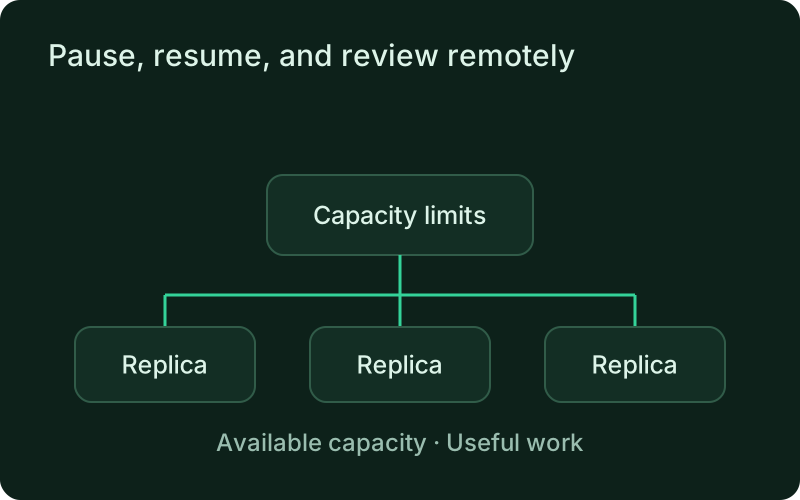
Keep the controller history available to the people investigating an incident. A pause can stop additional automatic changes while you examine a dependency failure or unexpected load pattern. Resume when the signals are meaningful again and review the result. Persistent pause state is useful precisely because a monitor restart should not silently restart capacity changes.
Frequently asked questions
Short answers; the docs go deeper.
Which workloads support automatic scaling?
Worker workloads and rolling-service applications. Scheduled one-shot jobs and other service deployment strategies do not use this controller.
One binary between git push and production.
Install the CLI, verify the host, and follow the quick start to build your first application.