Guide
Add lifecycle hooks to a deployment
Put migrations, smoke tests, and notifications inside the release lifecycle. Start with compatible changes and make each step safe to repeat.
Illustrative workflow
Follow the workflow
- 1Run the migration
- 2Check the candidate
- 3Warm the cache
- 4Record the outcome
Keep migrations compatible with both versions. Inspect uncertain attempts.
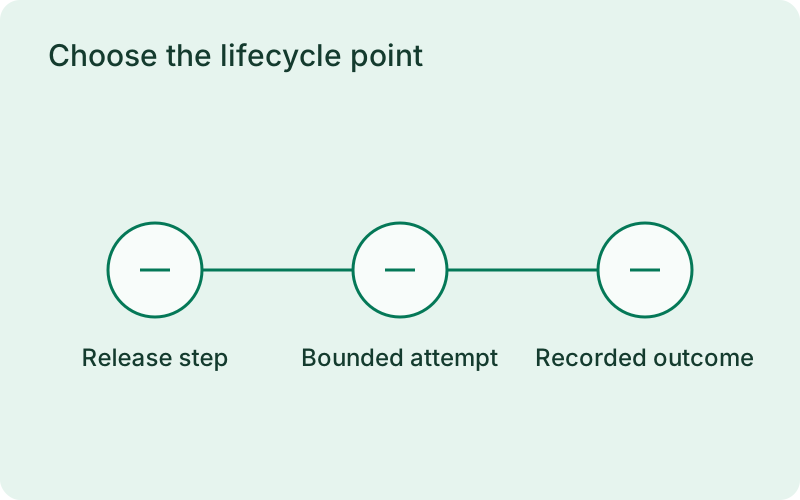
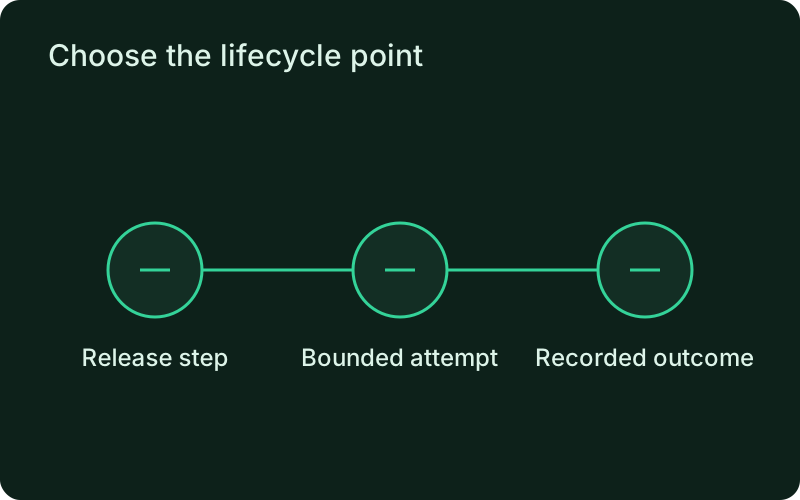
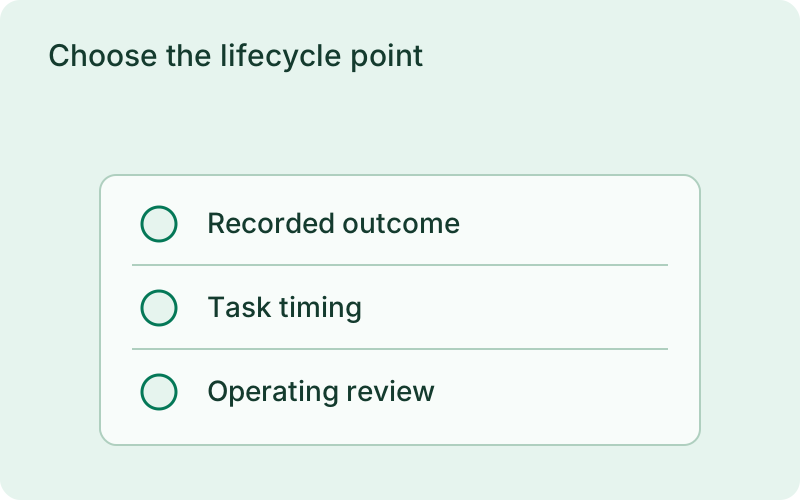
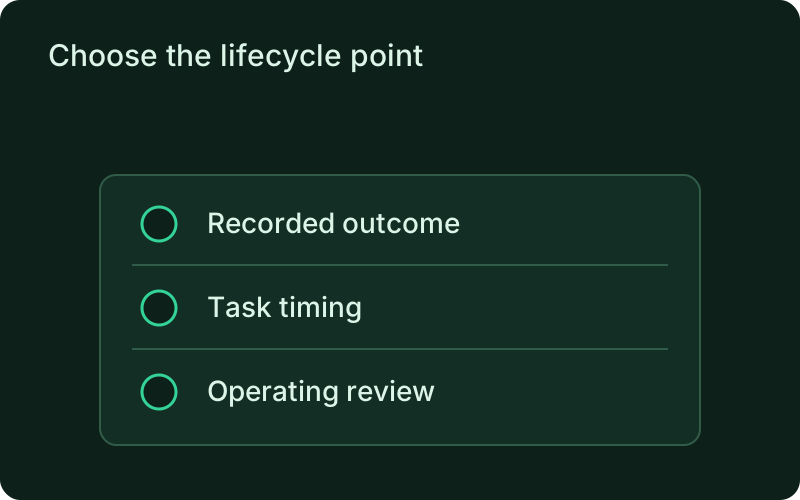
Choose the lifecycle point
Place a backward-compatible migration in pre-deploy, a candidate smoke test in post-start, and cache warm-up in pre-traffic. Put notifications in post-deploy, after the outcome is committed. Use an executable and argument list for each hook. Set a realistic timeout and bounded retries in phelix.yaml, then validate the configuration. The lifecycle hooks docs include the complete declaration.
For a first configuration, choose one useful step and make its purpose easy to recognize in the history. Avoid mixing unrelated work into one hook, because a partial failure becomes harder to interpret. Set its timing according to what it needs and what depends on it, then review how it behaves while the previous application version is still live.
phelix config lintphelix rebuild api --blue-greenphelix hooks status apiphelix hooks history api --hook pre_deploy --limit 10phelix hooks inspect --last apiRun and inspect the release
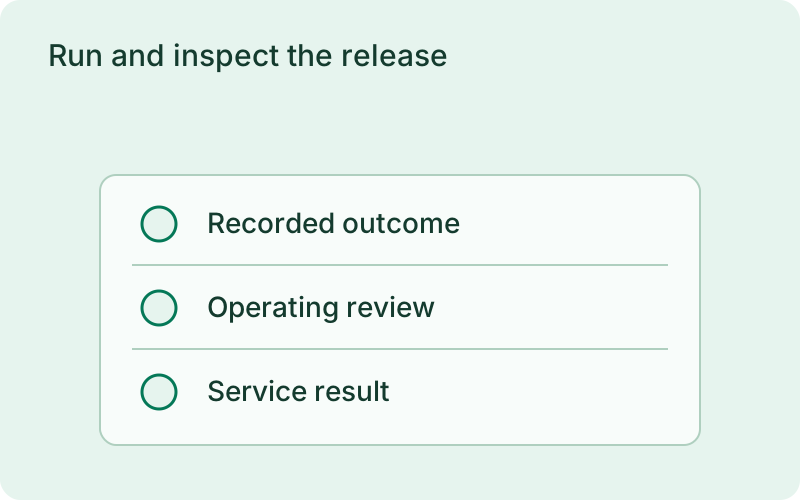
Rebuild the application through its normal deployment strategy. Critical hook failures stop the operation and use its recovery path. Post-deploy notification failure is recorded without undoing the release. Inspect hook status and history, then open the last execution for timing, exit code, and redacted output. Remote execution and inspection use the connected monitor and the host authorization rules.
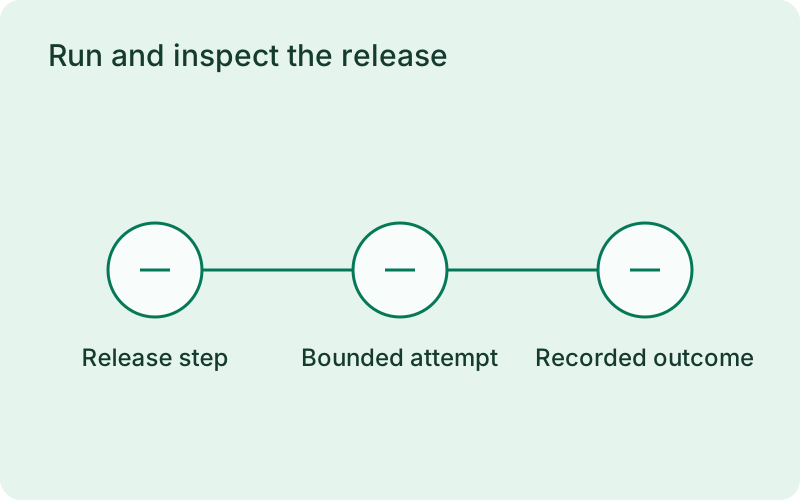
Check the captured result for the step you configured rather than relying only on the final deployment message. A release may be live even when its follow-up notification failed. Record which result needs attention and whether the service itself is affected, so the next action addresses the failed responsibility without unnecessarily repeating the whole deployment.
Handle retries and interruptions
Make the migration idempotent and keep the previous binary compatible with the new schema. Remove old columns only in a later release after old application versions have drained. Completed attempts are skipped for the same deployment. An attempt interrupted mid-execution is uncertain and requires inspection, because Phelix cannot prove which external side effects occurred.
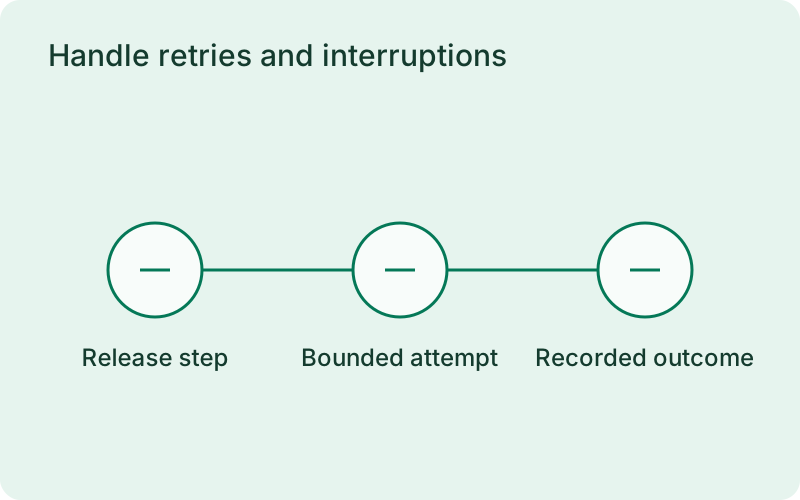
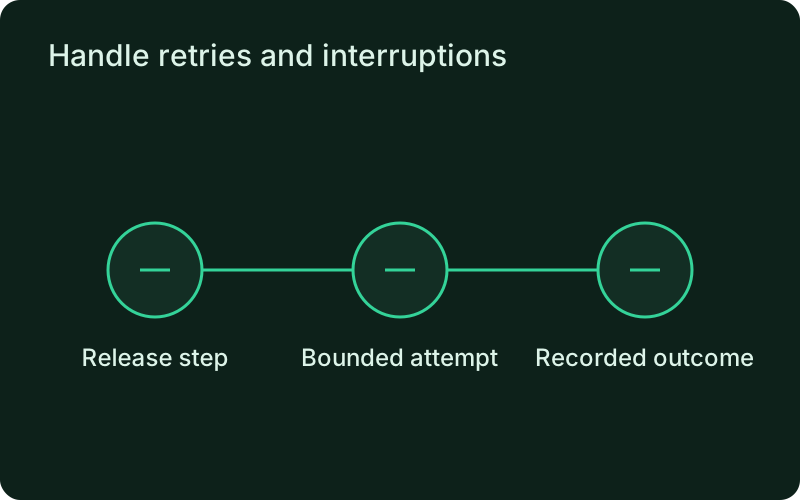
Try the failure and interruption paths in a suitable test environment before using a hook for important data changes. Make repeated execution safe and document how to inspect an uncertain attempt. The deployment can restore an application version, but it cannot infer whether an interrupted command completed an external transaction or reverse that transaction on your behalf.
Related
Read next
One binary between git push and production.
Install the CLI, verify the host, and follow the quick start to build your first application.