Guide
Read a deployment impact report
Use the report to see what changed after a release. Start with the outcome, then review the evidence behind each measured regression or improvement.
Illustrative workflow
Follow the workflow
- 1Collect the baseline
- 2Observe the release
- 3Compare the metrics
- 4Review the impact
Insufficient samples remain unavailable. Analysis does not trigger rollback.
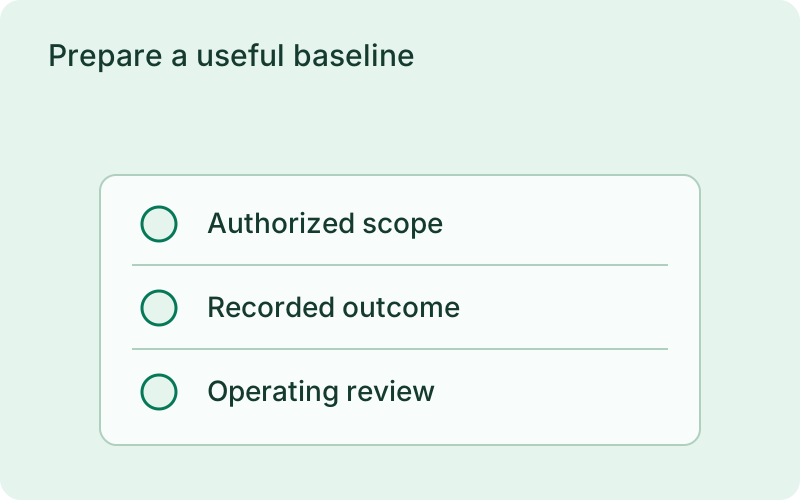
Prepare a useful baseline
Keep the application watched by the monitor before deploying. Analysis defaults to enabled; adjust deploy.analysis baseline and observation windows and sample requirements when the default timing does not fit your traffic. Deploy through your usual strategy and allow the observation window to finish. Due reports are finalized by the monitor or a report-reading command.
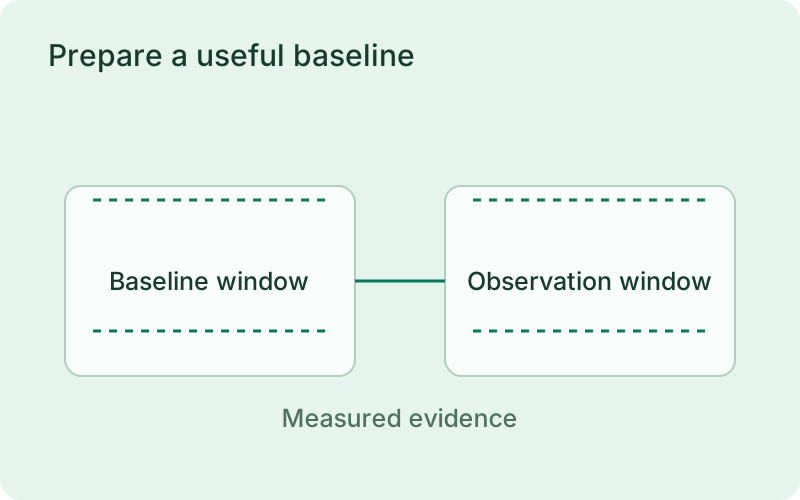
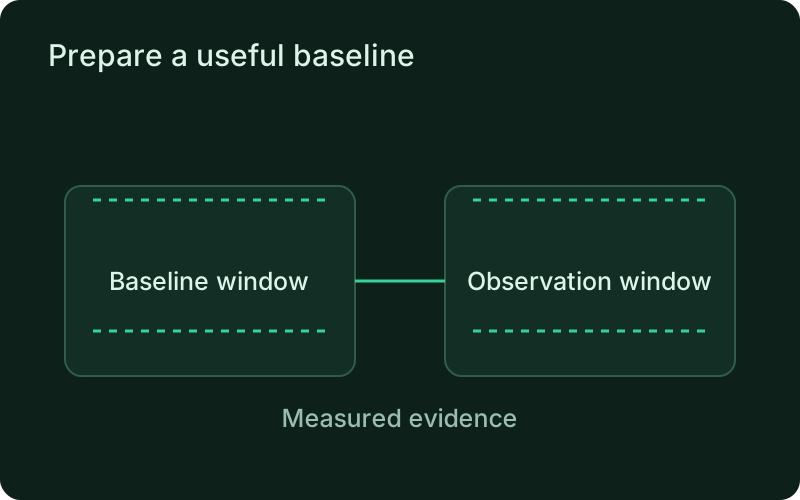
Choose a baseline long enough to include ordinary traffic for the service. A report generated around a quiet period may have too little evidence to explain the release. Note any planned change in demand, such as a batch import or campaign, so the comparison is reviewed in context rather than attributing every traffic difference to the application update.
phelix deployment-report api --latestphelix deployment-report api --detailedphelix deployment-report api --version v12Compare the measured changes
Read the latest summary and the detailed per-metric comparison. Check latency, error rate, throughput, resource use, restarts, and health failures, together with the sample counts. Insufficient data and unavailable metrics are explicit results. Do not treat either as a normal measurement or a zero. The impact score is unavailable if nothing could be compared.
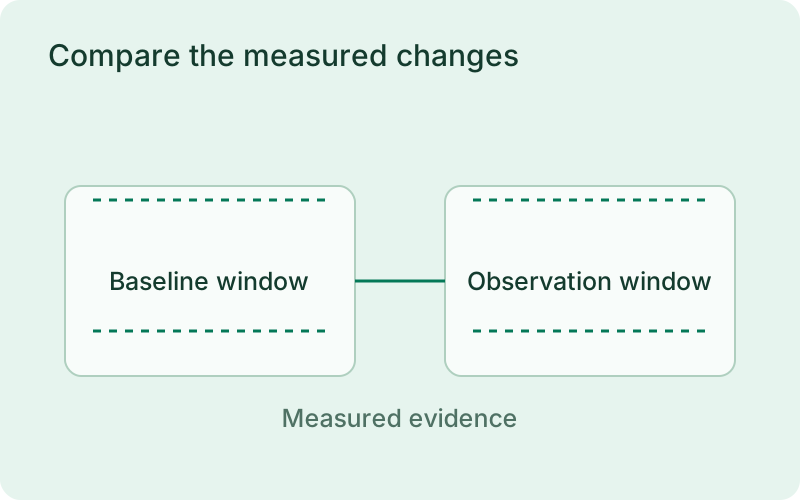
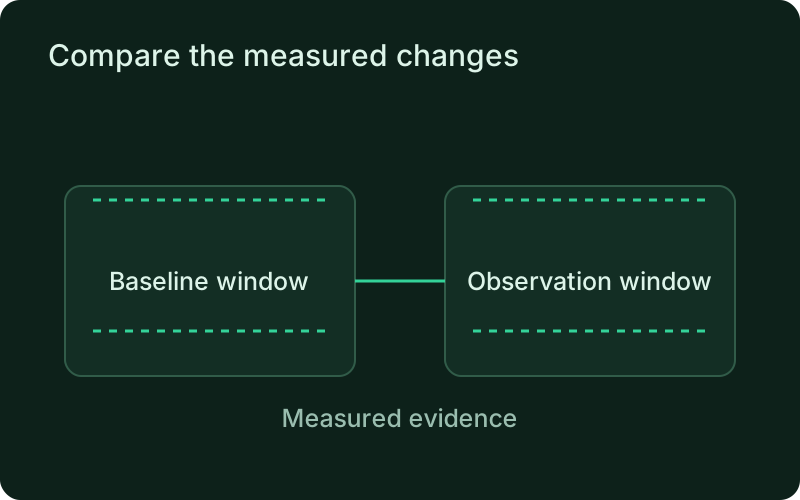
Begin with the operation customers noticed, then look at the metrics that could explain it. Compare the size of the change and the sample count, not only the verdict label. Higher latency with a very small request sample calls for a different response from sustained errors across normal traffic, even when both appear in the same report.
Make the operating decision
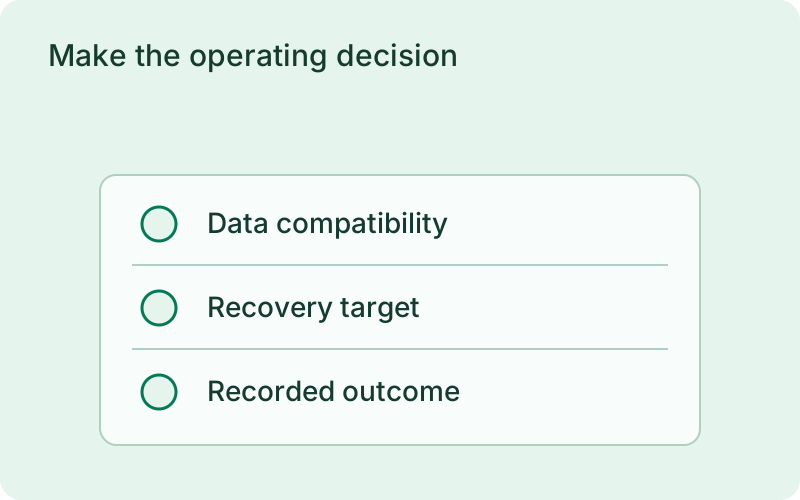
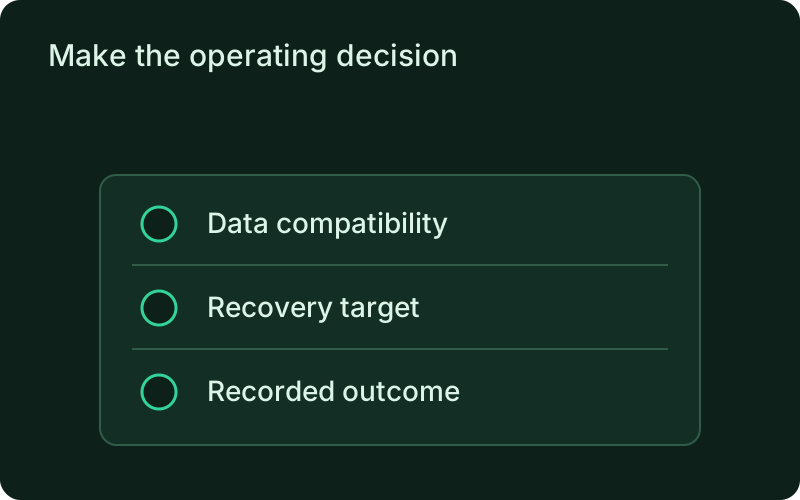
Review the deployment outcome separately from the metric verdict. A promoted release may show regressions; decide whether those changes persist before choosing a rollback. Analysis never changes a rollout verification or rollback decision. Stored reports work offline and synchronize with connected accounts so the same evidence is available remotely.
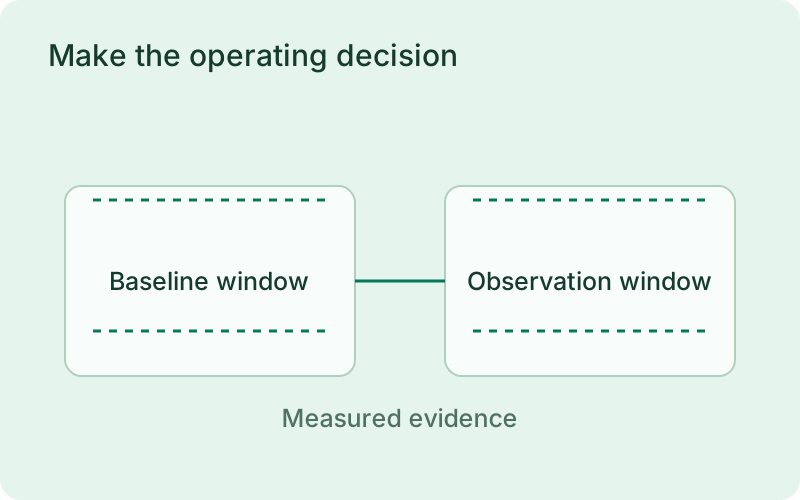
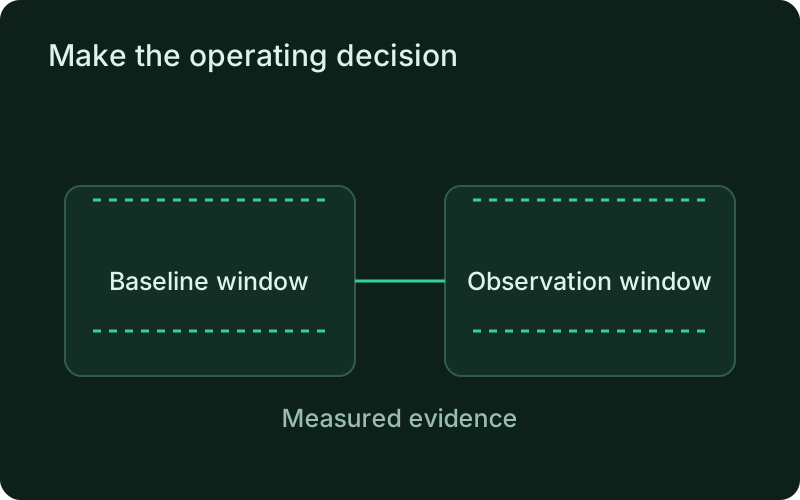
Keep the report with the release review so the decision can be understood later. If you restore a version, observe the affected operation again and record whether it recovered. Analysis supplies evidence for that choice; it does not automatically make the choice or confirm that a database or external integration returned to its previous state.
Read next
One binary between git push and production.
Install the CLI, verify the host, and follow the quick start to build your first application.