Feature
Deployment rollout impact analysis
A successful rollout tells you that the new version started. Impact analysis tells you what changed for the application afterward, using a measured baseline and observation window.
Illustrative workflow
Comparing baseline and observation windows
Compare the release with its baseline
The monitor records application behavior before deployment and observes the new version afterward. Reports compare error rate, P95 latency, throughput, CPU, memory, health failures, and restarts. Each comparison retains its sample counts. Too few samples produce insufficient data; a metric that was never recorded stays unavailable. Missing values are never treated as zero.
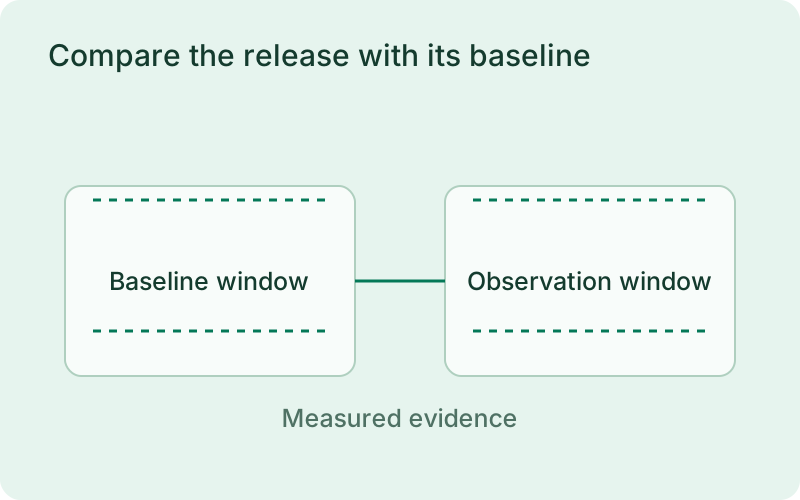
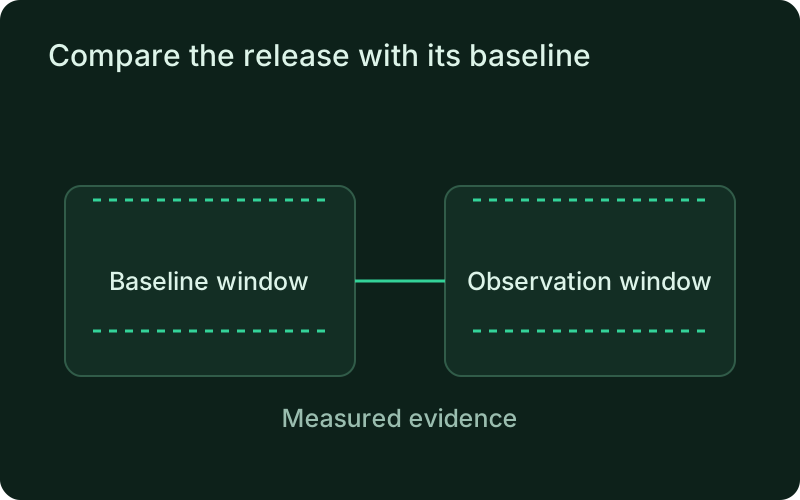
A useful comparison needs representative traffic on both sides of the release. Quiet periods or a changing workload can make a metric difficult to interpret even when the samples are valid. Review sample counts and the observation window together with the measured change, particularly for low-volume services where a few slow requests can dominate a latency figure.
Separate deployment outcome from impact
A release can be promoted while its metrics show a regression. The report keeps that deployment outcome separate from its normal, regression, or improvement verdict and includes the metrics that drove the result. The impact score summarizes measured metrics. If none can be compared, the score is unavailable. Analysis informs your decision and does not block deployment or override verification and rollback rules.
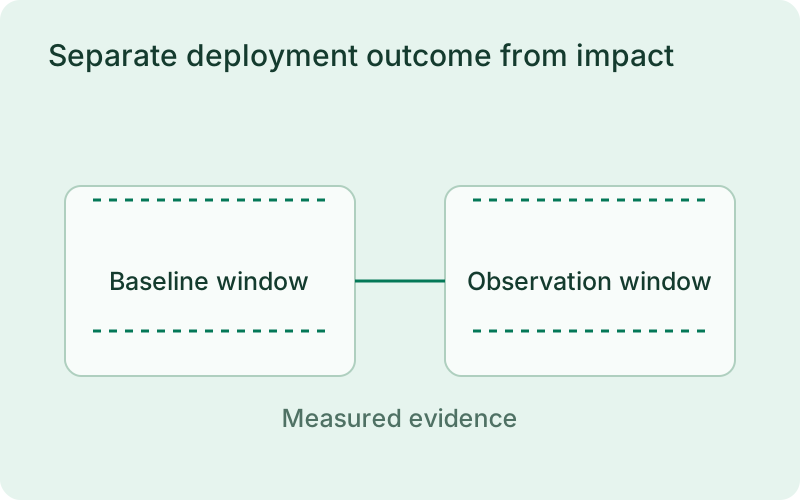
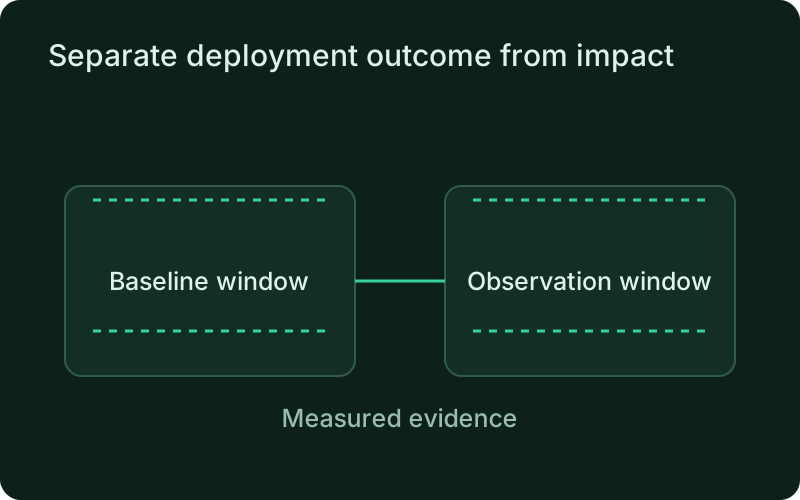
Start with the customer effect rather than the aggregate score. An increase in errors may matter more than a small reduction in memory, and lower throughput may reflect changing demand rather than an application fault. The separate verdict helps organize evidence, while the decision to keep or restore a release remains with the operating workflow.
Review reports wherever you work
Read stored reports locally, including offline, or inspect synchronized reports in the dashboard. The monitor and report-reading commands finalize due observation windows. Records created while offline can synchronize later. Adjust baseline and observation windows and thresholds in phelix.yaml. Keep the application watched long enough to collect a useful baseline.
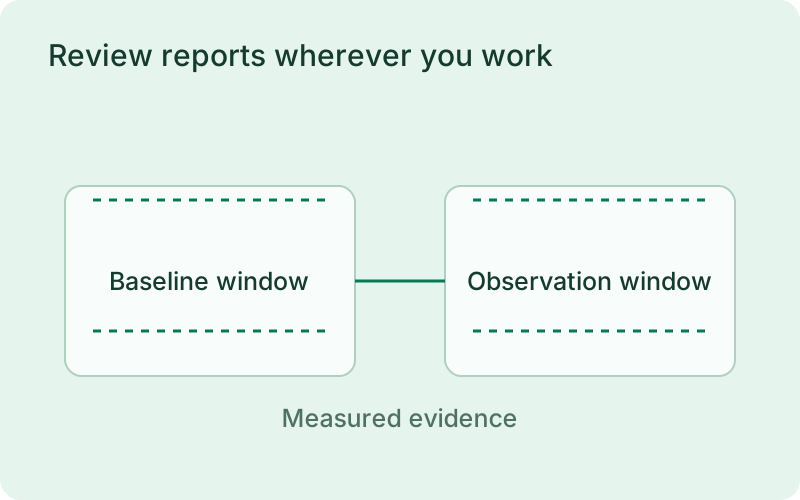
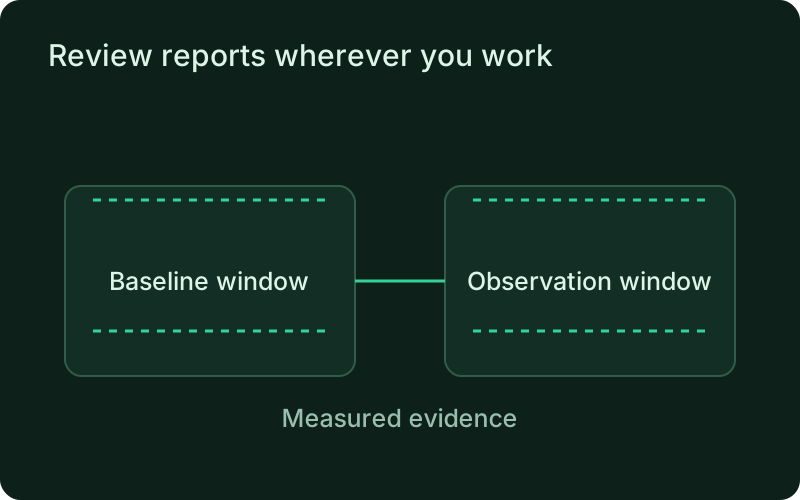
Use stored and synchronized reports as a common reference during a release review. Record which version and time window you examined so another person can follow the same evidence. If a window has too little data, extend future observations or choose a more representative period rather than reading an unavailable metric as an improvement.
Frequently asked questions
Short answers; the docs go deeper.
Does impact analysis automatically roll back a regression?
No. It reports measured changes for your review. Deployment verification and rollback retain their existing rules.
One binary between git push and production.
Install the CLI, verify the host, and follow the quick start to build your first application.