Guide
Schedule a one-shot job
Build the task once, set its schedule, and keep each run visible. A job finishes rather than staying alive as a supervised worker.
Illustrative workflow
Follow the workflow
- 1Choose a timezone
- 2Set the schedule
- 3Run the task
- 4Read the result and logs
The monitor runs the schedule. Missed occurrences are skipped.
Declare and validate the job
Set type to job and declare both schedule and job in phelix.yaml. Choose a five-field cron expression and an IANA timezone, with missed set to skip. Set the command, timeout, retries, and concurrency policy. Leave out service-only port, health, process, and deploy settings. Validate with config lint, then build the job. The scheduled jobs docs include a complete configuration example.
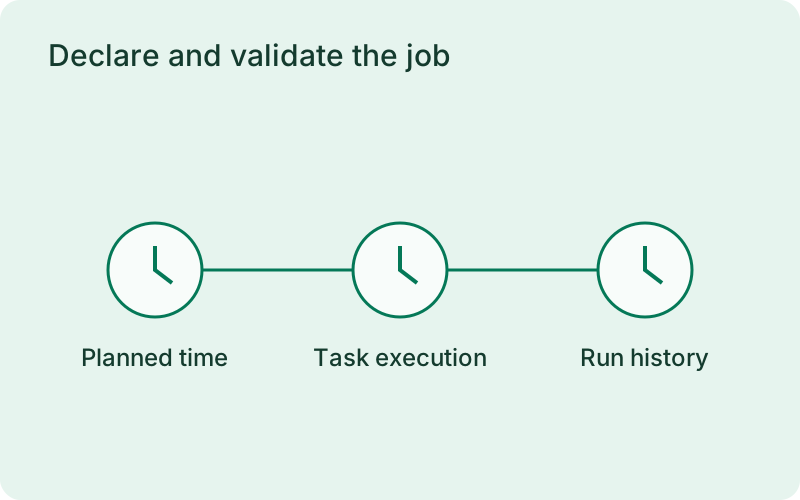
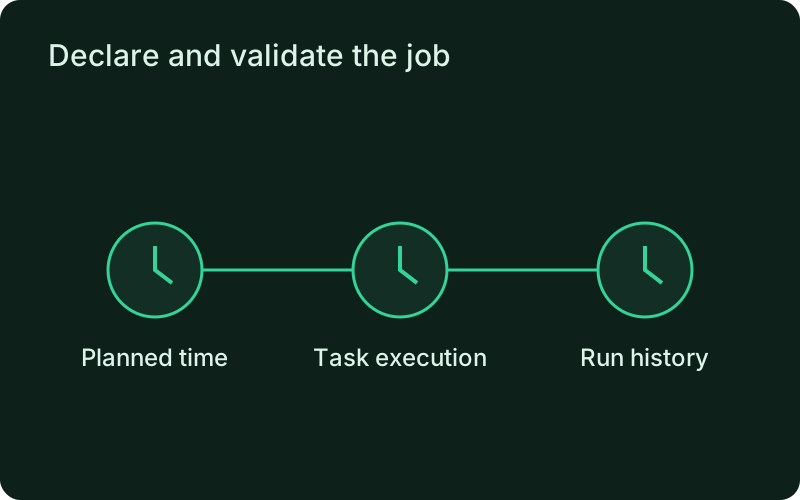
Write down the expected result and the time by which it should be available, such as a report ready before the working day starts. Choose the timezone for that requirement and set a realistic timeout. A task that is safe to run again is easier to recover when an attempt stops after doing only part of its work.
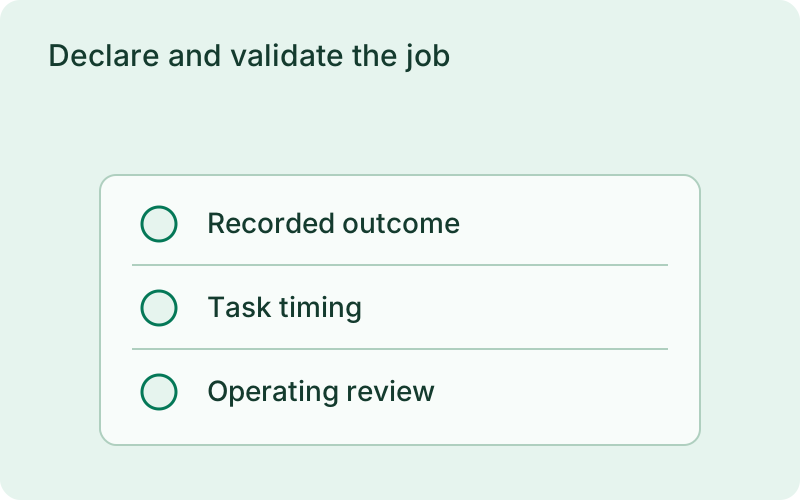
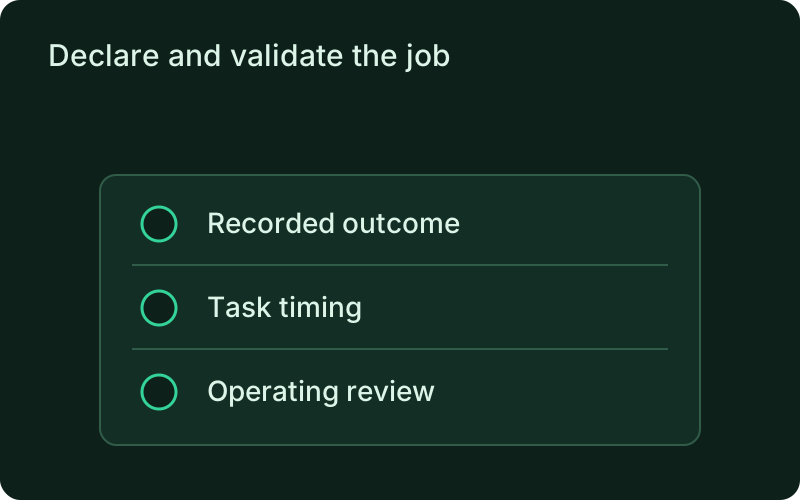
phelix config lintphelix build nightly-reportphelix job run nightly-reportphelix job history nightly-report --limit 5phelix job logs nightly-reportTest one run before scheduling it
Run the job manually and inspect its exit status and output. A manual run respects the same timeout, retries, and concurrency settings and works without the monitor. Use history and logs to review the run. Fix failures before relying on the schedule, and make repeat execution safe for any external side effects.
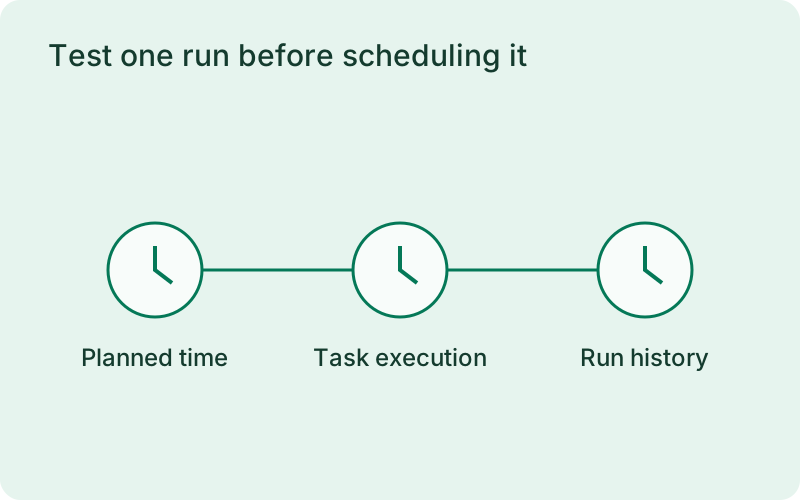
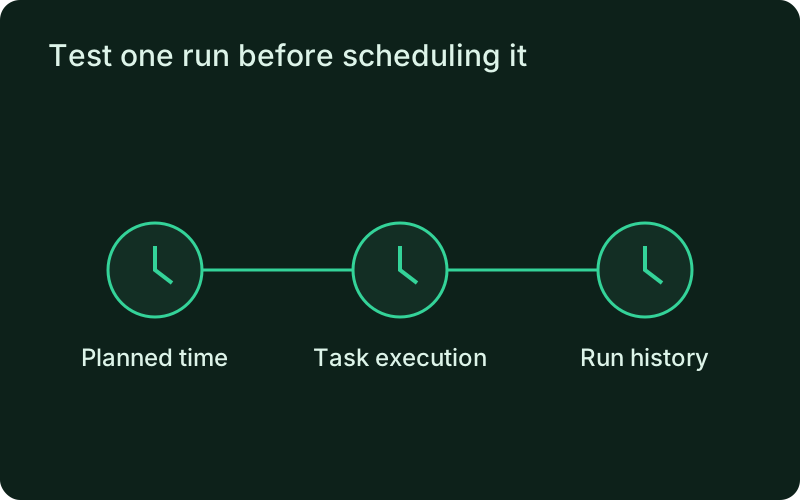
Inspect both the execution status and the expected output of the trial run. A successful exit is helpful evidence, but a report that contains no useful rows may still miss the business requirement. Confirm that retries and cancellation leave partial work in a safe state before allowing unattended runs to write data or contact external services.
Keep the monitor running and review results
Only the monitor dispatches scheduled occurrences. Missed runs are skipped; they are never replayed after downtime. Long scheduled jobs can delay another due task, so stagger them when timing matters. The connected dashboard can trigger jobs, inspect history and logs, and receive lifecycle events. Records distinguish timeout, cancellation, and interruption from a successful run.
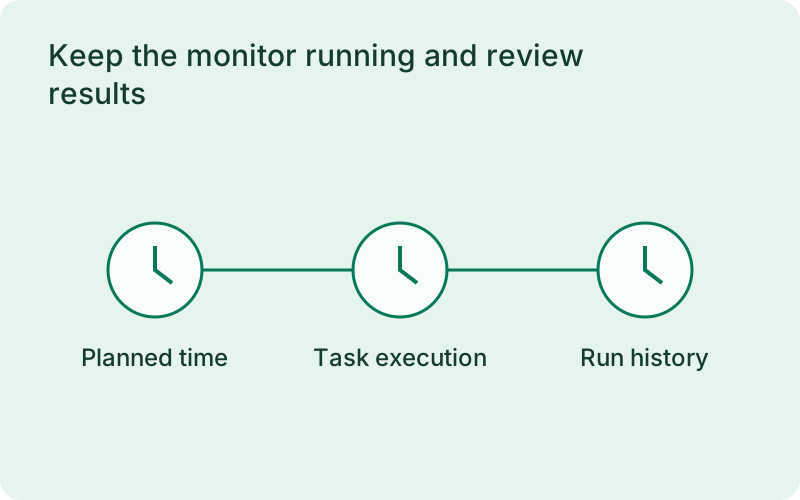
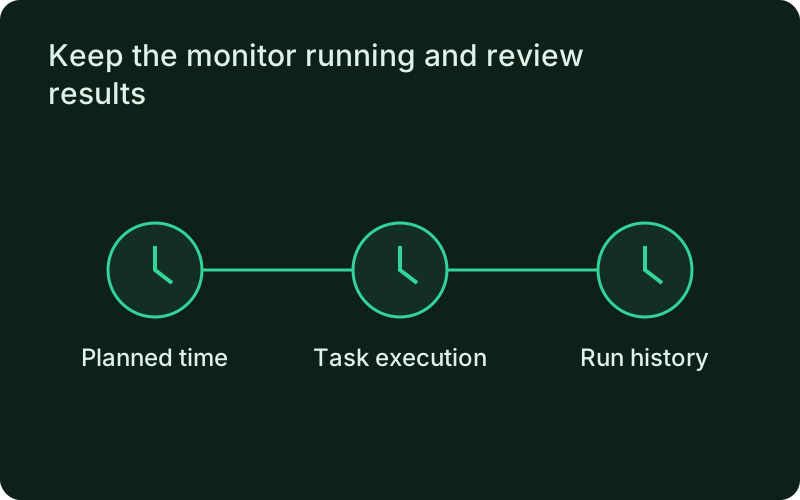
Build a routine around reviewing failed, skipped, and interrupted runs rather than expecting automatic catch-up. If downtime causes a missed occurrence, decide whether a manual run is still useful for that period. Stagger tasks that share heavy dependencies and leave enough time for one scheduled operation to finish before another time-sensitive result is required.
Related
Read next
One binary between git push and production.
Install the CLI, verify the host, and follow the quick start to build your first application.