Feature
Scheduled job workloads
Run reports, cleanup tasks, and batch work on a schedule without keeping another service alive. Each job uses a versioned build and keeps the result and output of its execution.
Illustrative workflow
Nightly report
03:00 each day · UTC
Waiting for the schedule
A task that runs and finishes
A job declares one schedule and one command. Building it records a version without starting a service, opening a port, or creating replicas. The monitor starts each scheduled occurrence and records the exit status. Use five-field cron or the hourly, daily, weekly, monthly, and yearly descriptors. Schedules use an explicit IANA timezone, with UTC as the default.
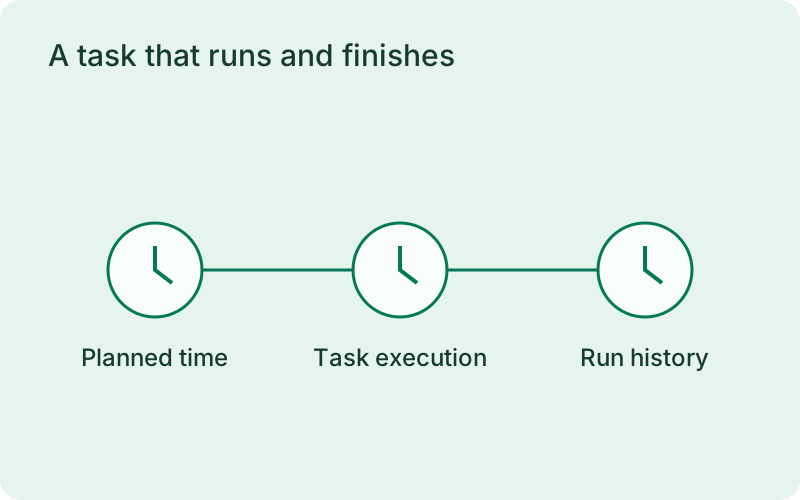
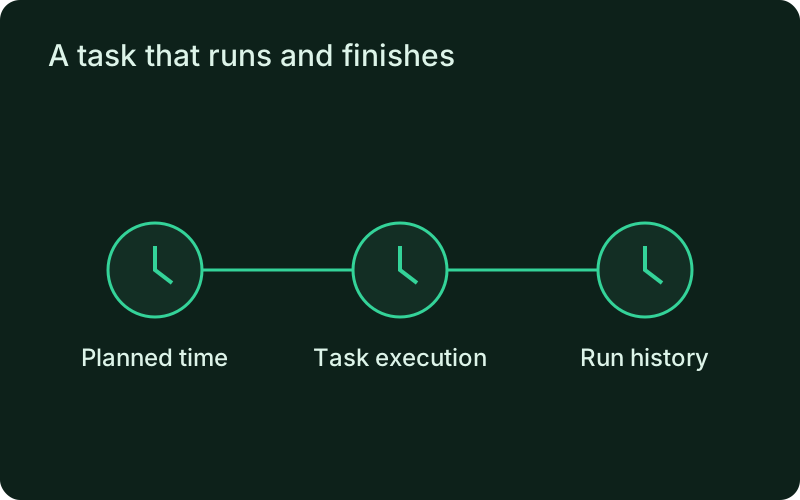
A scheduled job fits work with a clear end, such as producing a daily report or cleaning up expired records. Choose its timezone to match the business requirement and review how daylight-saving changes affect the expected occurrence. A versioned task gives you a stable execution record without treating a process that has correctly finished as a failed service.
Bound the run and keep its history
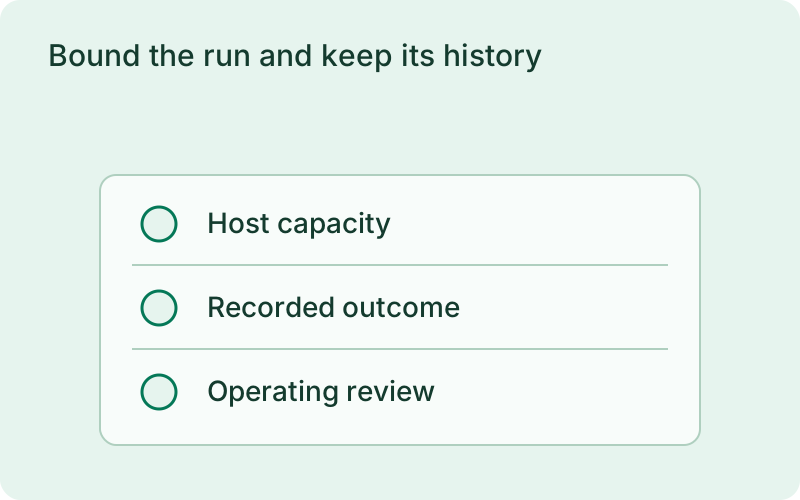
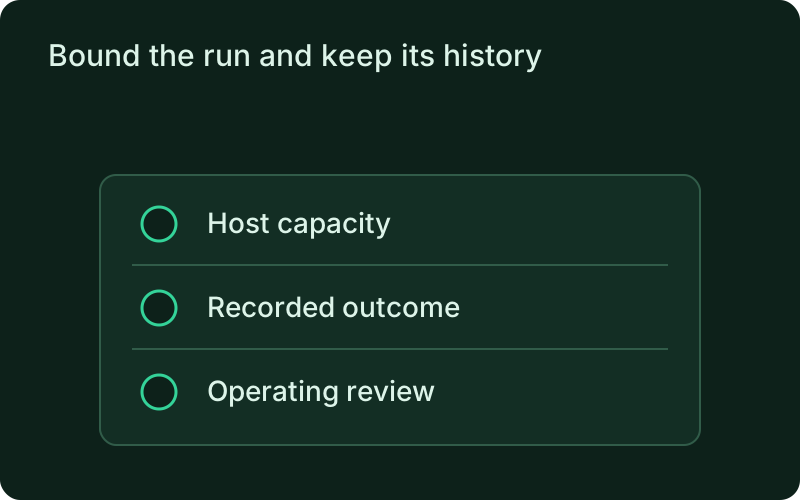
A timeout bounds each attempt and stops its process group on expiry. Retries run sequentially. The default concurrency policy prevents overlapping runs of the same job. History distinguishes completed, failed, timed-out, skipped, cancelled, and interrupted executions. Output is stored per run with secrets redacted. Missed occurrences are skipped without a catch-up burst.
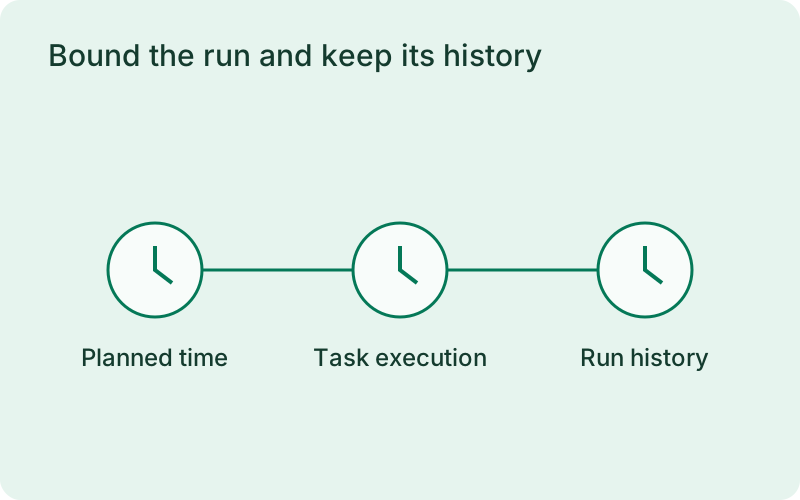
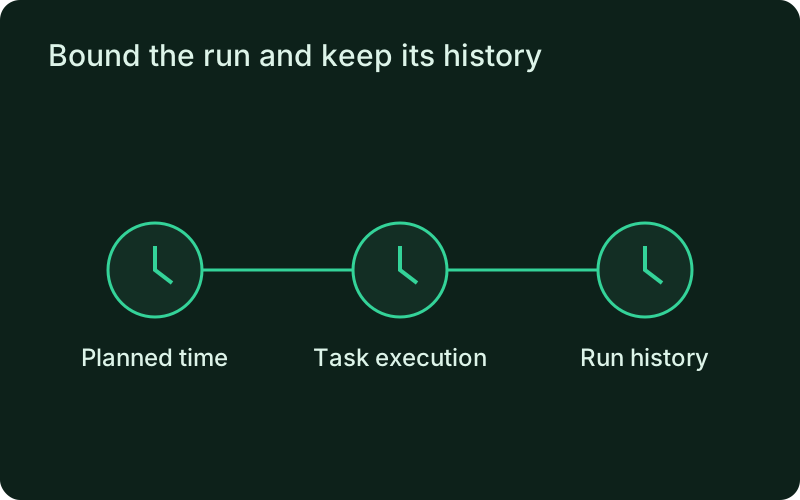
Set a timeout that allows normal completion but exposes a stalled task. Decide whether retries can safely repeat partial work, and keep external writes safe against duplication. Preventing overlap of the same job helps protect shared resources, while execution history shows why an expected result is missing rather than reducing every unsuccessful run to a generic failure.
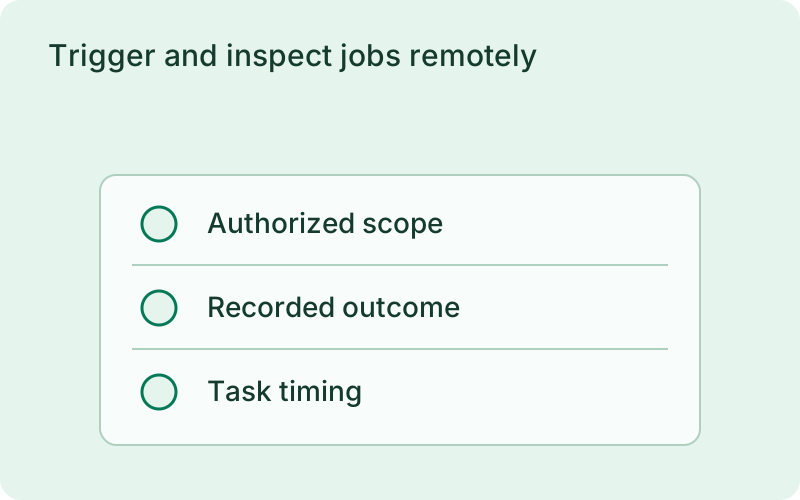
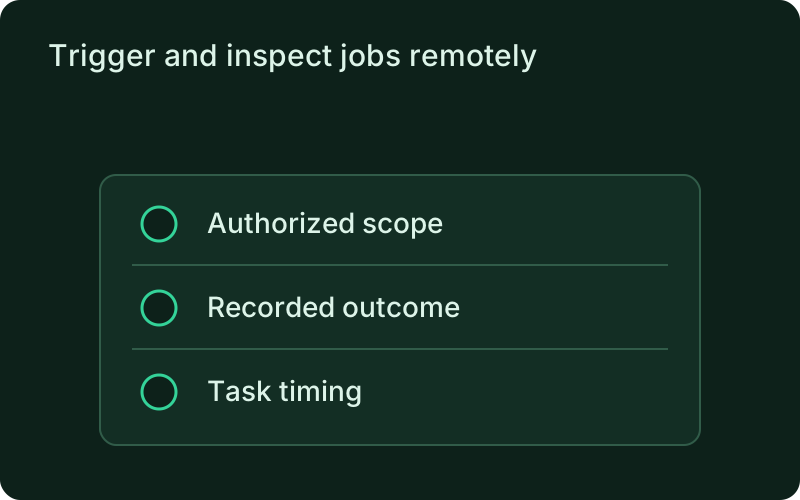
Trigger and inspect jobs remotely
Run a task on demand, inspect its execution history, and read its logs through the connected monitor. Manual execution uses the same timeout, retries, and concurrency policy as the schedule. Only the monitor runs schedules. Scheduled jobs are dispatched sequentially, so stagger long tasks when another job must run at a precise time. Active records remain protected during retention and restart recovery.
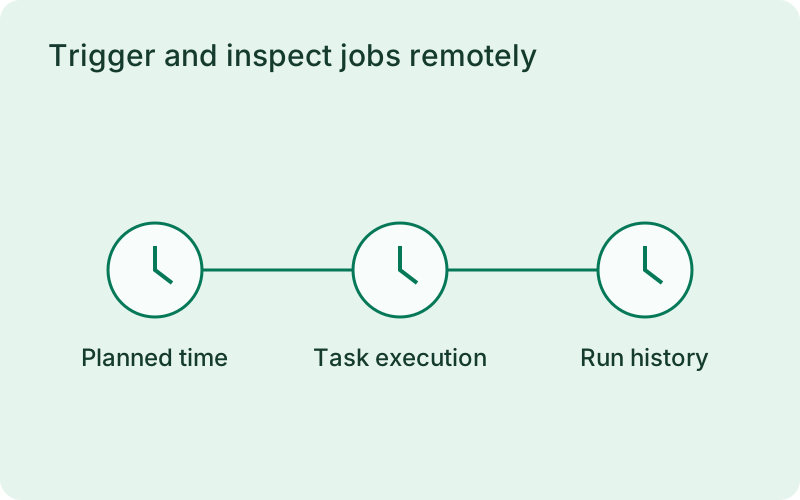
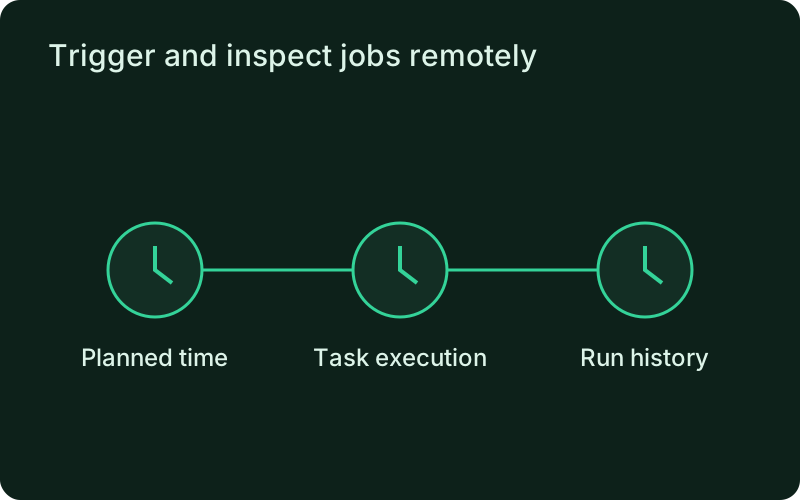
Test the task manually before relying on the schedule and review its history after important changes. Keep the monitor available for scheduled dispatch and assign an owner for missed or failed runs. For long tasks, plan the timing across jobs as well as within one job, because sequential dispatch can delay another task that is due.
Frequently asked questions
Short answers; the docs go deeper.
Will missed jobs run after a restart?
No. Missed occurrences are skipped. You can trigger an explicit manual run when needed.
One binary between git push and production.
Install the CLI, verify the host, and follow the quick start to build your first application.