Process supervision
A process manager for Go on your own servers
Keep compiled Go services running with real supervision: lifecycle control, tiered health checks, bounded restarts, and a live view across every host, from one CLI and agent.
Released Phelix hosts: Linux and macOS. Builds Go and Rust with your host toolchain.
simulated
start, stop, restart, inspect · one vocabulary for every app
Lifecycle you can script
Start, stop, restart, and inspect applications with a consistent set of commands.
Phelix supervises the native binary it builds, so a Go service becomes a managed application rather than a hand-written unit file. Every command is available through an interactive wizard and stays fully scriptable for automation. The lifecycle verbs and their flags are documented in build and lifecycle.
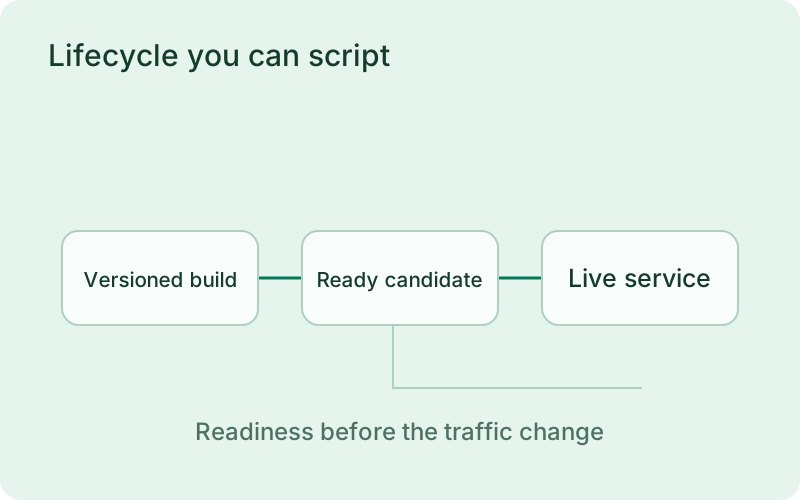
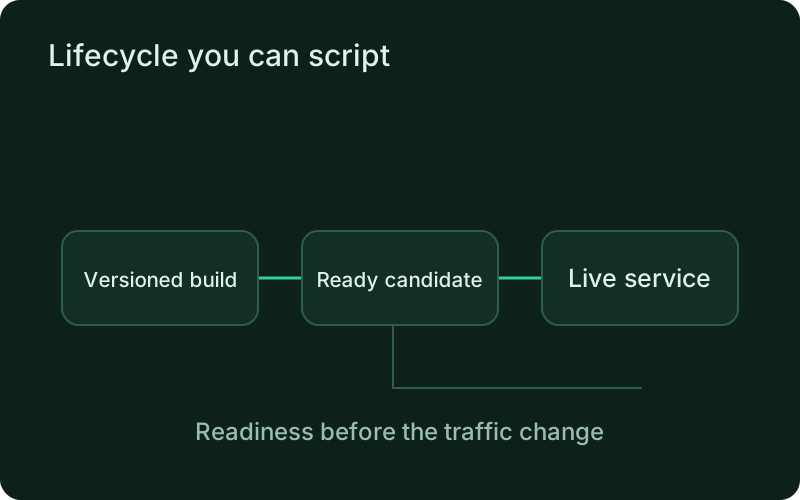
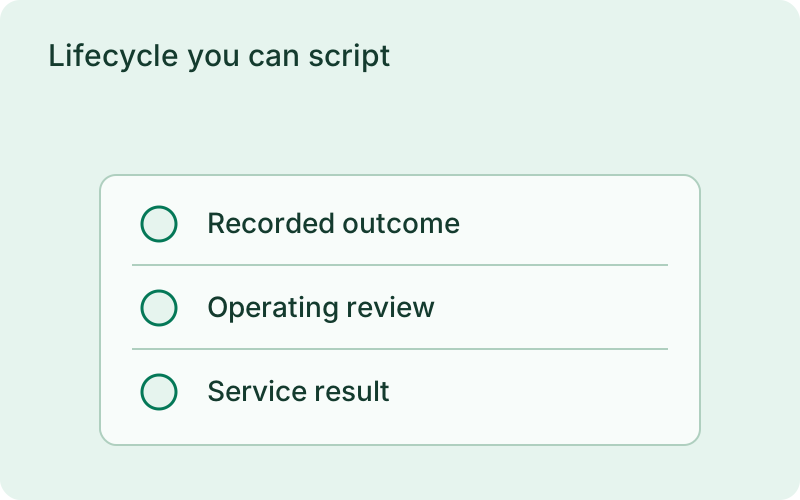
For a service that needs to stay available between releases, lifecycle control makes routine changes easier to understand. Start, stop, and restart should have recorded outcomes that tell the operator what actually happened. Keep the application configuration and release identity available during those operations so troubleshooting does not depend on remembering the last command someone typed.
phelix statusphelix restart apiHealth you can act on
Tiered checks decide what is healthy, and repeated failures trigger bounded recovery.
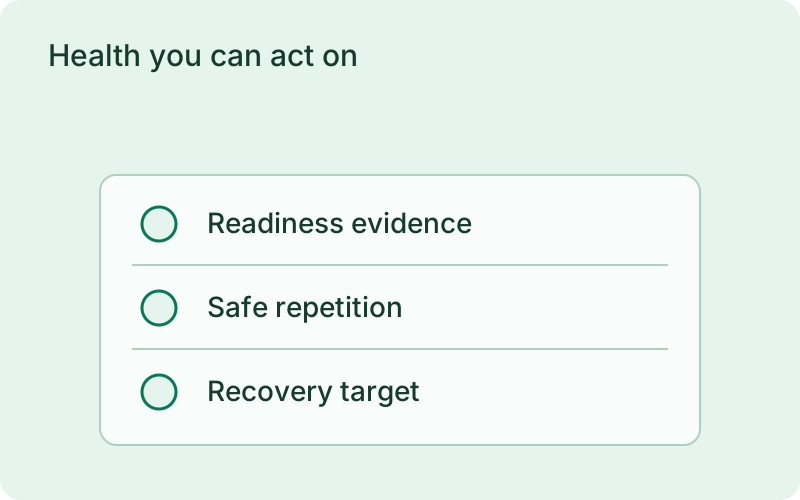
Phelix supports explicit HTTP readiness with automatic HTTP, TCP, and PID fallbacks, configured in phelix.yaml. Repeated endpoint-health failures can trigger bounded restart attempts with an attempt cap; if restoration fails, Phelix records a degraded state that needs manual intervention rather than looping forever. The tiers and modes are in health checks. Health checks reduce risk; they do not prove that every behavior of your application is correct.
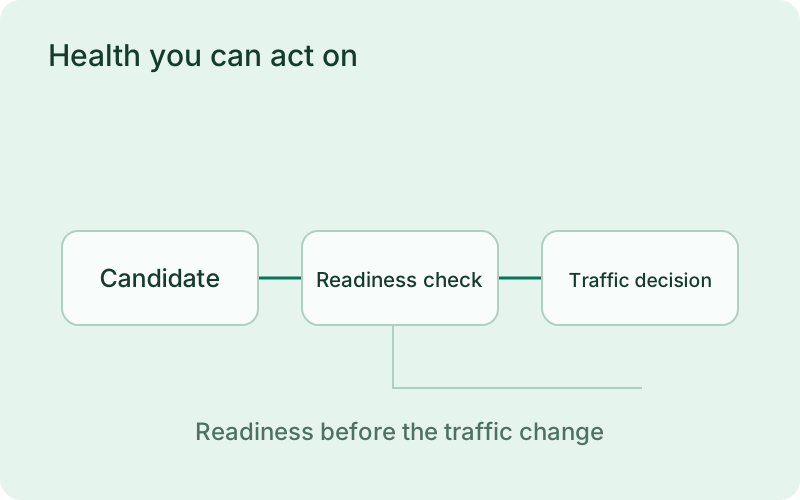
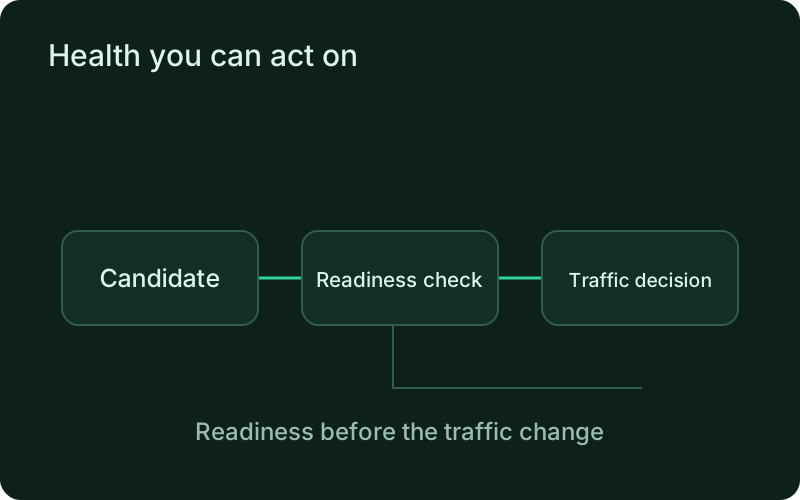
Choose a readiness check that reflects whether the application can perform useful work, then review logs when recovery fails. Repeated restart attempts may reveal an unavailable dependency rather than a transient process fault. Bounded recovery keeps that failure visible and gives the person on call a chance to fix the cause instead of watching an endless restart loop.
phelix watch apiEvery server on one surface
Opt an application into monitoring and watch it across hosts.
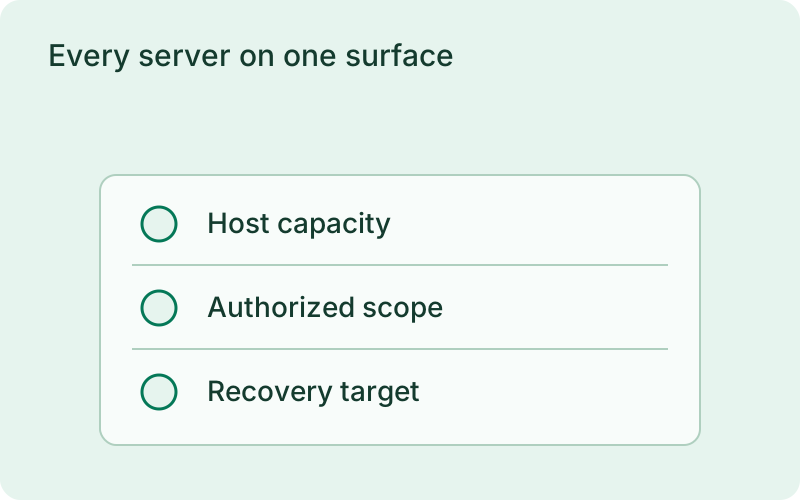
Each connected host reports metrics, application state, health snapshots, and redacted logs through an authenticated agent stream, so one or many servers report to a single view. See multi-server monitoring for how the monitor daemon and fleet view work. The dashboard connection is optional and everything works locally without it. Monitoring operates per agent; it is not coordinated cross-host orchestration, and Phelix does not schedule work across your fleet for you.
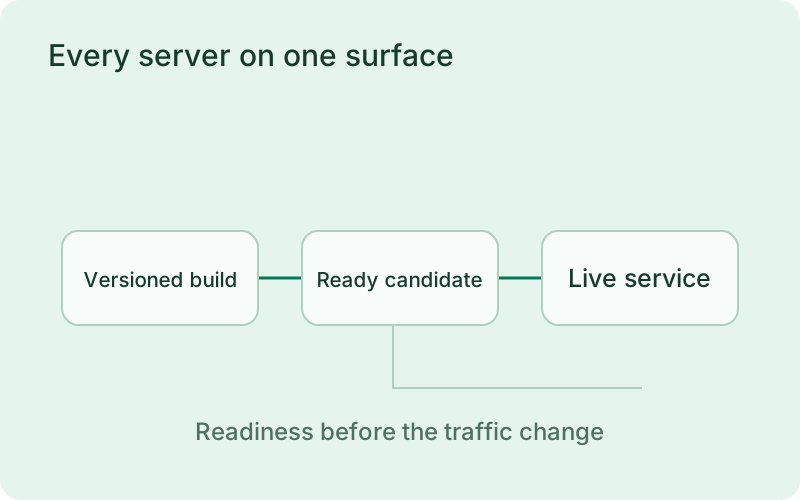
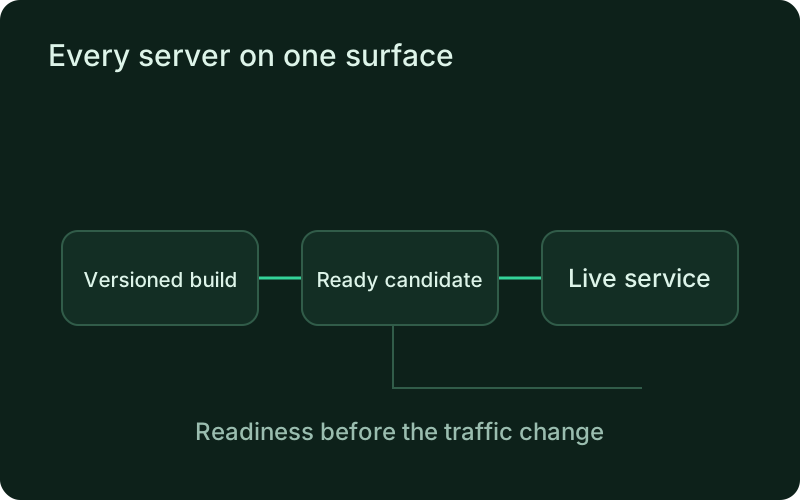
A shared view is useful when similar services run on several machines and you need to locate the one that changed state. Keep per-host evidence visible and remember that monitoring does not move workloads away from a failed server. Host backups, network access, and recovery capacity remain part of the broader plan for keeping the product available.
Safe to hand to a coding agent
New in v1.1.0: controlled execution for Claude Code, Codex, and other MCP clients.
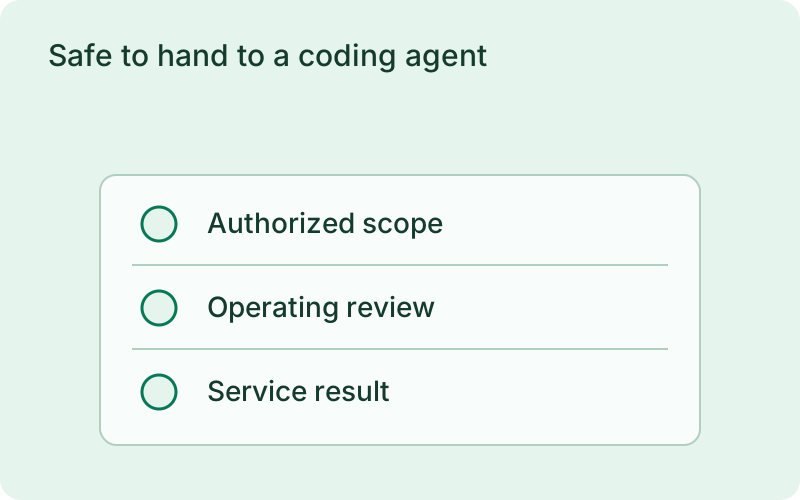
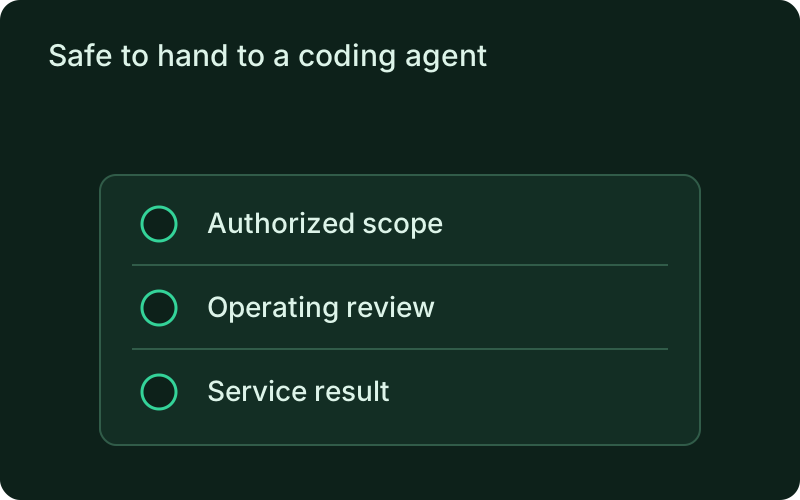
Beyond supervising processes, Phelix exposes a built-in MCP adapter so an agent can propose a deploy as an immutable plan and apply it over the same pipeline the CLI uses. A fail-closed execution-authorization boundary keeps every apply plan-bound and human-approved, and agent execution sessions keep an auditable trail of what was done.
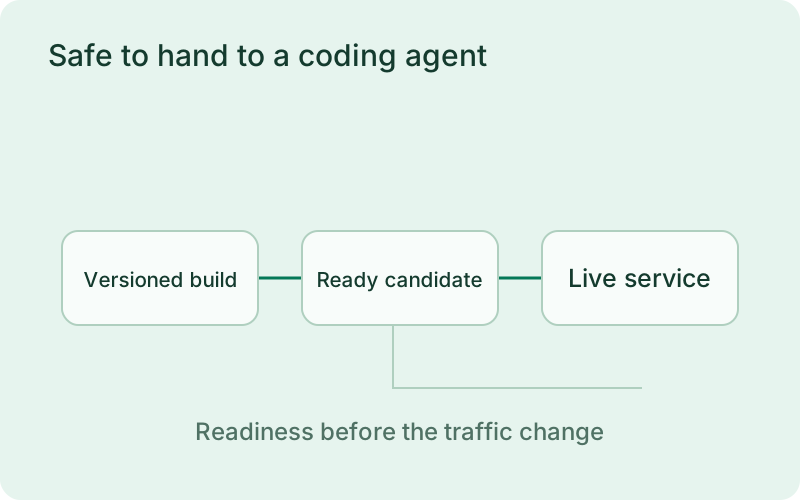
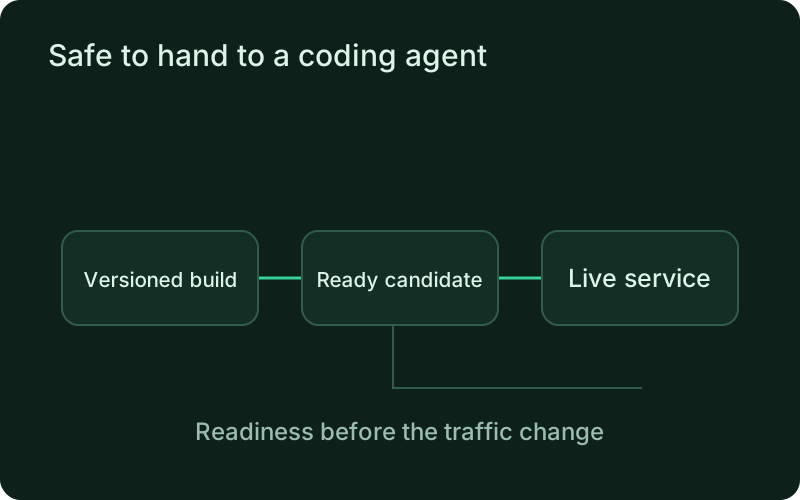
Let an assistant prepare a specific operating request while the host retains its authorization boundary. Review what application and action the plan names before approving it, and check the service after execution. This keeps a convenient interface from replacing the operational judgment required when a restart or release can affect customers.
One binary between git push and production.
Install the CLI, verify the host, and follow the quick start to build your first application.