Server security
Find and fix vulnerable server packages
Protect the operating system underneath your applications. Find affected packages, review a targeted update, and verify the remaining findings on the server.
Illustrative workflow
Your server
A connected workflow
Working through your release
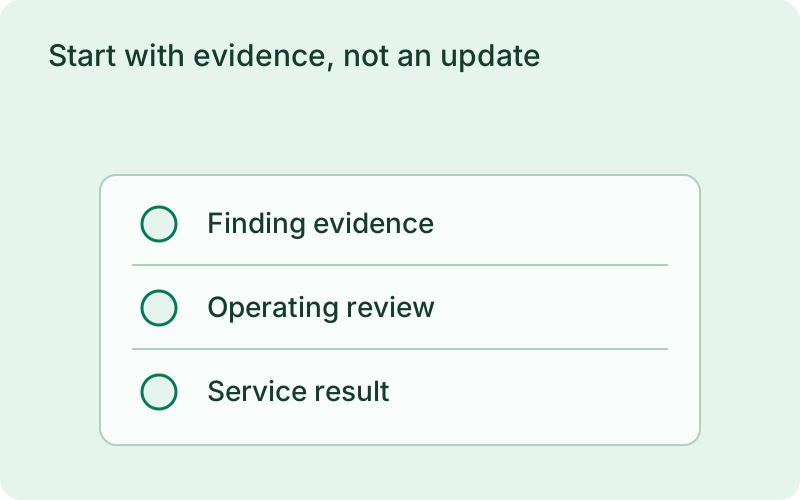
Start with evidence, not an update
Inspect the installed package inventory and match distribution advisories. The report identifies affected packages and their evidence, source freshness, and coverage. Application dependency scanning complements this view of the host.
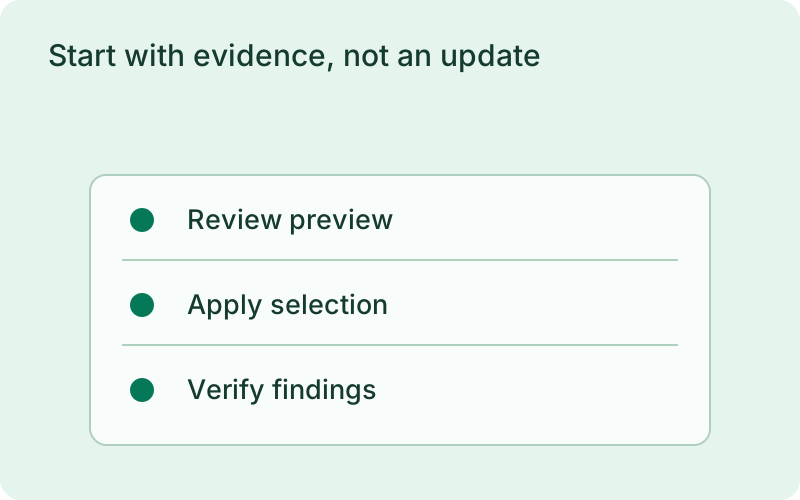
This workflow fits a maintenance review where you need to know which installed packages deserve attention before changing the host. Check the distribution source and the freshness of its evidence, then prioritize findings by the services they support. Keep application dependency findings alongside the host review without confusing their separate coverage or update responsibilities.
Keep the update reviewable
Preview selected package updates, review the package manager plan, and apply it under the host privilege and lock rules. A changed package state invalidates the preview rather than silently widening the operation.
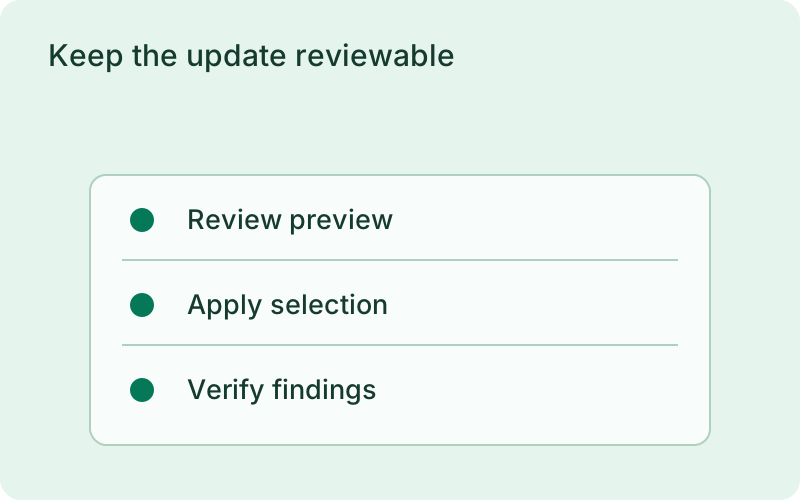
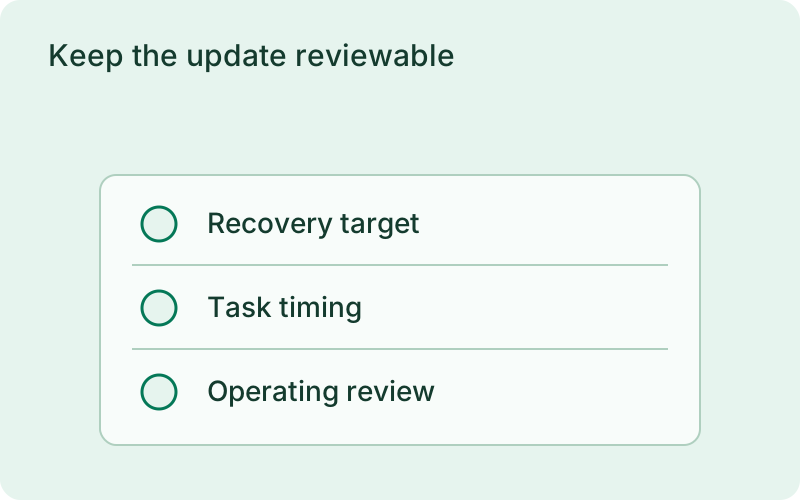
A targeted preview helps the team agree on the actual maintenance change and its timing. Review related package updates, host recovery options, and the effect of restarting shared services. If another update changes the package state, make a new preview so the operation you apply still matches the change that was reviewed.
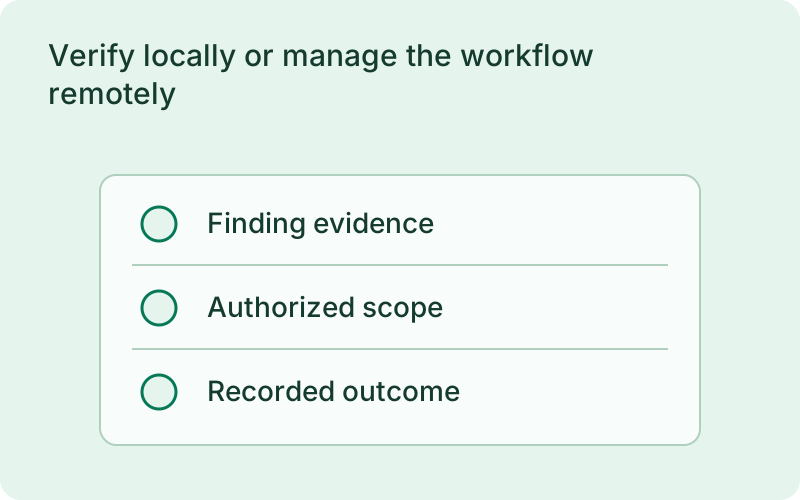
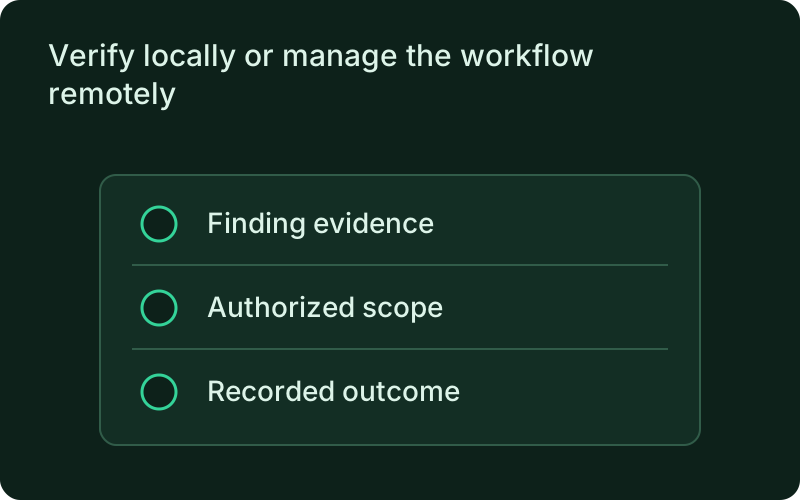
Verify locally or manage the workflow remotely
A fresh scan establishes which findings remain after the update. Review restart requirements and choose when to reboot. The connected monitor supports the workflow remotely, while reporting consent remains local and outcomes stay durable across reconnects.
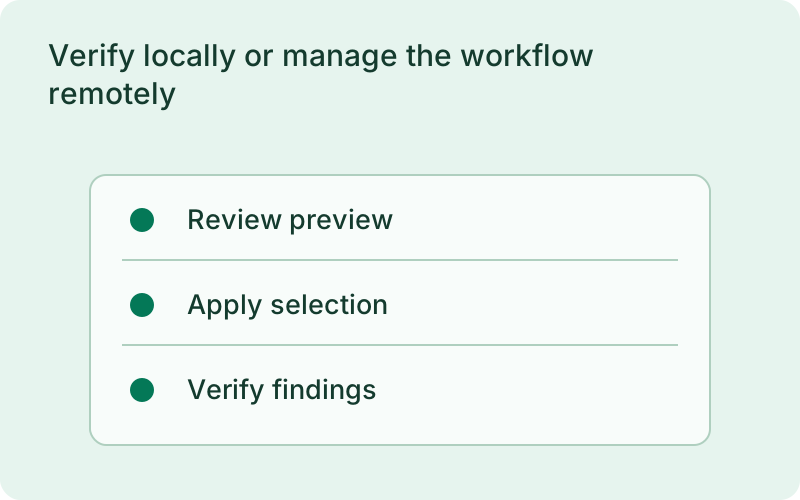
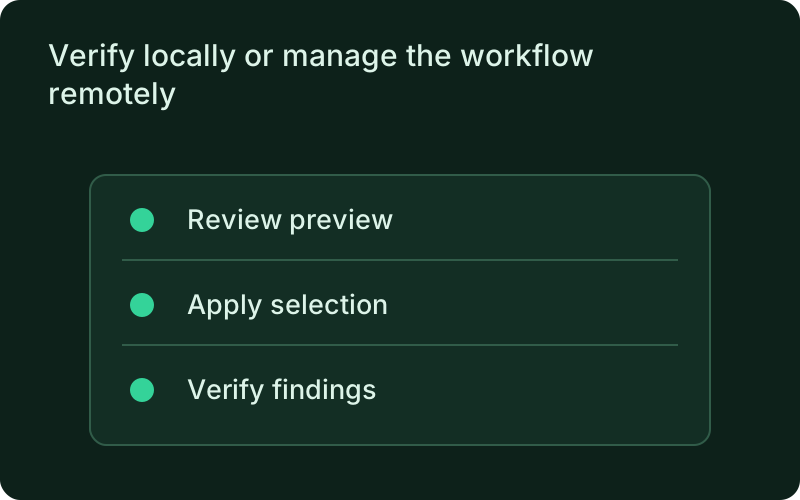
Use the verification result to close confirmed findings and retain anything unresolved for follow-up. Check the applications after maintenance and plan required restarts with their owners. Remote access can support this work, but reporting consent stays on the host and a disconnected session should not erase the record of an operation that already happened.
One binary between git push and production.
Install the CLI, verify the host, and follow the quick start to build your first application.