Feature
Server dependency scanner
See which server packages have known vulnerabilities, review the update before applying it, and verify which findings remain afterward. The scanner keeps the evidence and coverage visible at every step.
Illustrative workflow
- Scan
- Match
- Preview
- Apply
- Verify
Installed versions are checked against the host distribution's advisory sources.
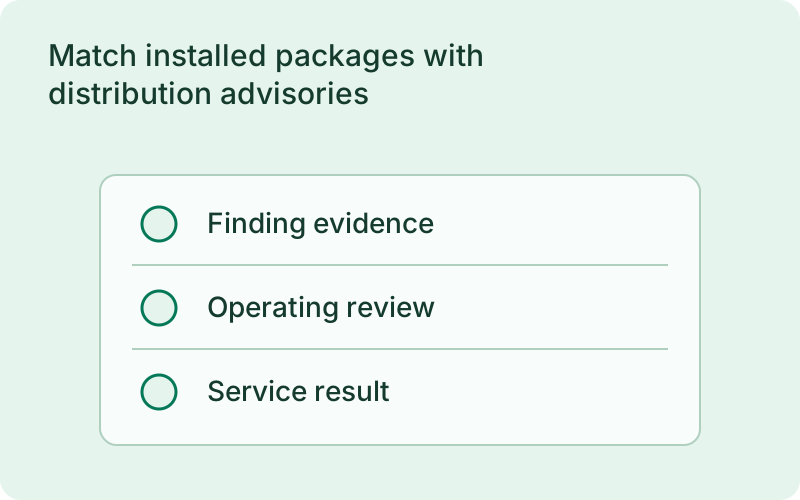
Match installed packages with distribution advisories
The server scanner inventories operating system packages and matches their installed versions against the distribution advisory sources. Package identity, advisory evidence, source freshness, and coverage stay attached to the report. Scanning is read-only and does not refresh repositories or install updates. This complements application dependency scanning for Go and Rust. It covers the packages that support your applications on the host, including system libraries and tools.
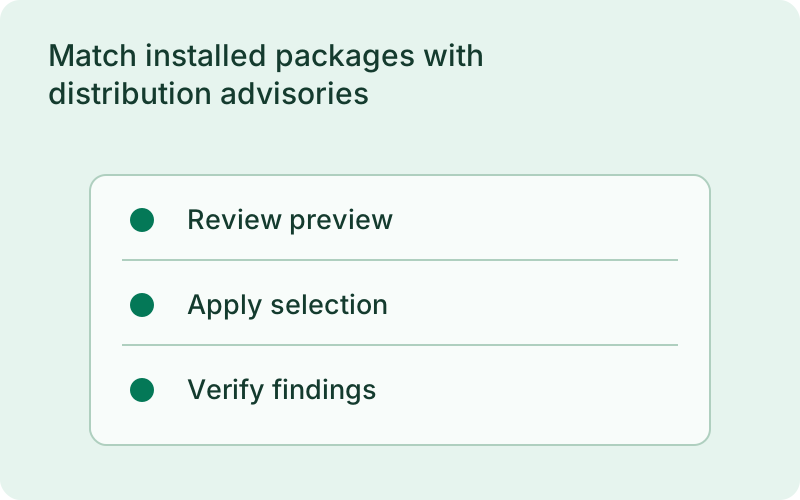
Host packages can affect applications even when their own dependency sets have not changed. A vulnerable system library or tool therefore belongs in a separate host review. Check whether the advisory matches the installed distribution package and whether the source is current, especially where distributions apply fixes without using the upstream version number you might expect.
Preview the change and verify the result
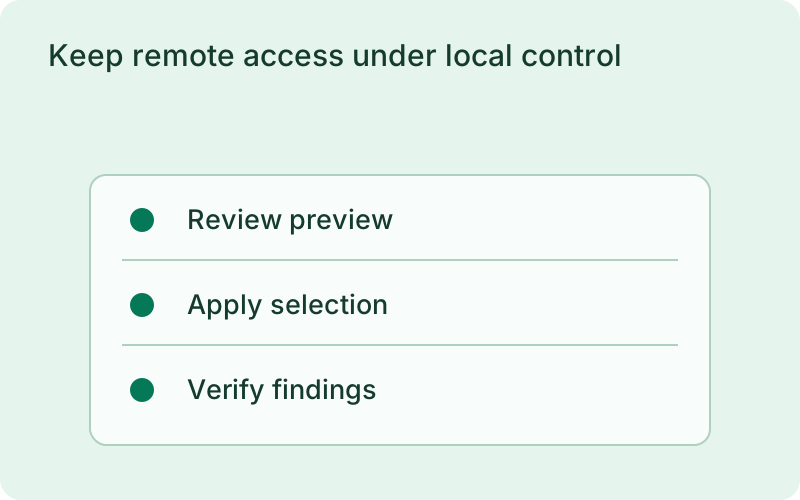
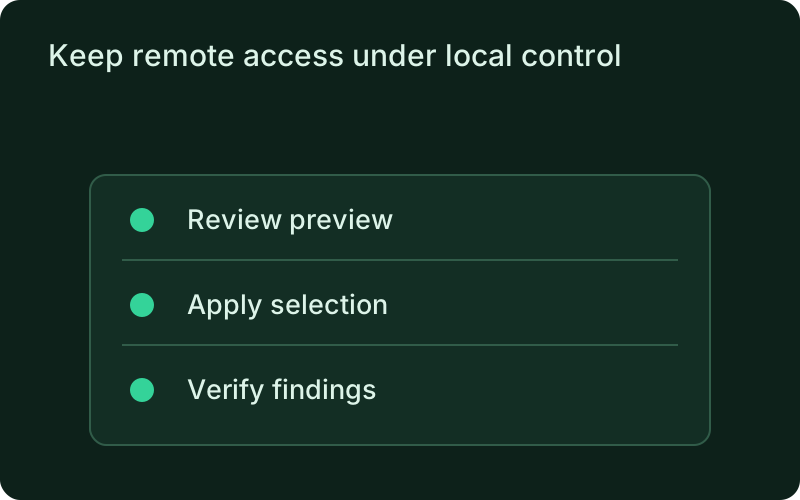
Choose the packages you intend to update and review the package manager preview. Applying the plan requires root privileges, respects package-manager locks, and rejects a preview when package state has changed. Verification runs a fresh scan after the update and reports resolved and remaining findings per package. The package manager exit code is recorded, but it does not stand in for evidence that the vulnerability was fixed. Reboot status explains restart requirements without rebooting automatically.
A preview makes the maintenance change understandable before it touches the server. Review dependencies selected by the package manager, choose an appropriate operating window, and keep a host recovery plan. A successful update command is only the beginning of verification; the fresh scan and restart requirements show what still needs attention afterward.
Keep remote access under local control
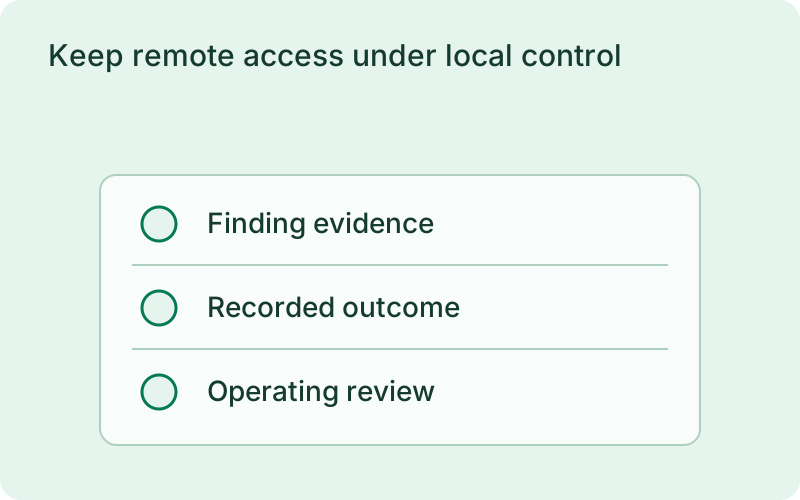
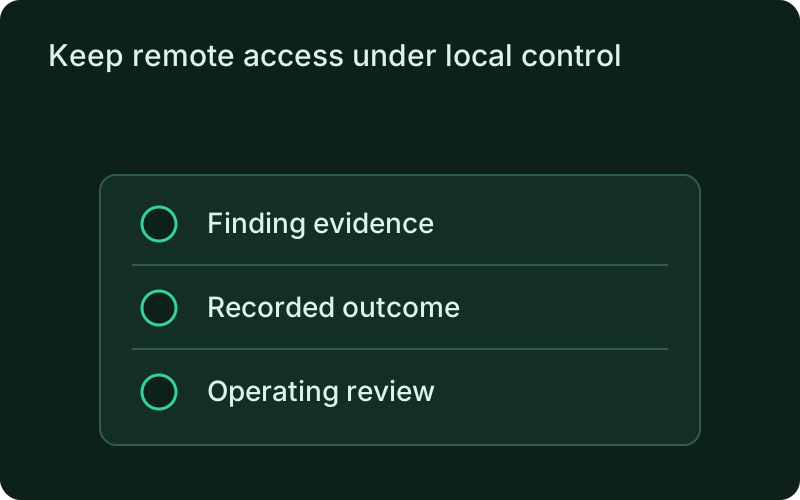
The connected monitor supports remote scans, inventory, reports, history, and the remediation workflow. Reporting defaults to disabled, and consent must be granted on the host. Remote commands cannot switch consent on. Outcomes are recorded durably for reconnects. Incomplete coverage, unknown packages, stale sources, and unsupported systems remain visible rather than becoming a clean bill of health.
Remote visibility is useful for maintenance teams, but it should follow the consent recorded on the server. Keep an owner for stale sources and partial coverage so those states do not disappear into a summary. Durable outcomes help reconnect the maintenance record after a connection loss, while the host remains the place where reporting is permitted.
Frequently asked questions
Short answers; the docs go deeper.
Does a scan update the server?
Scanning is read-only. Updates use a separate preview and apply workflow, followed by a fresh verification scan.
Which systems are supported?
Debian, Ubuntu, Alpine, Arch, and RPM-based distributions are supported. Coverage depends on the advisory source; cached RPM update information is explicitly partial.
One binary between git push and production.
Install the CLI, verify the host, and follow the quick start to build your first application.