Release confidence
Review the impact of a release
See whether a promoted version improved latency, increased errors, or changed resource use. Keep the evidence alongside the release outcome.
Illustrative workflow
Your server
A connected workflow
Working through your release
Observe both sides of the release
The monitor collects a baseline and an observation window. The report compares latency, errors, throughput, CPU, memory, restarts, and health failures with the samples behind each value. Sample counts show whether the comparison has enough evidence to interpret, and unavailable measurements remain distinct from a normal result.
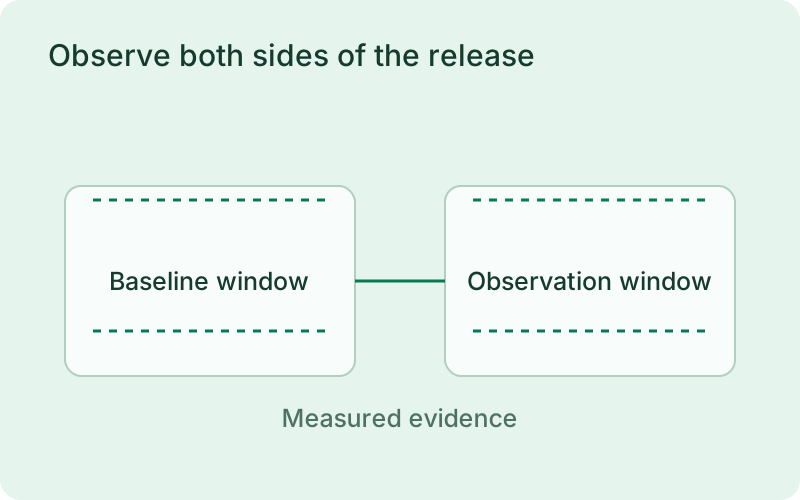
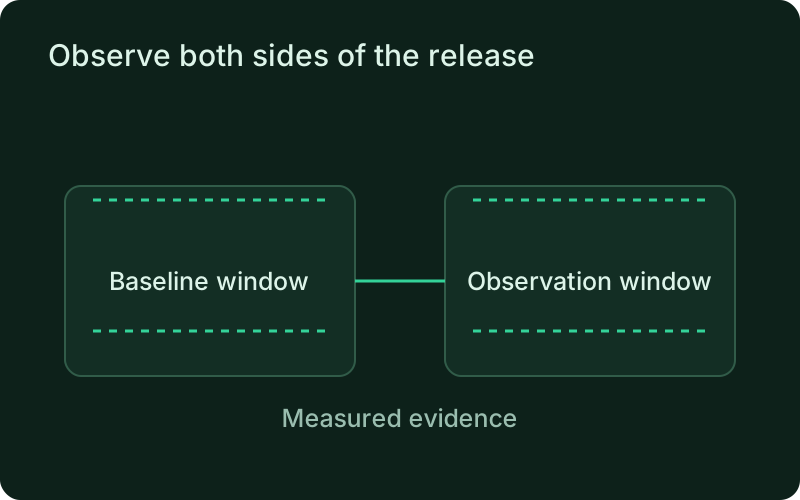
This workflow is useful when a deployment completes but you still need to know how it affected the service. Allow representative traffic before and after the release, then review the time windows and sample counts. The comparison can expose changes in customer experience that a startup or readiness check would not necessarily show.
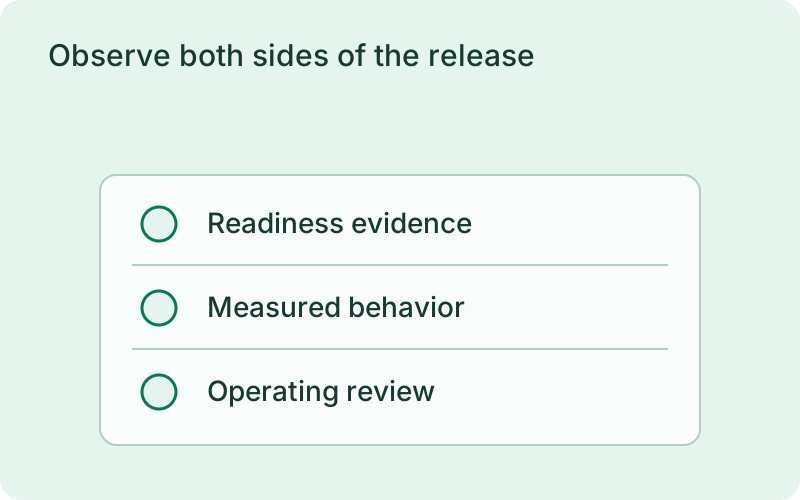
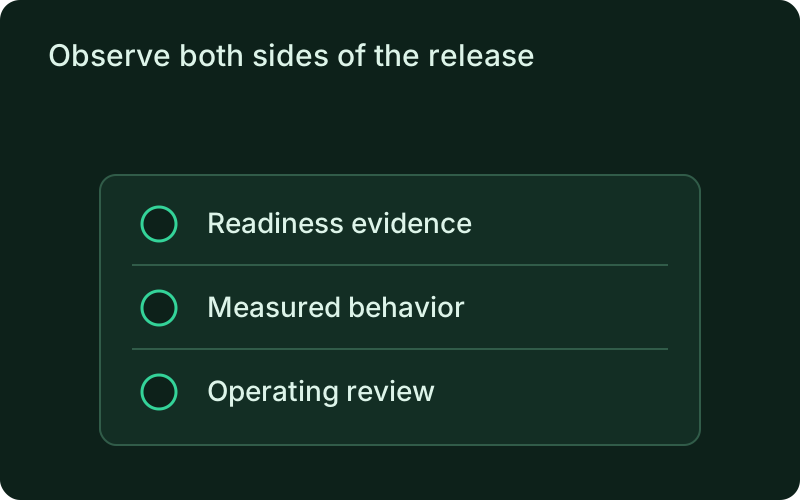
Recognize regressions and missing evidence
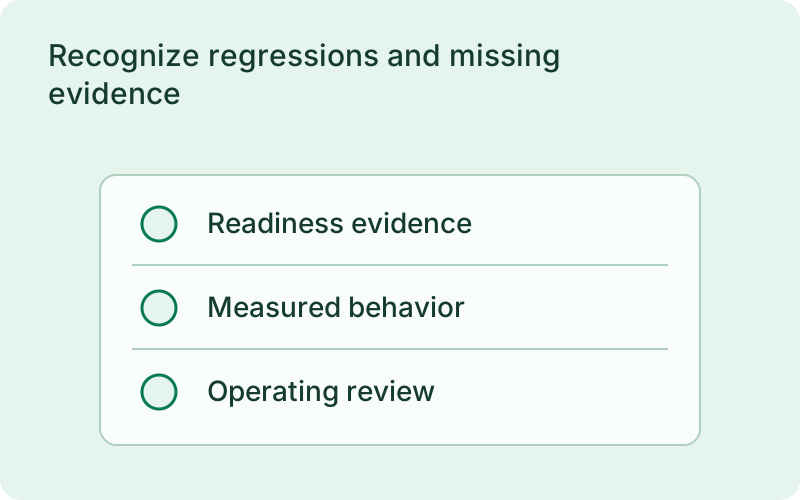
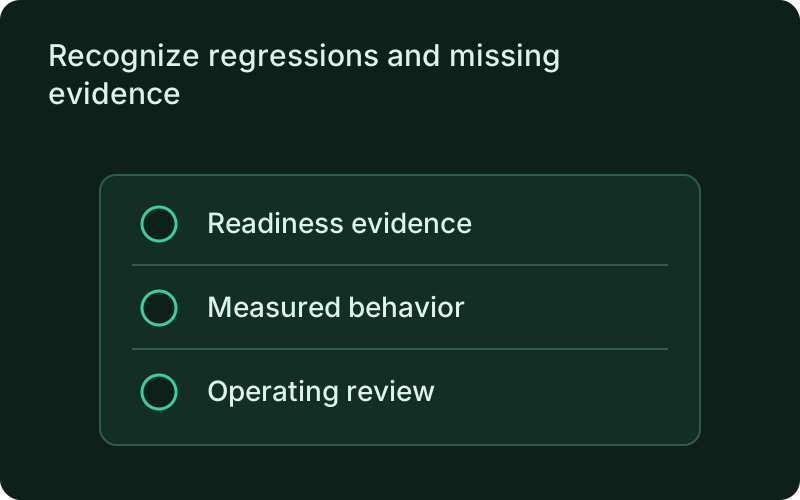
The metric verdict is separate from promotion or rollback. Insufficient samples and unavailable metrics stay explicit; an unmeasured release is never given a perfect impact score. Review the per-metric evidence to understand what actually contributed to the reported verdict before making an operating decision.
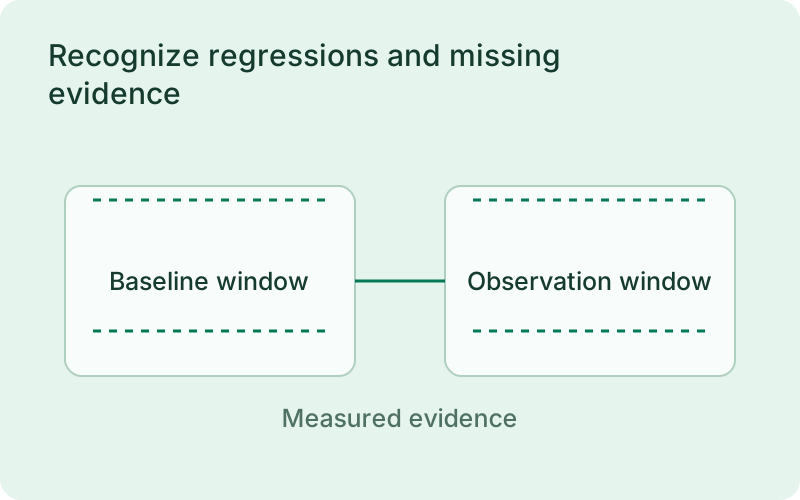
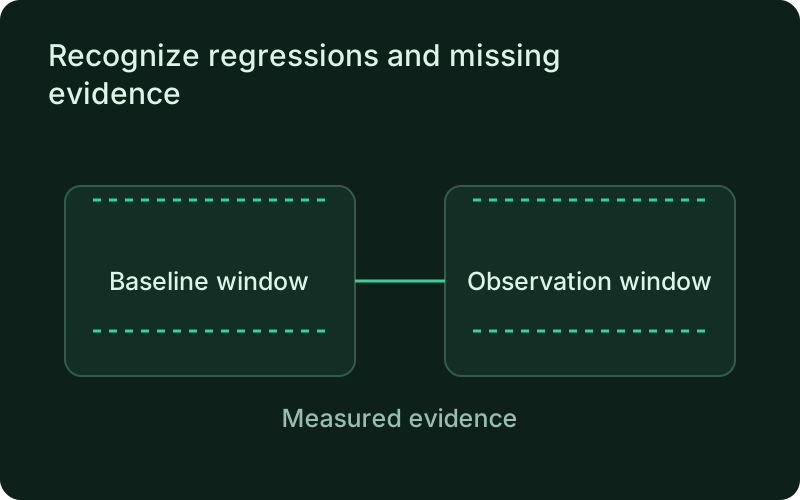
An increase in errors or latency deserves investigation even when the deployment itself succeeded. At the same time, changing demand can explain a throughput difference without indicating a fault. Review the individual measurements and their evidence before relying on the combined verdict, and keep unavailable values visible instead of interpreting them as healthy results.
Share the same report across the team
Read the report offline on the host or review its synchronized dashboard counterpart. Analysis informs your operating decision and never changes deployment verification or rollback behavior. Keep the report with the release review so the person taking over has the same evidence and understands the decision.
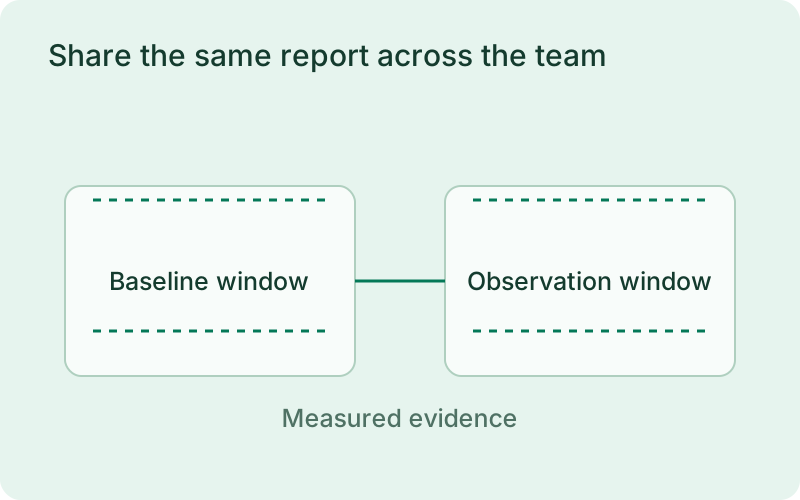
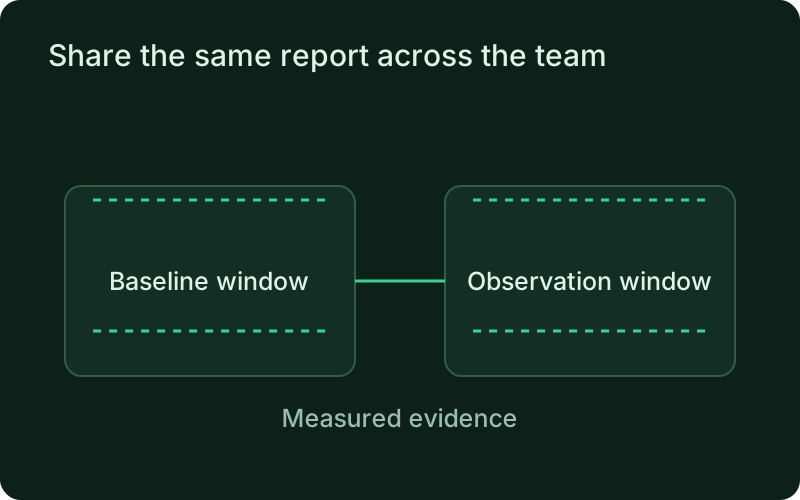
Use the shared report during handover so the next person sees the same release, observation window, and metric evidence. If you decide to restore a version, check whether the affected customer operation recovers afterward. The report helps explain the decision but does not automatically execute a rollback or reverse changes in external systems.
One binary between git push and production.
Install the CLI, verify the host, and follow the quick start to build your first application.