Feature
Monorepo workspace deploys
Workspace support makes the repository itself the deploy unit. Phelix detects a phelix.workspace.yaml, a go.work file, or a Cargo workspace, builds every service in dependency order, deploys them one at a time, and halts the whole mesh on the first failure.
simulated
workspace detected · two dependency levels
The repository becomes the deploy unit
A monorepo usually means hand-stitching a per-service release order: build the shared pieces first, then the services that use them, then deploy each one and hope nobody skips a step. Phelix detects the workspace from the repository root instead: a phelix.workspace.yaml naming the services and their depends_on edges, a go.work file, or a Cargo workspace. Each service inside it stays a normal Phelix application with its own phelix.yaml, so strategies, health checks, encrypted environment snapshots, and versioning work per service exactly as they do for a standalone app.
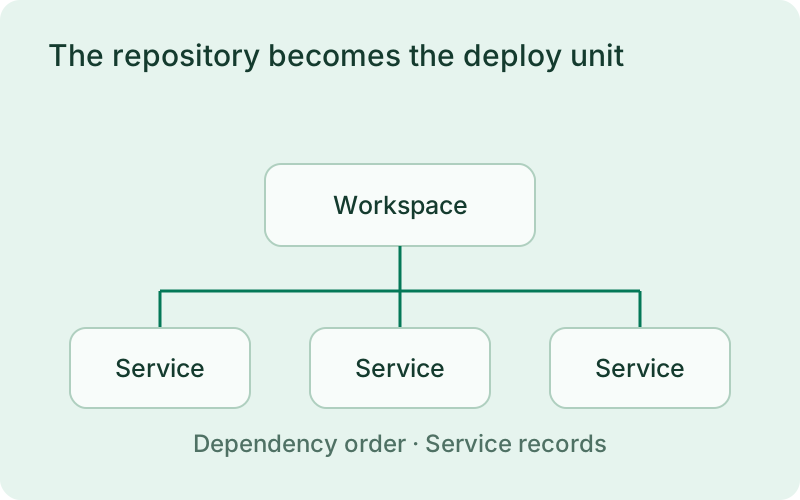
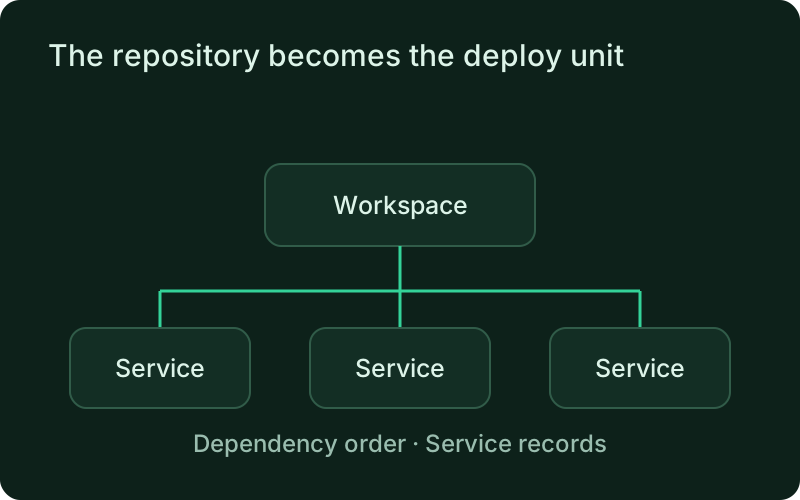
This is useful for a product whose API, background work, and gateway are released from one repository but still have different runtime needs. The workspace records their relationship without merging their configuration. Changes to dependency order should be reviewed like release changes, because that order determines which services can start safely before others.
- Detected from phelix.workspace.yaml, go.work, or a Cargo workspace
- Each service keeps its own versions, health gates, and strategy
- phelix doctor confirms the workspace resolves before the first build
phelix build --allphelix deploy --allphelix status --workspaceBuilds follow the dependency graph
phelix build --all builds every service in dependency order. Levels of the graph build in sequence; the services inside one level compile in parallel, bounded by --concurrency (default 3). A service whose config declares no port takes the next one from --port-base. Every service records its own numbered version and build report, so the artifacts stay per-service even when the run is one command.
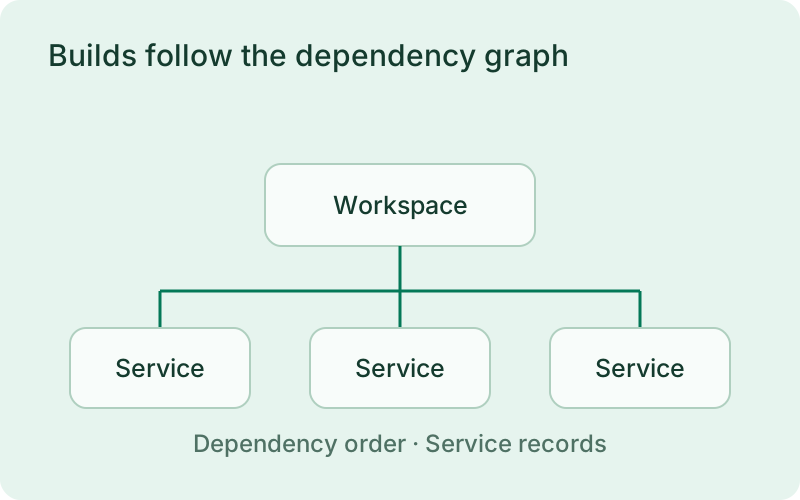
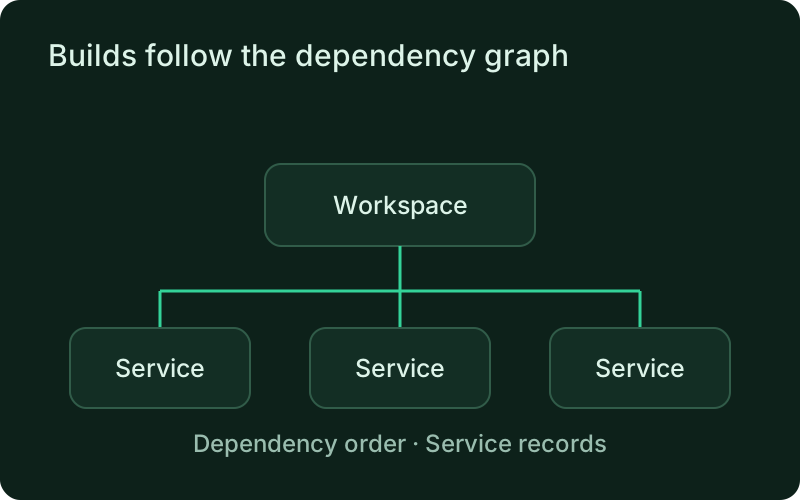
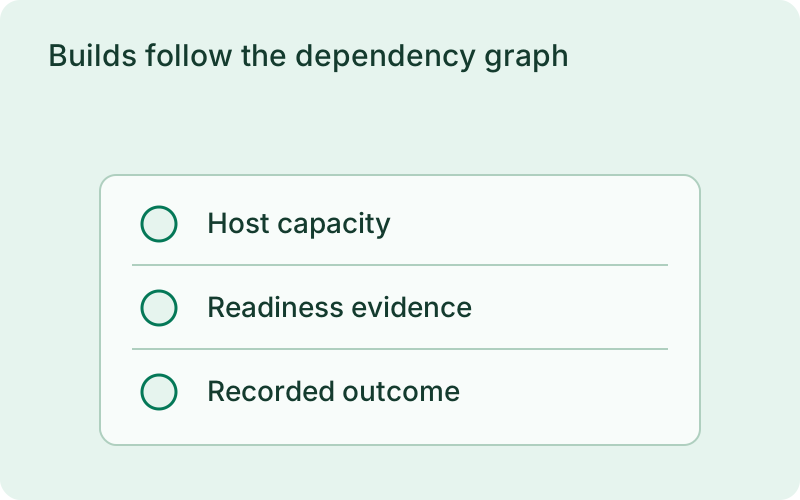
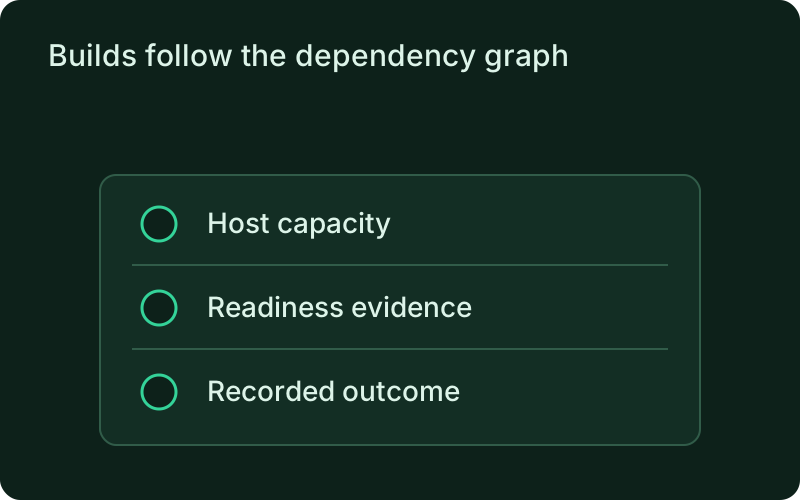
The dependency graph keeps preparation predictable while per-service records keep the results understandable. Review every failed or changed build before moving on to deployment. Choose concurrency for the resources available on the host, especially when builds share the machine with live applications. A shorter build run is only helpful if it leaves those applications healthy.
One deploy, one status table, one rollback
phelix deploy --all walks the depends_on graph one service at a time: a backend is serving before the services that call it deploy against it. The first failure halts the whole mesh, so nothing downstream starts against a broken dependency; --auto-rollback restores the failing service's previous version before the halt. phelix status --workspace prints one table for the mesh, and phelix rollback --all returns every service to its own previous version in reverse dependency order. With --json, the whole run reports one machine envelope.
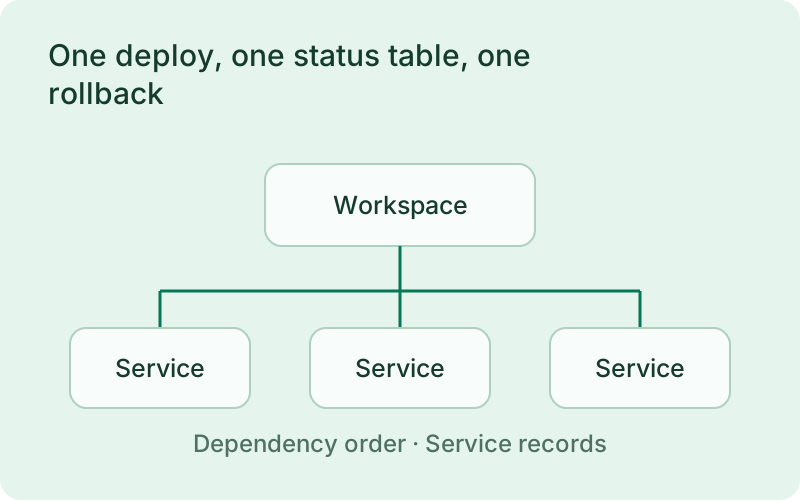
When a run halts, inspect the workspace table to see which services moved and which stayed on their previous versions. Keep adjacent releases compatible with that mixed state. Whole-workspace recovery follows the reverse dependency order, but it does not undo business transactions or database changes made while the newer services were active.
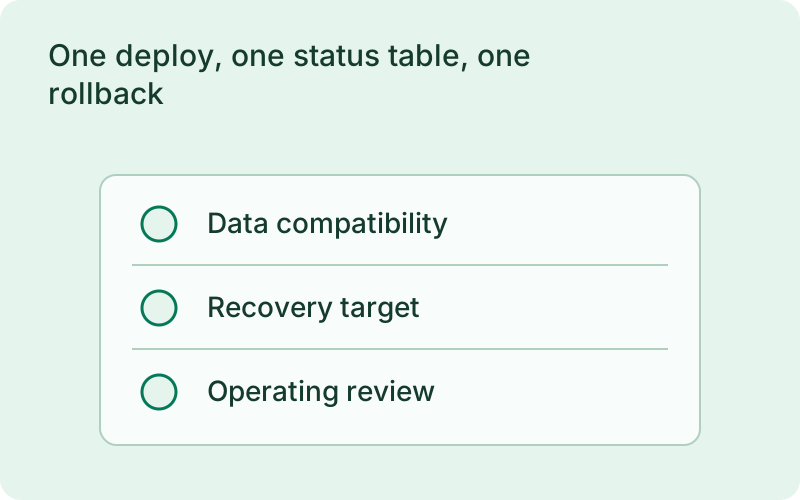
simulated
rollback walks the dependency graph backward
Frequently asked questions
Short answers; the docs go deeper.
Does a workspace deploy merge my services into one artifact?
No. The workspace coordinates builds and deploys across services; every service keeps its own numbered versions, health configuration, deploy strategy, and rollback history.
What happens when one service fails in a workspace deploy?
The deploy halts the whole mesh: services already deployed keep their new versions, services not yet reached keep theirs, and nothing downstream of the failure starts. With --auto-rollback, the failing service is restored to its previous version before the halt.
Do I need a phelix.workspace.yaml to use workspaces?
Not always. A go.work file or a Cargo workspace is detected on its own. Use phelix.workspace.yaml when you want to state the services and their depends_on deployment order explicitly.
One binary between git push and production.
Install the CLI, verify the host, and follow the quick start to build your first application.