Workspaces
Monorepo deployment without per-service scripts
A repository with several services that ship together should not need a hand-stitched release order. Phelix workspace support builds every service in dependency order, deploys them one at a time, and halts the whole mesh on the first failure.
Released Phelix hosts: Linux and macOS. Builds Go and Rust with your host toolchain.
simulated
the workspace file turns the repository into one deploy unit
The repository becomes the deploy unit
Declare the workspace once; the dependency graph decides the order for every command.
Phelix detects a workspace from the repository root: a phelix.workspace.yaml naming the services and their depends_on edges, a go.work file, or a Cargo workspace. That one declaration replaces the per-service release script, described in Workspaces. Each service inside it stays a normal Phelix application with its own phelix.yaml, so deploy strategies, health checks, and encrypted environment snapshots remain per-service. Run phelix doctor in the repository root to confirm every service resolves before the first build.
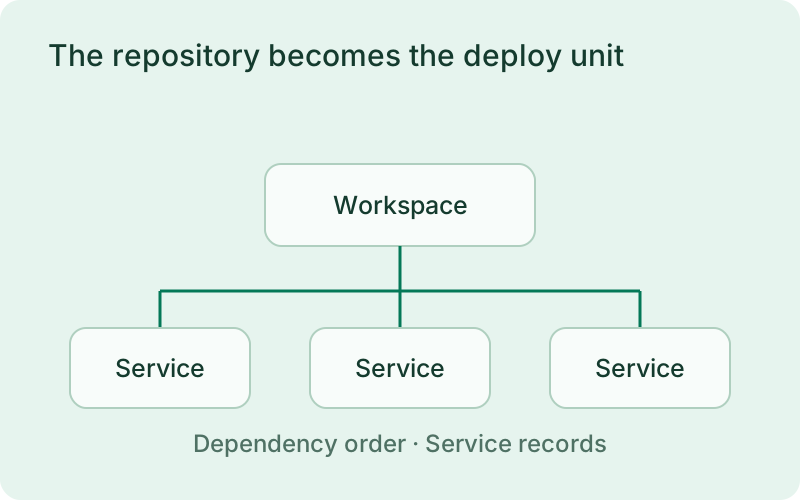
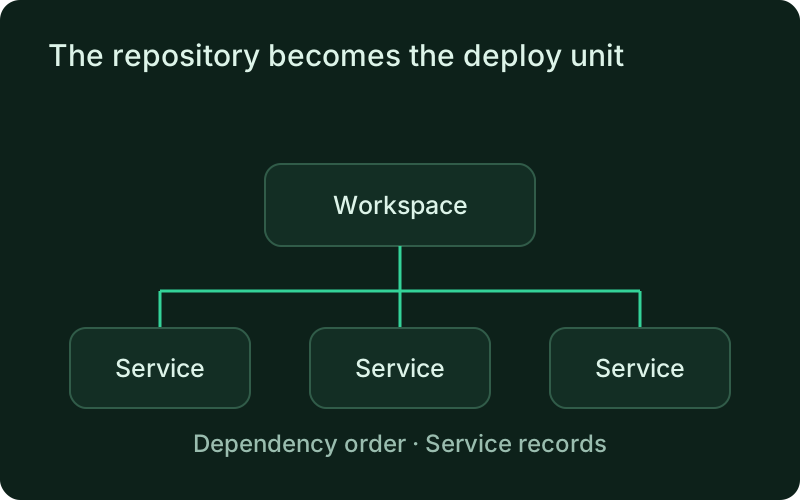
This fits a product with several services in one repository that need to ship in a deliberate order. Keep dependencies tied to actual runtime requirements and review them when the product changes. Each application can still have its own readiness and configuration needs, while the workspace supplies the shared release sequence the team agrees to follow.
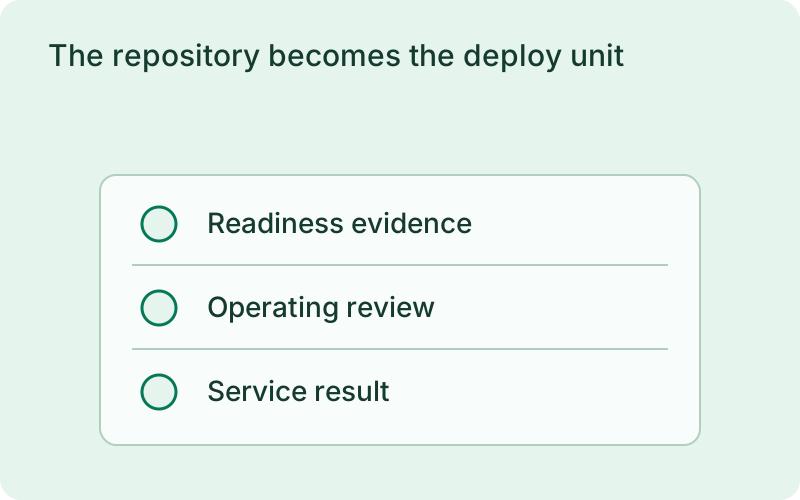
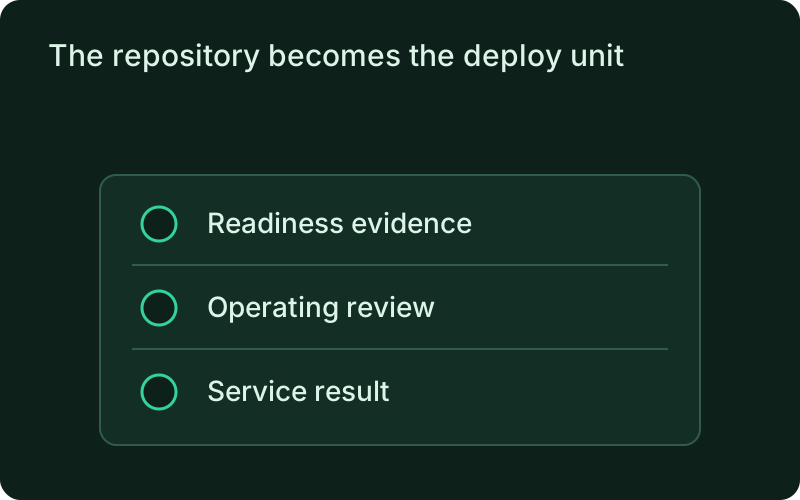
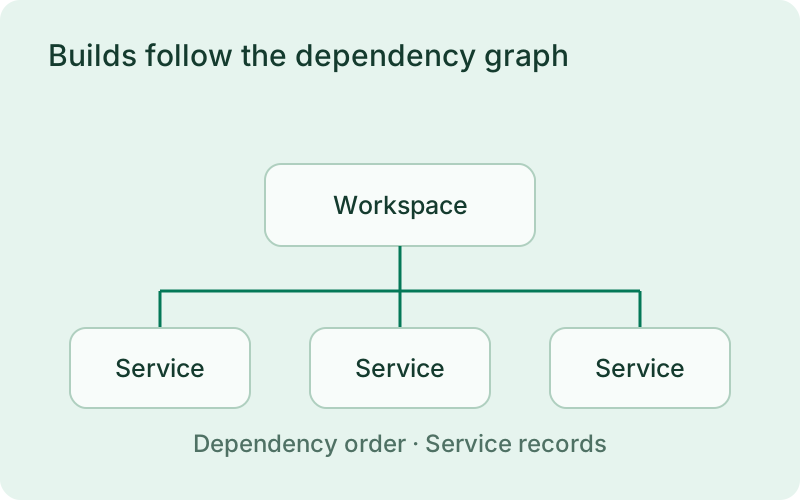
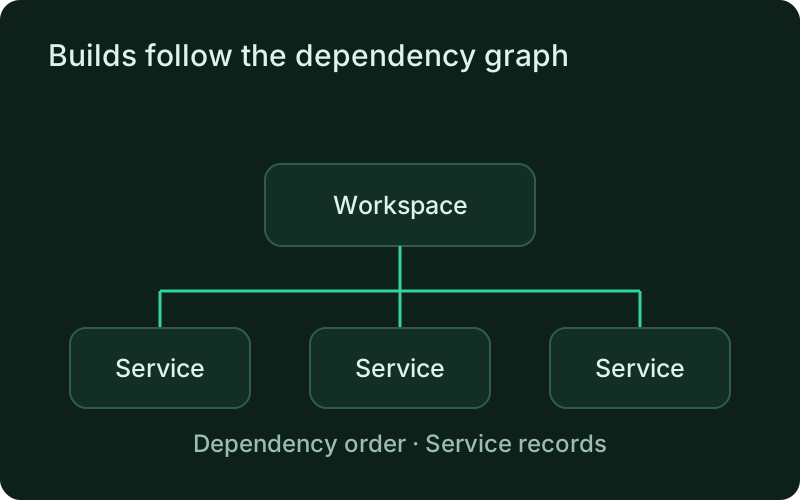
phelix build --allphelix deploy --allBuilds follow the dependency graph
Levels build in sequence; the services inside one level compile in parallel.
phelix build --all builds every service in dependency order. Services with no dependencies build first; services inside one dependency level compile in parallel, bounded by --concurrency (default 3). A service whose config declares no port takes the next one from --port-base. Every service records its own numbered version and build report, so the artifacts stay per-service even when the run is one command.
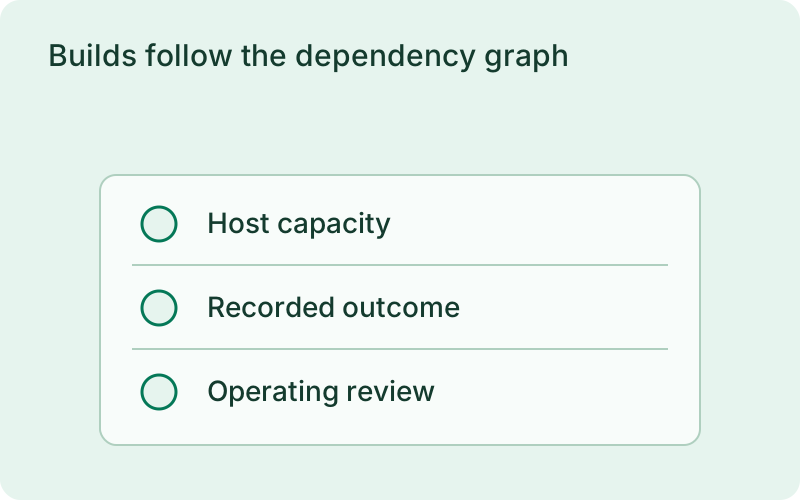
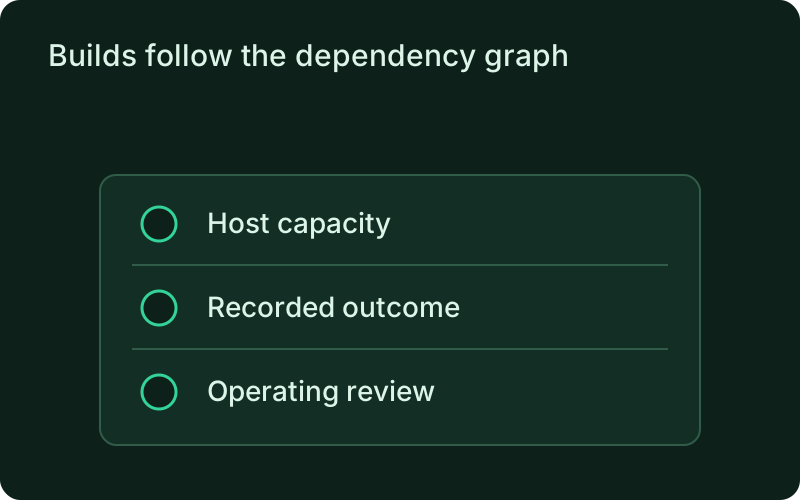
Review the result for every service before releasing the workspace. Parallel builds are helpful when the host has capacity for them, but should not compete so heavily that live applications suffer. Per-service version records let you identify the artifact that changed even when preparation happened as one workspace run.
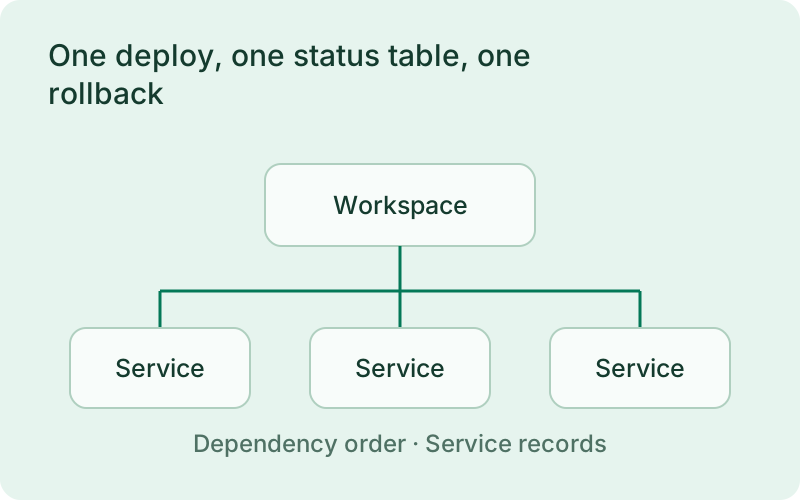
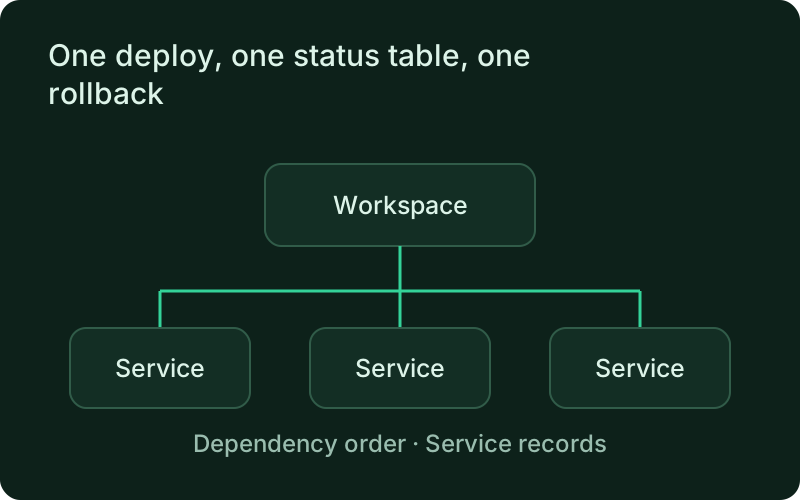
One deploy, one status table, one rollback
The mesh deploys one service at a time, and a failure halts it before anything downstream starts.
phelix deploy --all walks the depends_on graph one service at a time, so a backend is serving before the services that call it deploy against it. The first failure halts the whole mesh: services already deployed keep their new versions, services not yet reached keep theirs, and nothing downstream of the failure starts. With --auto-rollback, the failing service is restored to its previous version before the halt. phelix status --workspace prints one table for the mesh, and phelix rollback --all returns every service to its own previous version in reverse dependency order. Services deployed through the proxy keep their health-gated cutover inside the mesh deploy: the graph governs when each service deploys, its own strategy governs how its traffic moves.
A halted run may leave some services on new versions and others on old ones. Inspect that state before retrying, and keep shared contracts compatible throughout the transition. Restoring the workspace returns each application to its retained release; it does not undo database work or messages processed while the newer services were running.
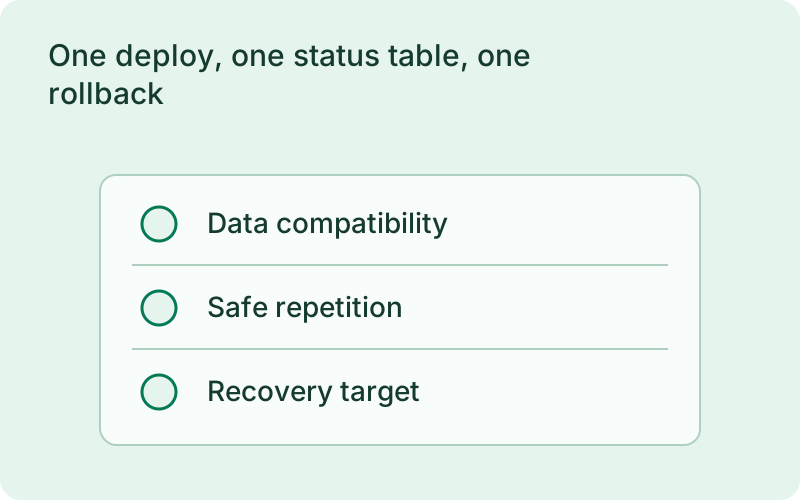
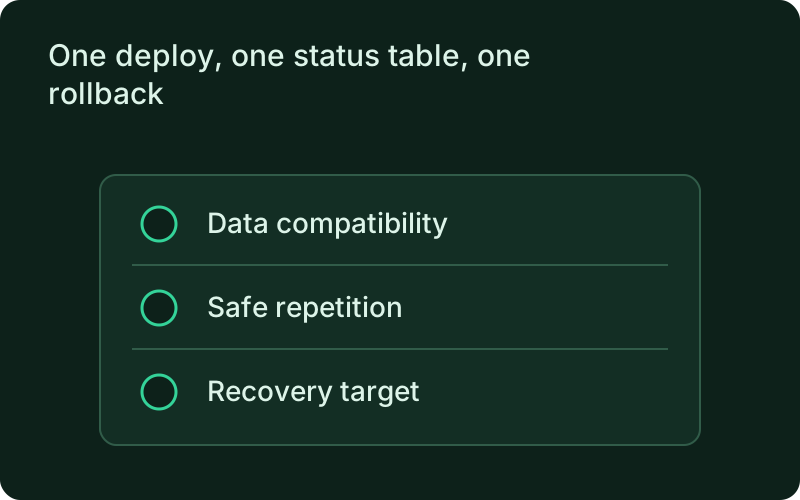
phelix status --workspacephelix rollback --allScriptable when you are not watching
The whole run speaks the machine contract.
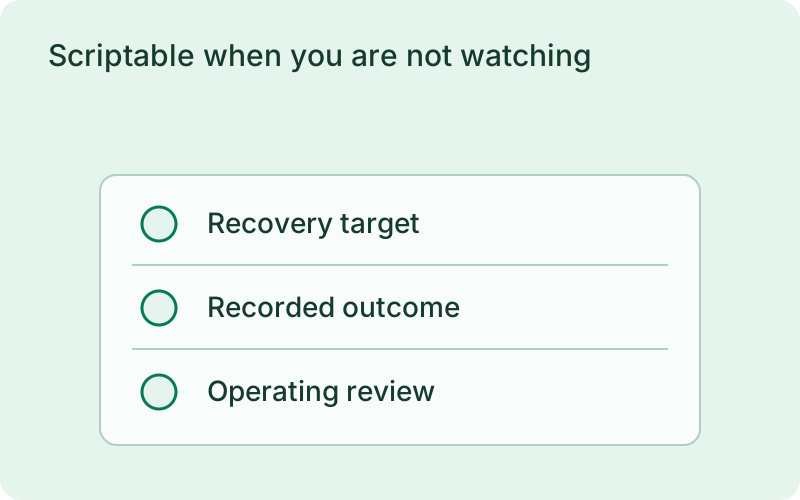
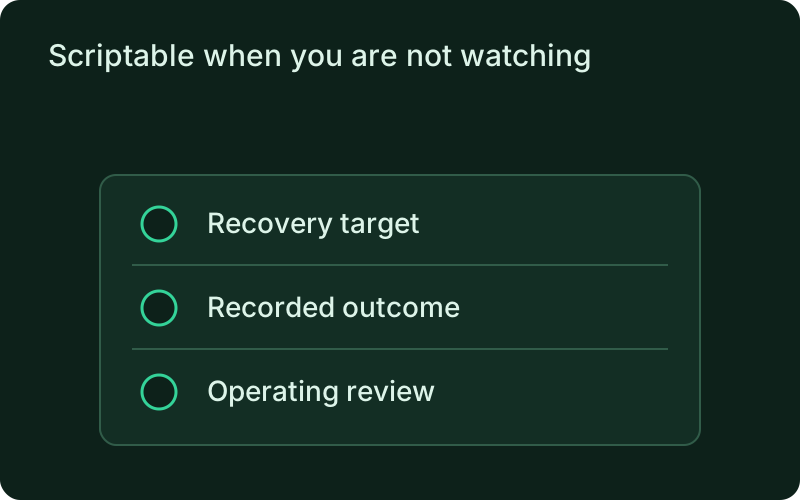
With --json, a workspace deploy reports one machine envelope for the whole run, on the same contract every core command speaks. That makes the mesh deploy safe to call from CI, scripts, or a coding agent through the MCP adapter.
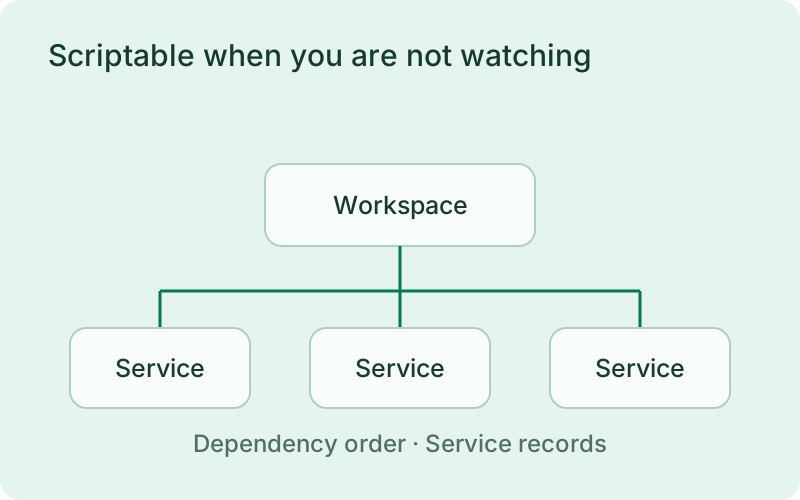
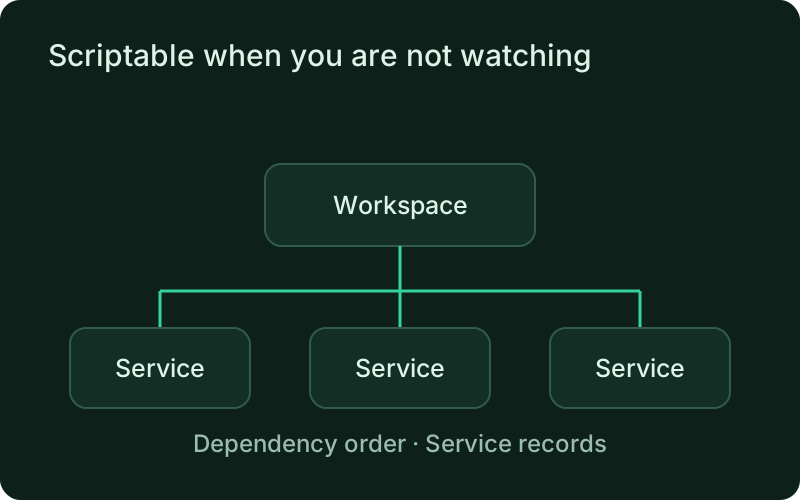
A machine-readable result is useful for a release system that needs to decide whether to continue or alert a person. Preserve the complete outcome and identify the service that failed, rather than checking only whether a command ran. Automation should make the release record easier to follow while leaving partial deployment and recovery decisions visible.
One binary between git push and production.
Install the CLI, verify the host, and follow the quick start to build your first application.