Guide
Deploy a monorepo as one unit
A repository with several services that ship together should not need a hand-stitched release order. Phelix treats the workspace as the deploy unit: one build command, one deploy command, one status table, one rollback.
simulated
the workspace file turns a repository into one deploy unit
Declare the unit once
Phelix detects a workspace from the repository root: a phelix.workspace.yaml naming the services and their depends_on edges, a go.work file, or a Cargo workspace. That declaration replaces the per-service release script; the graph in it decides the order for every workspace command. Each service keeps its own phelix.yaml, so health endpoints, deploy strategies, and environment snapshots stay per-service. Run phelix doctor in the repository root to confirm every service resolves before the first build.
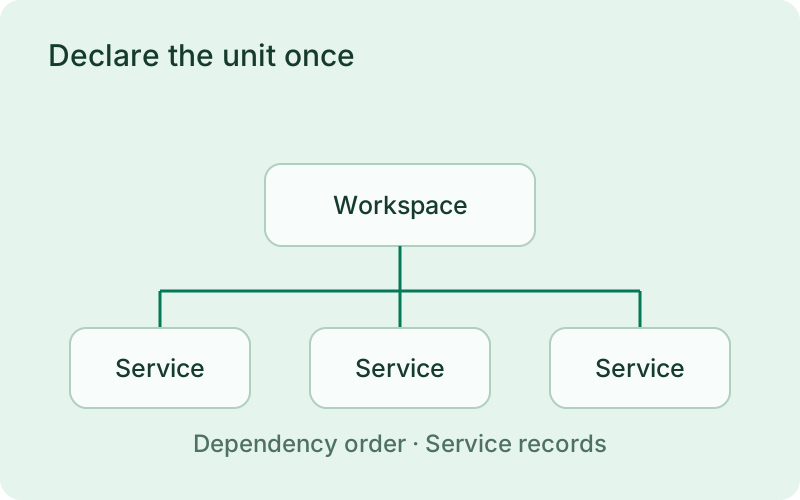
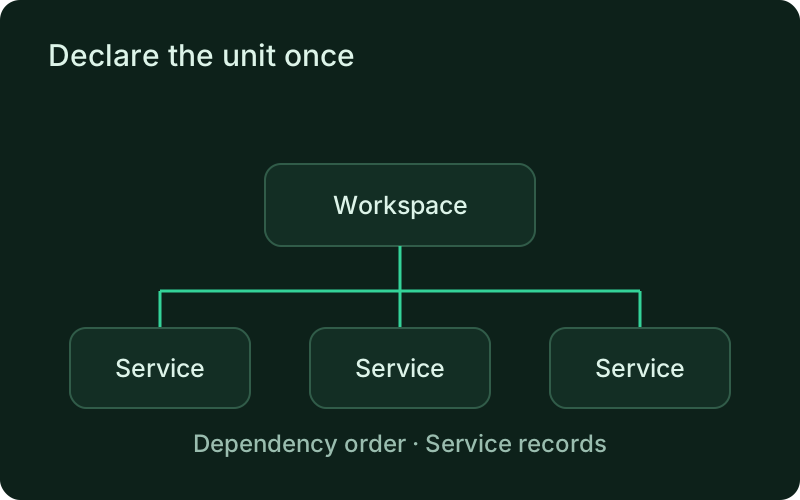
Think of the workspace declaration as a release agreement between services. A dependency should describe a real operational requirement, such as an API needing its backend to be available, rather than the order folders happen to appear in the repository. Review that agreement whenever a service is added or its responsibilities change so releases continue to follow the intended sequence.
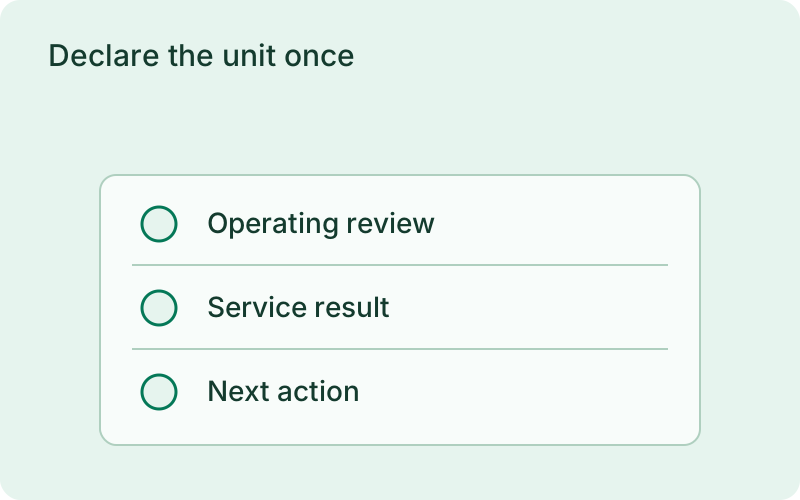
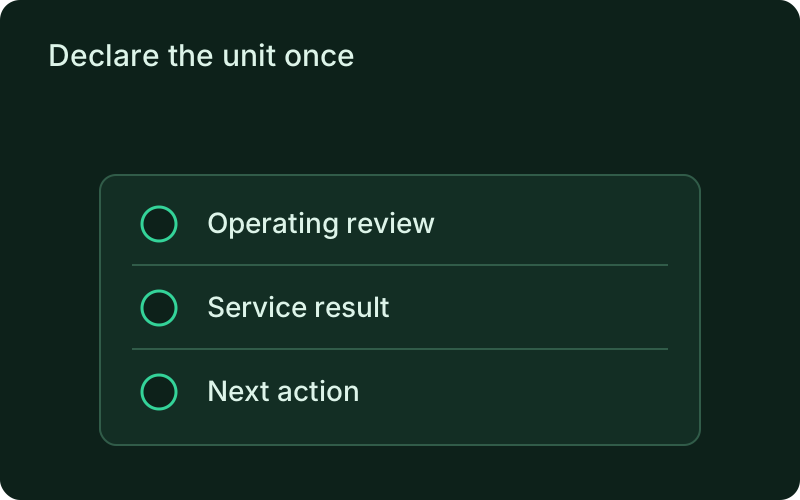
- phelix.workspace.yaml, go.work, or Cargo workspace detection
- depends_on edges decide the order for build, deploy, and rollback
- Per-service config stays per-service
phelix build --allphelix deploy --all --auto-rollbackphelix status --workspaceBuild in dependency order
phelix build --all builds every service in dependency order. Services with no dependencies build first; services inside one dependency level compile in parallel, bounded by --concurrency (default 3). A service that declares no port takes the next one from --port-base. Each service records its own numbered version and build report, exactly like a standalone build.
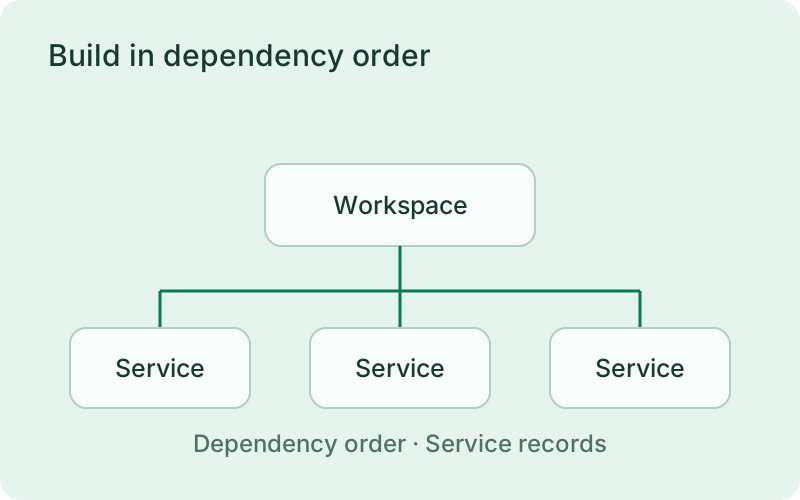
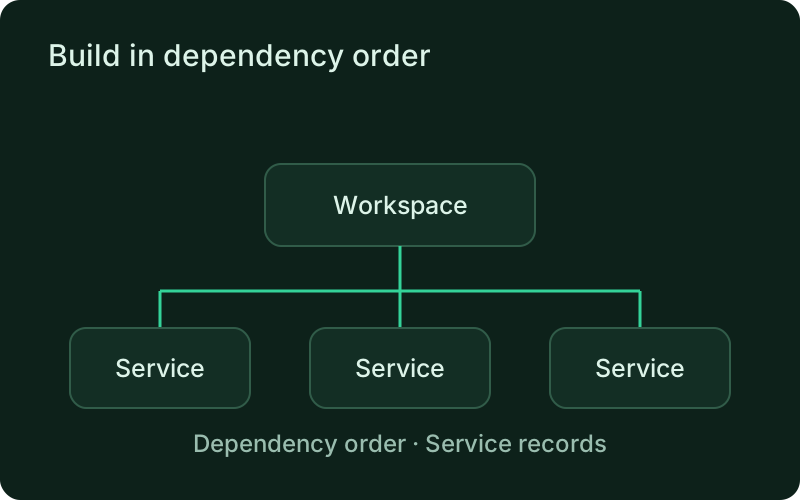
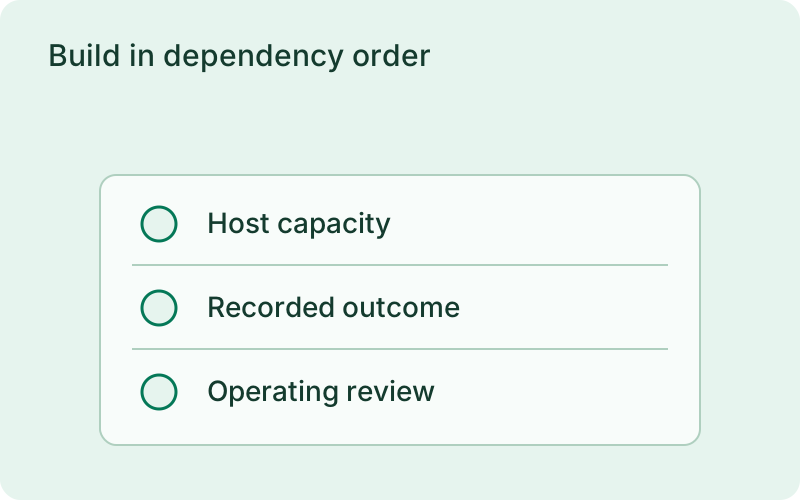
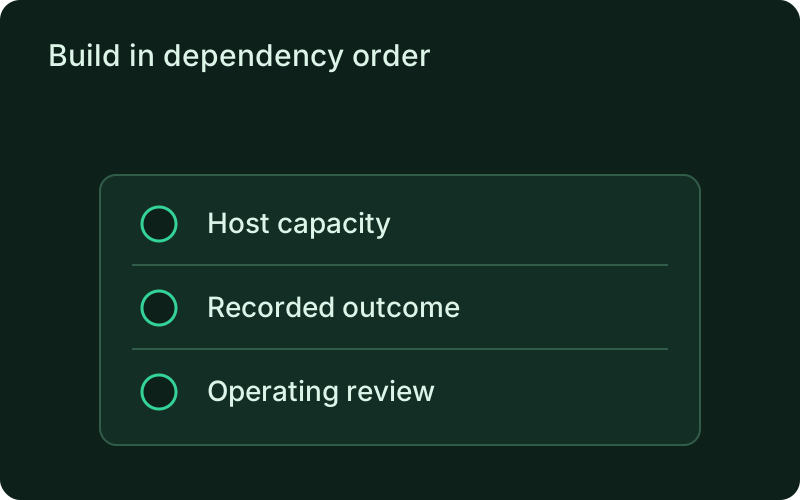
A shared build run is easier to review when each service remains identifiable. Compare the recorded versions and build results before deployment, especially when only part of the repository changed. Parallel compilation can shorten preparation, but the host still needs enough memory and processor capacity for the selected concurrency without crowding the applications already serving customers.
Deploy one service at a time, halt as one mesh
phelix deploy --all walks the depends_on graph one service at a time, so a backend is serving before the services that call it deploy against it. The first failure halts the whole mesh: nothing downstream starts against a broken dependency, and services already deployed keep their new versions. With --auto-rollback the failing service is restored to its previous version before the halt, so the mesh keeps serving while you investigate. phelix status --workspace shows one table for the mesh, and phelix rollback --all returns every service to its own previous version in reverse dependency order.
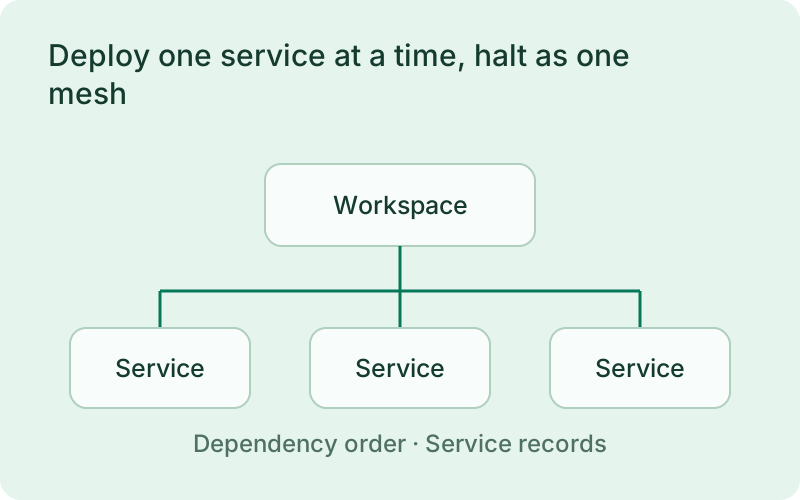
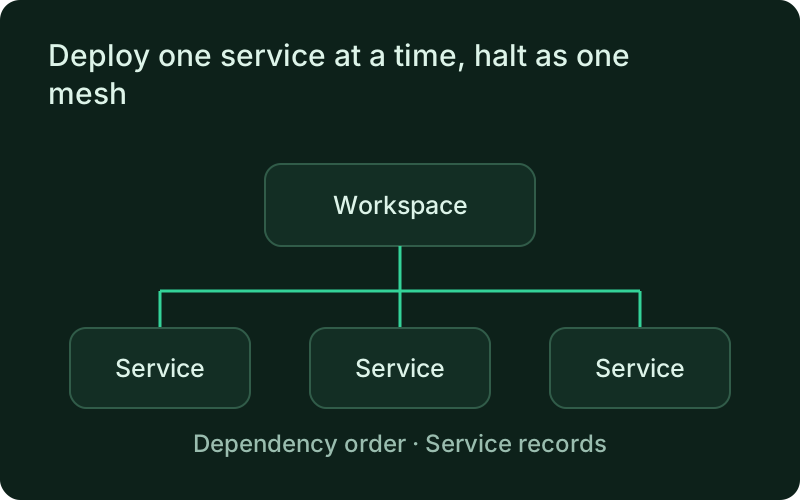
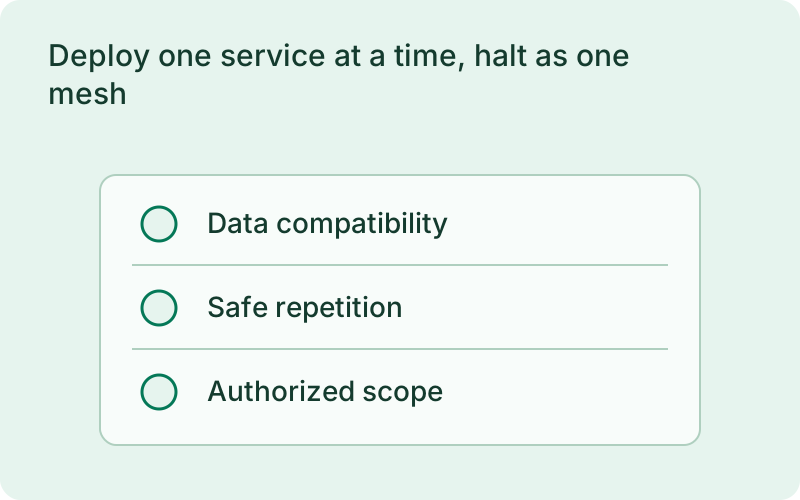
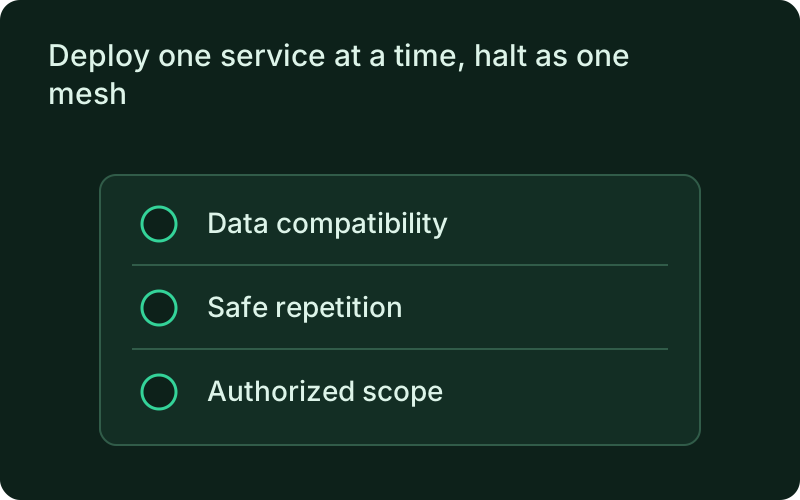
A halted workspace can contain a mixture of old and new versions, so inspect the status of every service before retrying. Plan compatibility for that intermediate state, including shared messages and database changes. Whole-workspace rollback restores application versions in the defined order; it does not reverse external changes that those applications have already made.
Frequently asked questions
Short answers; the docs go deeper.
Can Phelix deploy a monorepo without a phelix.workspace.yaml?
Yes when the repository is a Go workspace (go.work) or a Cargo workspace; Phelix detects both. Use phelix.workspace.yaml when you want to state the services and their depends_on deployment order explicitly.
What does a failing service do to the rest of the deploy?
The deploy halts the whole mesh on the first failure. Services already deployed keep their new versions, services not yet reached keep theirs, and with --auto-rollback the failing service is restored to its previous version.
How does rollback work for a workspace?
phelix rollback --all returns every service to its own previous version in reverse dependency order, so dependents roll back before the services they call. It cannot be combined with --to, --list, --dry-run, --verify, or --request-key.
One binary between git push and production.
Install the CLI, verify the host, and follow the quick start to build your first application.