Feature
Encrypted secret store
Credentials are not configuration. Phelix keeps them in a dedicated encrypted store per application: a value is set once from stdin or a file, referenced by name in phelix.yaml, and resolved when the app starts or restarts. No command prints it, and no version snapshot preserves it.
simulated
value
a value enters once, from stdin or a file, never an argument
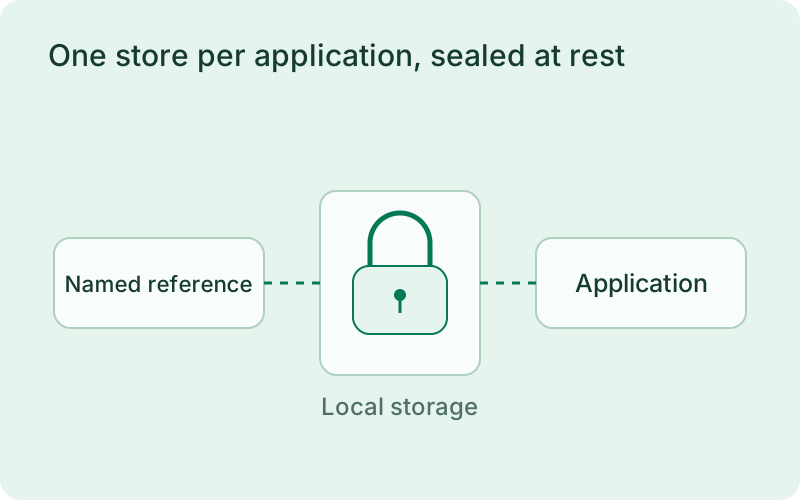
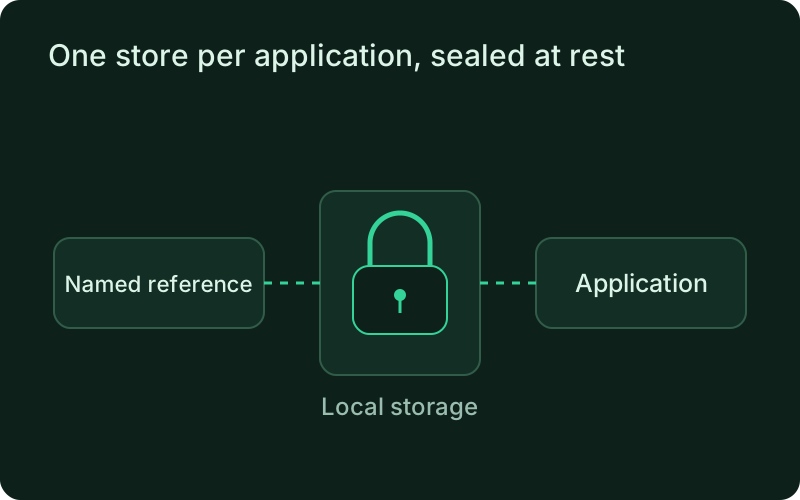
One store per application, sealed at rest
Each application owns one store file under the Phelix data directory, locked to 0700 and 0600, encrypted with AES-256-GCM under the same local master key the environment store uses. Values enter through stdin or --from-file, never a command argument, because arguments are visible to every process on the host. Every write creates a new version and the five most recent are kept, each identified by a short fingerprint. The store can never be read casually: phelix secrets get returns metadata only, by construction rather than by filtering, and there is no flag that prints a value.
Keeping credentials separate from ordinary configuration gives the team a clearer place to manage access changes. Reference meaningful names, restrict access to the host and master key, and review backup handling. Encryption protects stored values, while local permissions and control of the running application determine who can ultimately use those credentials.
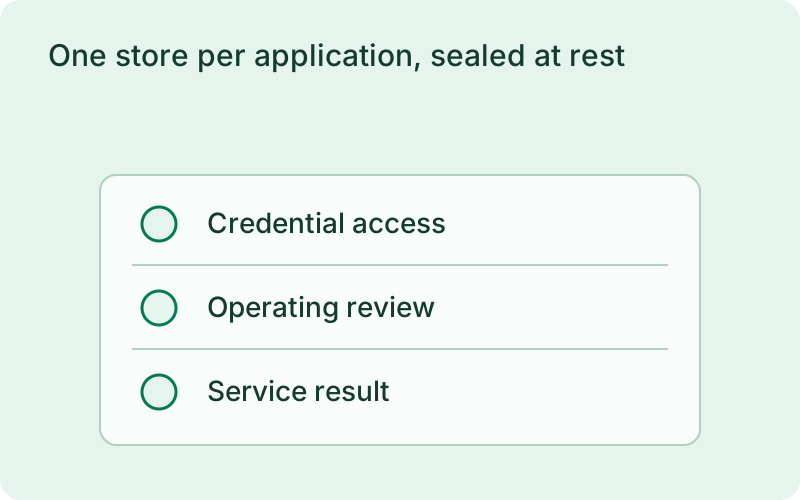
- AES-256-GCM under the local master key
- Per-app store files at 0700 and 0600, written atomically under a lock
- Five retained versions per secret, each with a fingerprint
phelix secrets set database_urlphelix secrets listsimulated
the config references the secret by name only
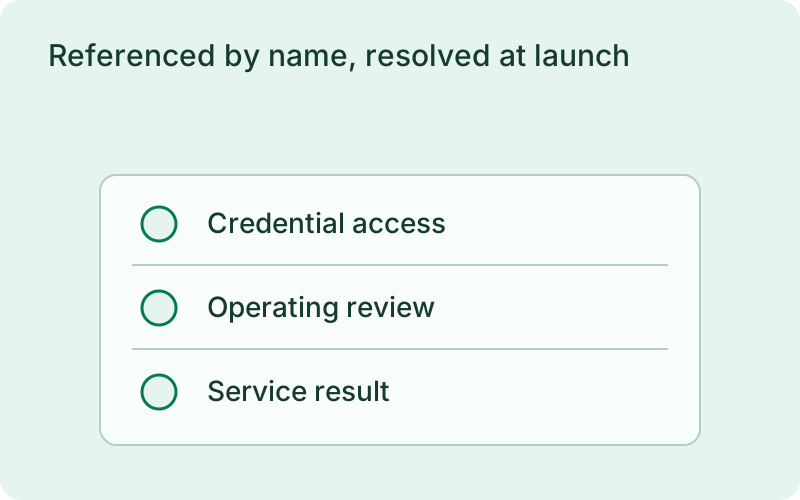
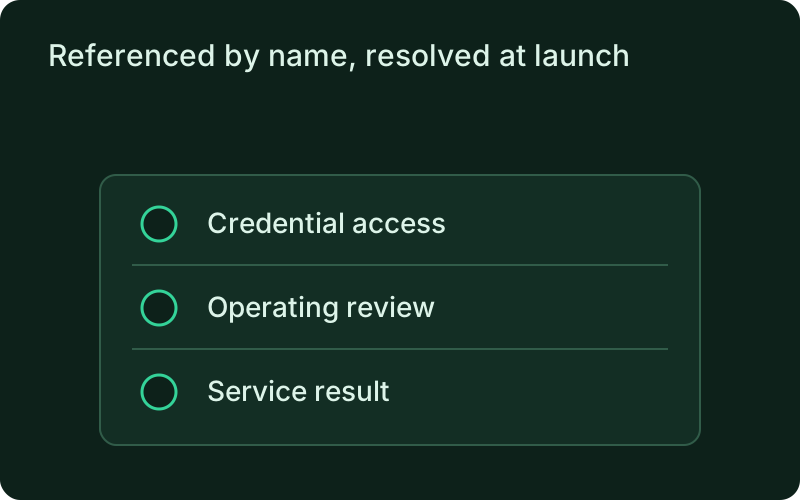
Referenced by name, resolved at launch
phelix.yaml imports map one secret onto one environment variable name. The file holds the name only; it can never hold a value. At start, restart, and rollback the values are resolved from the store, so what runs is what the store holds now. phelix secrets set stores the new version and restarts a running application through the same path phelix restart uses, honoring its deployment strategy. If the restart fails, the stored value stays the desired state, the running app keeps the previous values, and phelix secrets list shows the outcome of the last apply.
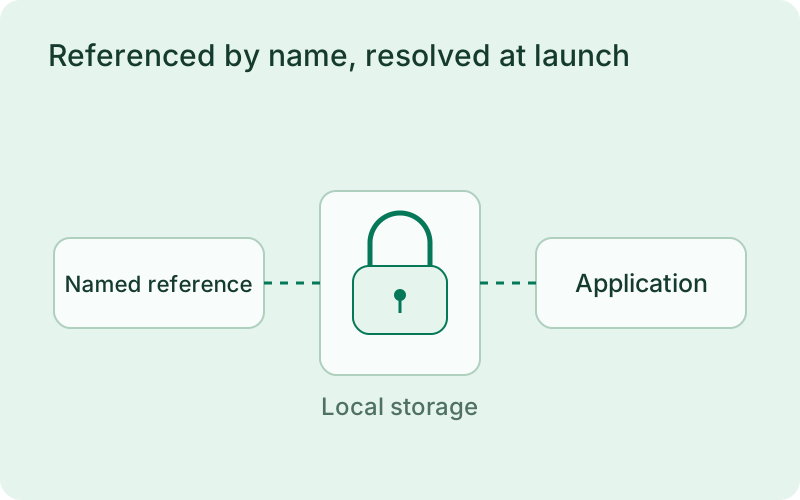
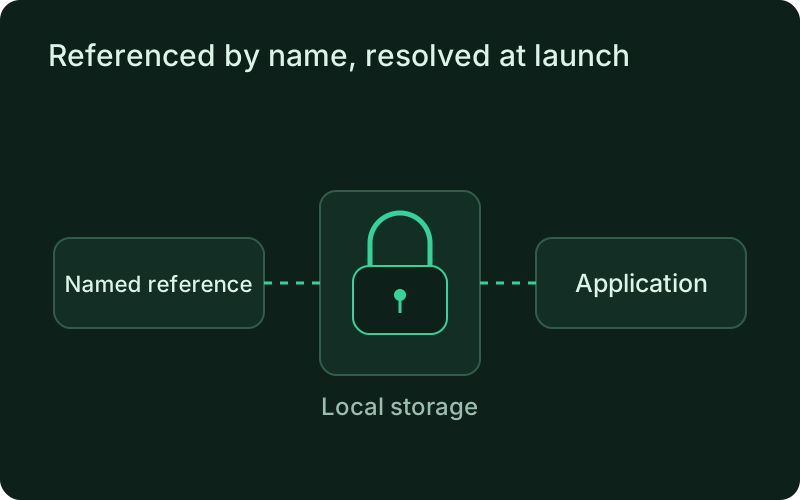
Name-based references let a configuration travel between environments without carrying the credential itself. Confirm that the required names exist on the destination before starting a release. After changing a binding or a stored value, review the application restart result and the affected integration, since storing a credential does not prove that the service can authenticate successfully.
simulated
every resolved value is masked on every surface
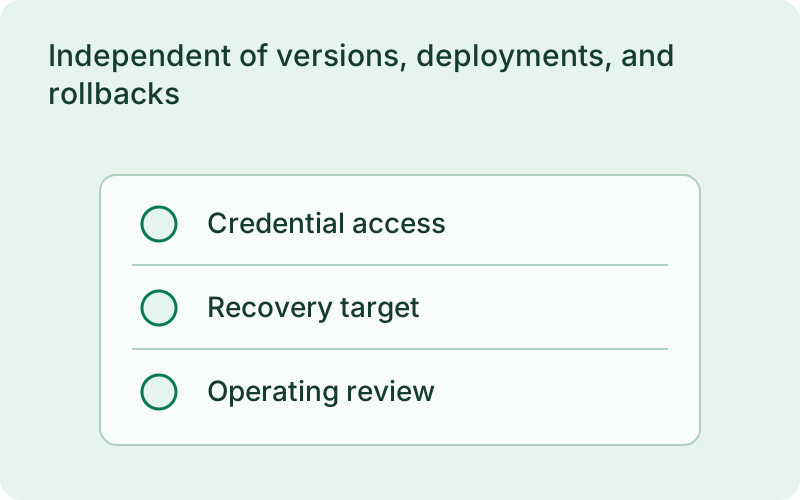
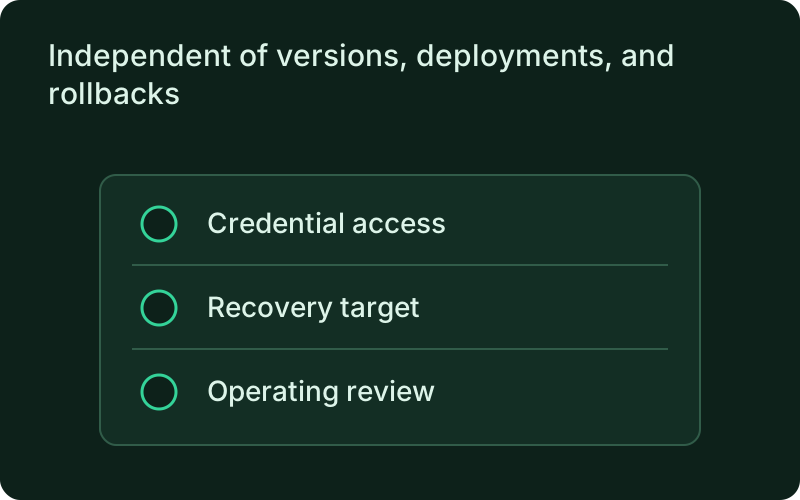
Independent of versions, deployments, and rollbacks
Plain environment variables are snapshotted with every build, so a rollback restores the snapshot of the target version. Secrets deliberately stay outside that mechanism: they never enter a snapshot, so a rotated or deleted credential can never be resurrected by rolling back. During a deployment, every instance receives the same pinned set of bindings, recorded through a binding transaction that the deploy journal settles. A declared import with no value stops the deploy or start with SECRET_NOT_FOUND: nothing starts partially configured.
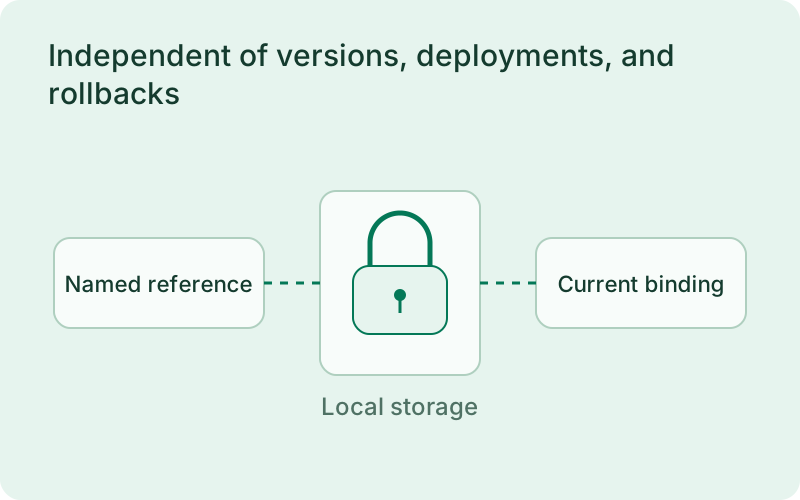
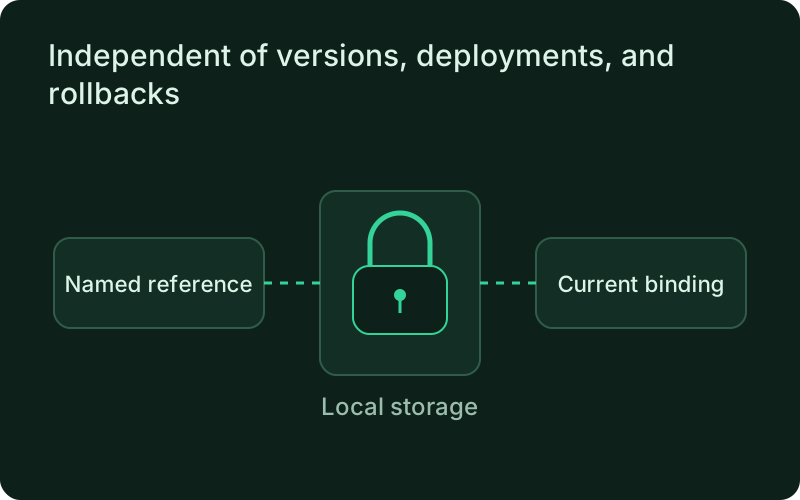
Treat rotation as an operational change with its own verification step. Coordinate the new value with the external provider and leave an overlap period when possible. If the application must be restored to an earlier release, current credentials stay current, which helps prevent a rollback from silently reintroducing a password that has already been revoked.
Frequently asked questions
Short answers; the docs go deeper.
Is the secret store a replacement for Vault or a cloud secrets manager?
No. It is encrypted local storage on the host you control, with no central key management, no network service, and no audit trail for reads. Host access is secret access, exactly as with the environment store. What it adds over plain variables is rotation, version history, name-only imports, and a hard never-shown guarantee.
Can a secret value appear in logs, errors, or the dashboard?
No. phelix secrets get is metadata-only by construction, and every value a Phelix process resolves is masked in that process's logs, dashboard stream, CLI rendering, error output, and docker command lines for as long as a running instance or a draining log stream could still produce it. Output to destinations Phelix does not manage is outside the guarantee.
What happens to credentials when I roll back?
Rollback restores the binary and its plain environment snapshot; credentials keep their current values because they are resolved from the store at every start. A rollback never reverts a rotation.
One binary between git push and production.
Install the CLI, verify the host, and follow the quick start to build your first application.