Guide
Manage application secrets
Credentials are the configuration you should never have to see twice. This guide walks the whole life of one secret: set it, wire it into phelix.yaml by name, restart without a rebuild, and rotate it knowing a rollback cannot bring old values back.
simulated
the value enters the store once
Set the value once
A value is read from stdin or from a file, never from a command argument, because arguments are visible to every process on the host. Standard input keeps the value byte for byte except for exactly one trailing newline, so an interactive shell history entry does not become part of the secret; --from-file stores the file byte for byte. Multi-line values such as PEM keys are fully supported. Empty values and values containing NUL bytes are rejected, and a value may be at most 1 MiB. Every write creates a new version, and the five most recent are kept, each identified by a short fingerprint.
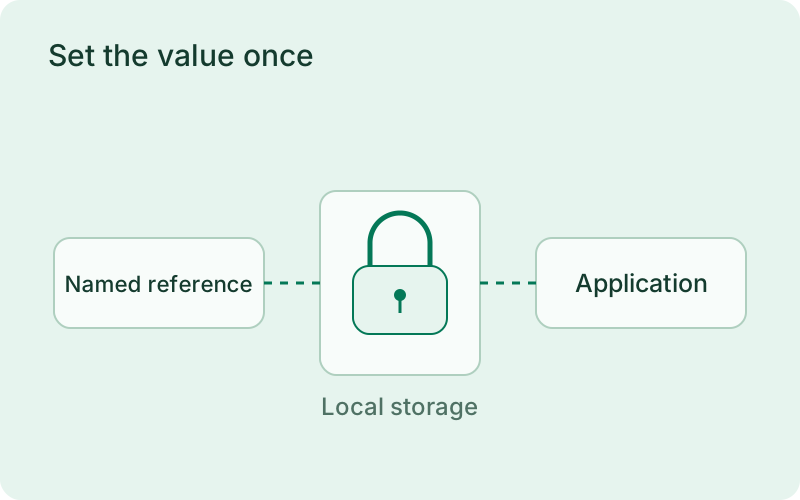
Give each credential a name that communicates its purpose without revealing its value. Keep production and test access separate, and supply sensitive input through the supported input channels rather than shell arguments. Local encryption reduces accidental exposure in stored files, while host permissions and careful access to the master key remain part of protecting the credentials.
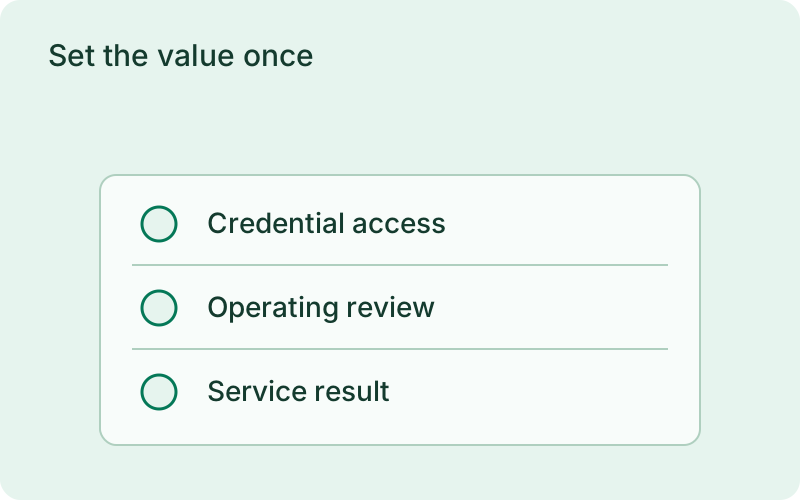
phelix secrets set database_urlphelix secrets listImport by name, apply without a rebuild
In phelix.yaml, an import maps one secret onto one environment variable name the application receives. The file holds the name only; it can never hold a value. If an import targets a name that is also set as a plain environment variable, the deploy or apply stops until you unset the plain variable or remove the import. phelix secrets set stores the value and, when a running application imports it, restarts that application through the same path phelix restart uses, honoring its deployment strategy. Use --no-apply to store the value without touching the running app; it applies at the next start, or when you run phelix secrets apply.
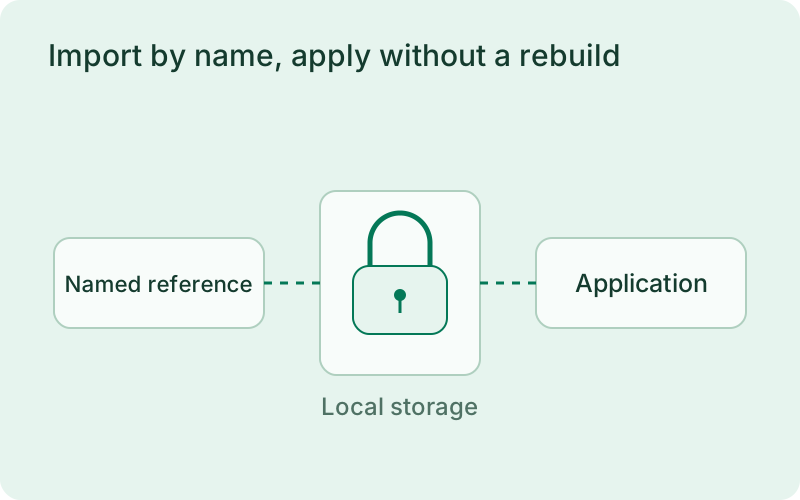
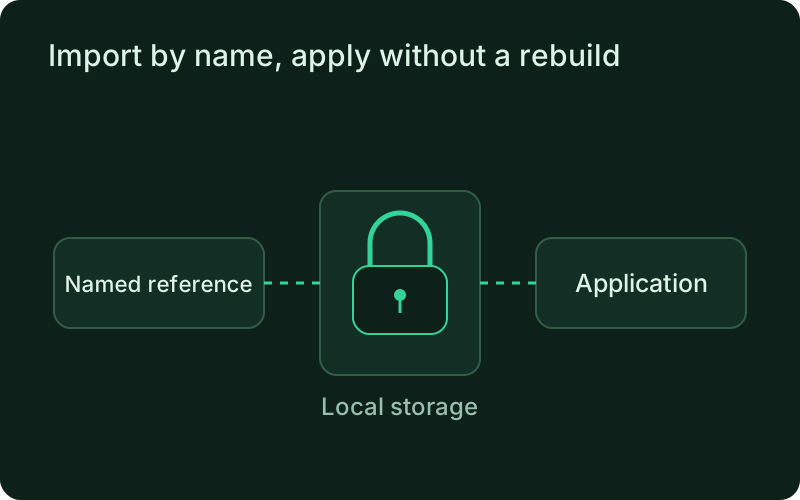
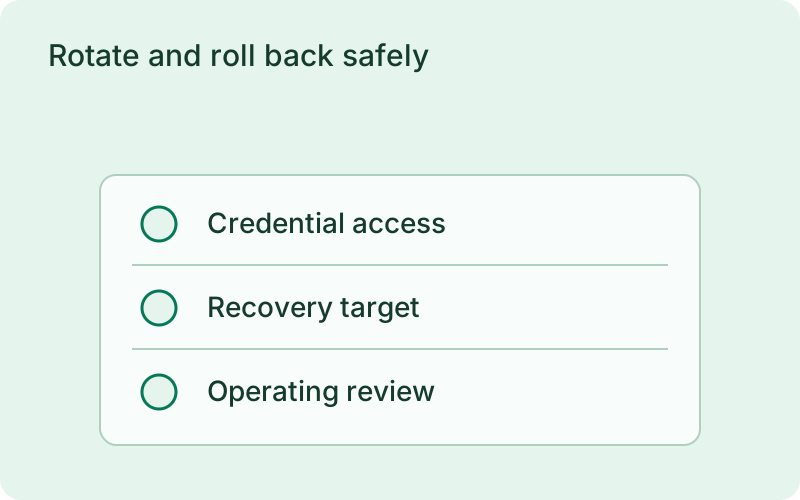
Use stable names in application configuration so changing a provider password does not require distributing a new value through the repository. After an update, confirm that the running application can reach the intended service. A successful store operation and a successful application restart are different results, so review both before considering the credential change complete.
Rotate and roll back safely
phelix secrets history lists retained versions with fingerprints, and phelix secrets remove deletes a secret and all versions, refused while an import still references it. If a restart fails, the command exits non-zero: the new value remains stored while the running application keeps the previous values, and a retry is one phelix restart away. A rollback restores the binary and its plain variables; credentials stay at their current values because they are resolved from the store at every start. A rotated or deleted credential can never be resurrected by rolling back.
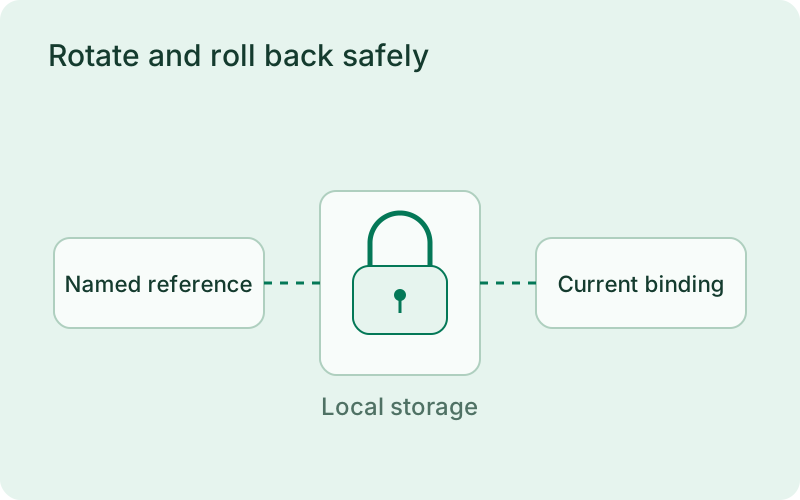
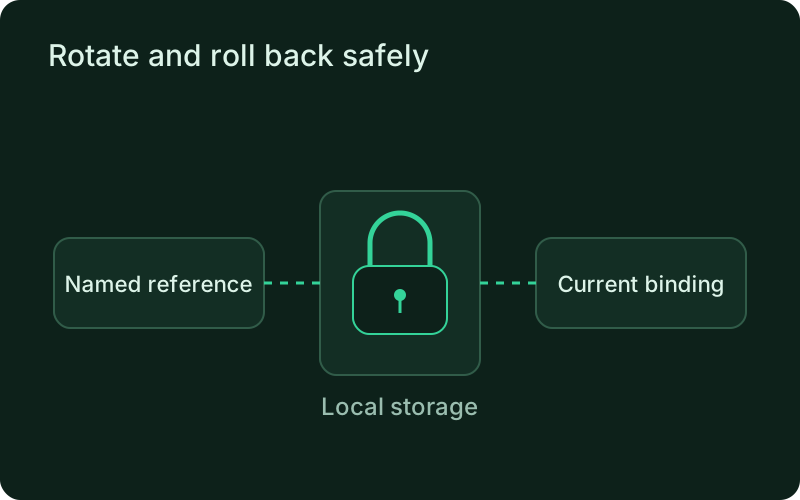
Coordinate rotation with the external provider and allow an overlap window when the provider supports it. If an application restart fails, investigate before revoking the credential that the running instances still use. Application rollback keeps the current secret bindings, so recovering an older binary does not bring back a password that has already been withdrawn.
Frequently asked questions
Short answers; the docs go deeper.
How do I rotate a credential without downtime?
phelix secrets set stores the new version and restarts the application through its own deployment strategy, so proxy-based apps swap behind the health gate. If the restart fails, the command exits non-zero, the old values keep serving, and one phelix restart retries.
Can a secret value end up in logs or command output?
No. There is no command or flag that prints a value, and every value a Phelix process resolves is masked in that process's logs, dashboard stream, CLI rendering, and error output. If the application itself writes the secret somewhere Phelix does not manage, that destination is outside the guarantee.
Do secrets roll back with the application?
No. Rollback restores the binary and its plain environment snapshot; credentials are resolved from the store at every start and keep their current values.
One binary between git push and production.
Install the CLI, verify the host, and follow the quick start to build your first application.