Secrets
Manage secrets on your own server
Credentials need different handling than configuration: rotation, history, and a guarantee that no command ever prints them. Phelix ships a dedicated encrypted store per application, resolved at launch and sealed away from versions, rollbacks, and logs.
Released Phelix hosts: Linux and macOS. Builds Go and Rust with your host toolchain.
simulated
the store lives inside your server
Credentials live on the host, sealed
One encrypted store file per application, under the data directory you already control.
Each application owns one store file, encrypted with AES-256-GCM under the local master key and written atomically under a lock. The directory is 0700 and the files are 0600. There is no vault service to deploy, no extra daemon to keep alive, and no network hop between your server and its own credentials. Values enter once, from standard input or a file, never a command argument, because arguments are visible to every process on the host. From then on the value is referenced by name only, and the secrets docs spell out exactly what that guarantee covers.
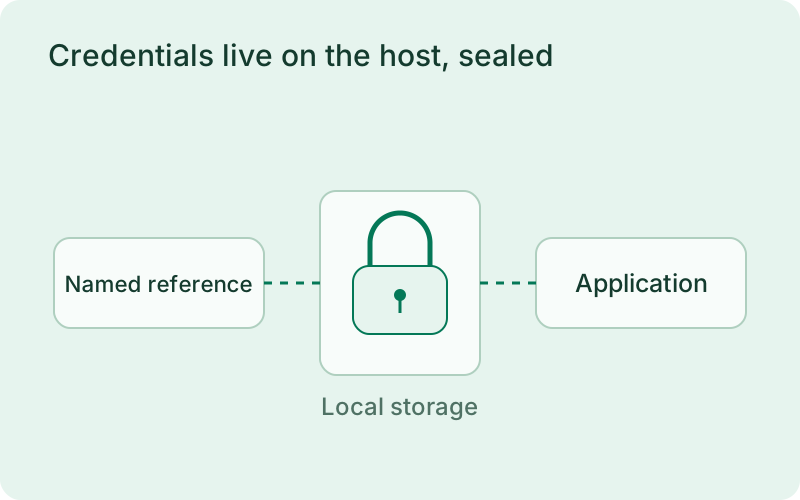
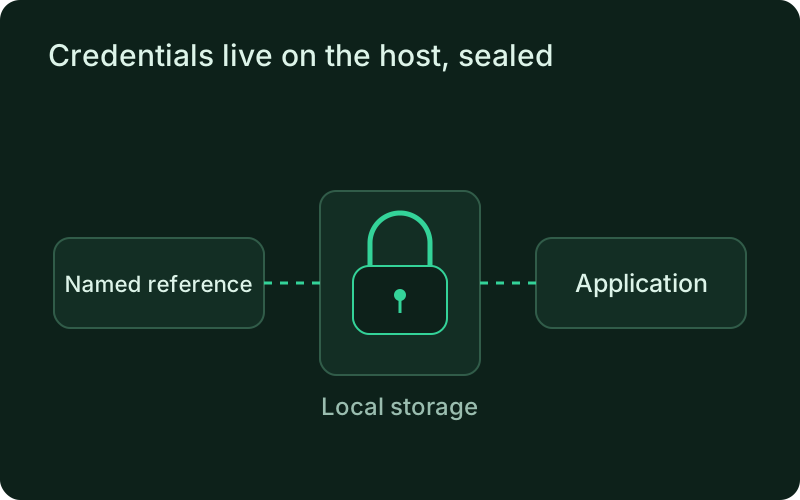
Give credentials meaningful names and keep test and production access separate. Protect the local key, restrict host access, and review how encrypted files and keys enter backups. The store reduces accidental exposure in configuration and output, while anyone with sufficient control of the running host may still be able to use the credentials the application needs.
phelix secrets set database_urlphelix secrets listphelix secrets set database_urlRotation is one command, not a rebuild
A new value restarts the application through the strategy it already uses.
phelix secrets set stores the new version and restarts a running application through the same path phelix restart uses, so proxy-based apps swap behind the health gate. No image is rebuilt, no version is created for the application, and the five most recent secret versions stay in the store with fingerprints. If the restart fails, the command says so and exits non-zero: the stored value remains the desired state while the running application keeps the previous values, and a retry is one restart away. During a deployment, every instance receives the same pinned set of bindings, settled through the deploy journal.
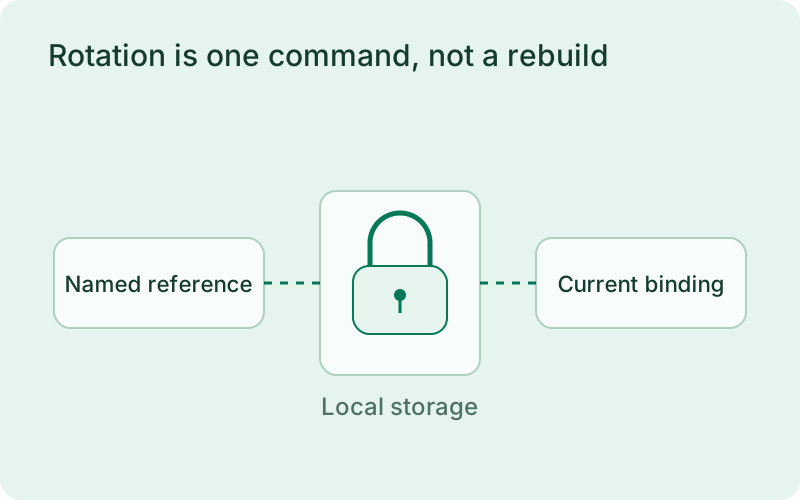
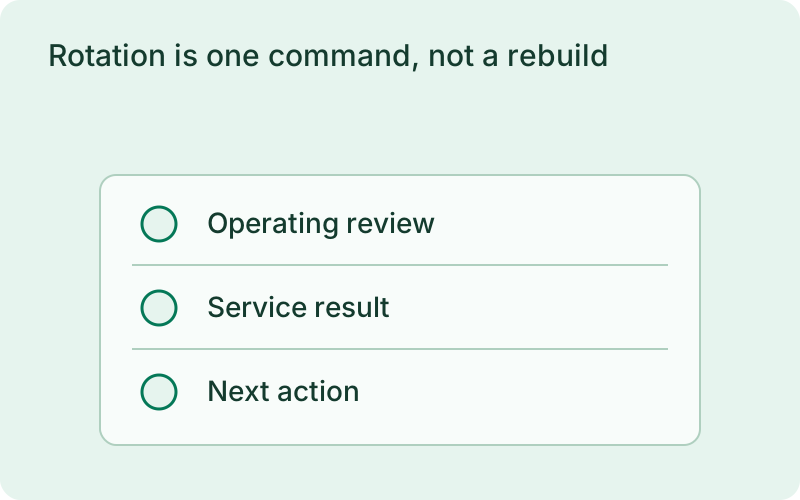
Coordinate a rotation with the external provider and allow both values to work briefly when the provider supports it. Check the application restart result and a real authentication attempt before withdrawing the old value. If a restart fails, the desired stored value and the values in running instances can differ, which calls for investigation before the provider-side change is completed.
phelix secrets set redis_passwordNothing prints, nothing persists
The value is resolved at launch and stays out of every snapshot and every output surface.
There is no command or flag that prints a secret value; phelix secrets get is metadata-only by construction. Every value a Phelix process resolves is masked in that process's logs, dashboard stream, CLI rendering, error output, and docker command lines, for as long as a running instance or a draining log stream could still produce it. Secrets are resolved from the store at every start, restart, and rollback, and never enter a version snapshot. Rolling back the application restores the binary and its plain variables while credentials keep their current values, so a rotated or deleted credential can never be resurrected by a rollback. The mechanics, failure handling, and storage layout live in the secrets docs, and the never-shown guarantee sits inside the same health-gated deploy path the rest of Phelix uses.
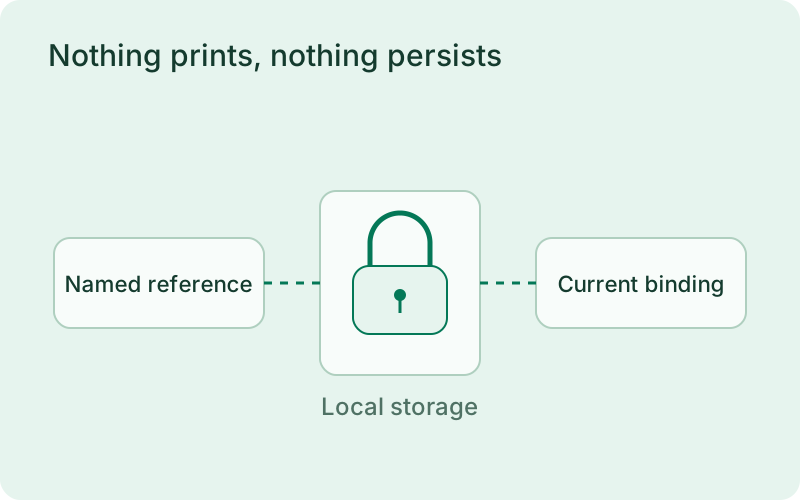
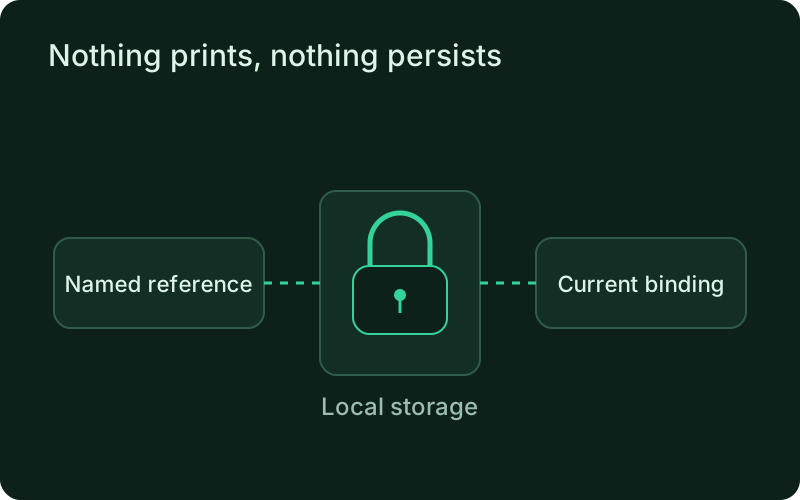
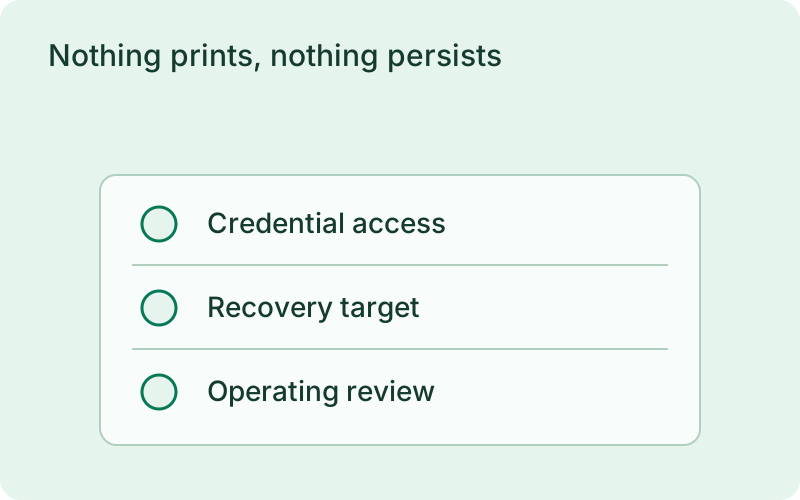
Use fingerprints and metadata to confirm which credential version is intended without exposing the value during a review. After restoring an older application release, check that it can still authenticate with the current bindings. This separation prevents withdrawn credentials from returning through rollback, while compatibility between the restored application and the active credential remains something to verify.
One binary between git push and production.
Install the CLI, verify the host, and follow the quick start to build your first application.