Guide
Run background workers
A worker needs none of the traffic machinery a service needs and all of the reliability machinery. This guide walks the whole life of a worker app: declare it, build it, watch it recover, scale it, and replace it one replica at a time.
simulated
a worker declares no port, because nothing ever connects to it
Declare it once
phelix init --type worker writes a port-less phelix.yaml with the supervision defaults filled in: a restart policy with backoff, a shutdown signal and grace period, and a health mode. There is no port to pick and no readiness path to declare, because nothing ever connects to a worker. The type is mutually exclusive with the service keys. A worker config that declares port, endpoint probes, or the docker runtime fails validation with the exact yaml path named, and a service config that declares worker keys fails the same way.
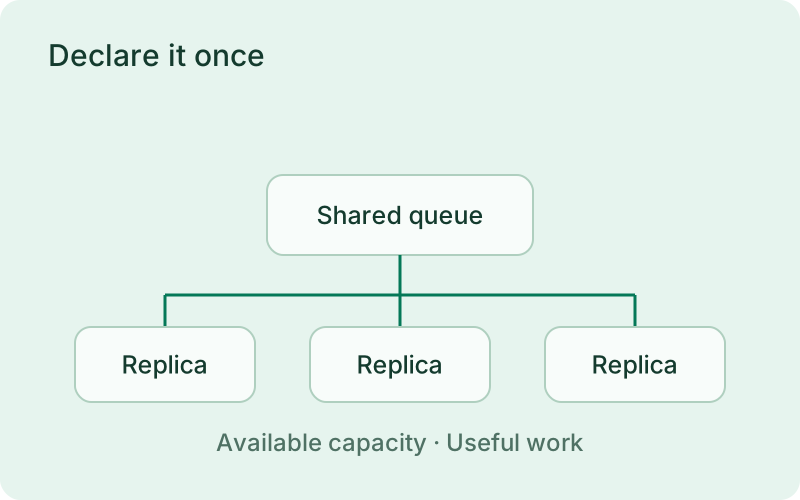
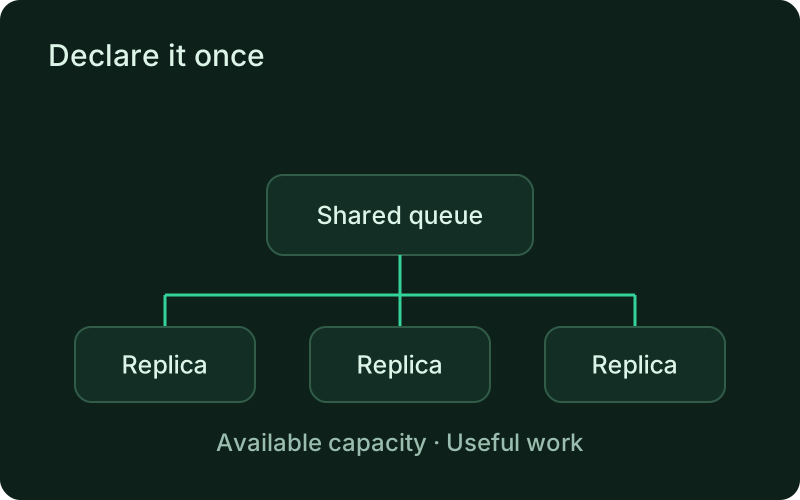
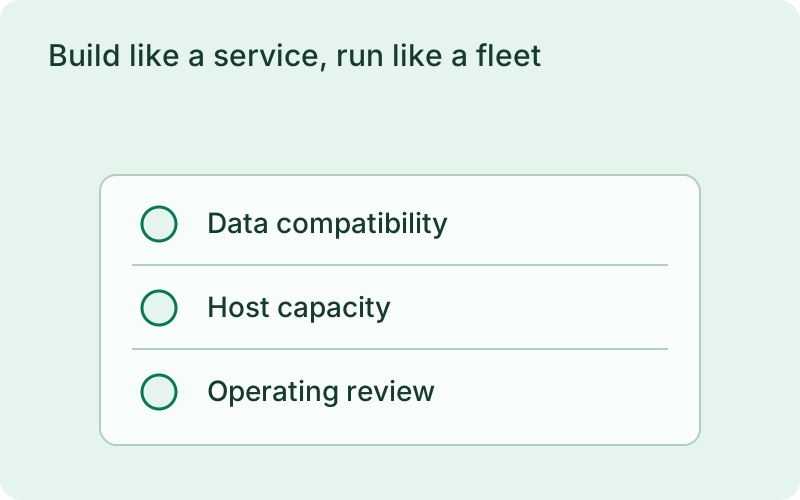
Choose a worker for work that continues independently of an incoming web request, such as sending email or consuming a queue. Decide how the process shows useful progress and how it shuts down before you add replicas. The application must own message acknowledgement and retry safety; a supervisor can keep the process alive but cannot prove that each business task completed correctly.
- phelix init --type worker writes the port-less template
- Restart policy: always, on-failure (default), or never
- Shutdown: SIGTERM or SIGINT, with a grace period before SIGKILL
phelix init --type workerphelix build email-workerphelix scale email-worker --replicas 5Build like a service, run like a fleet
phelix build compiles the worker with the host toolchain into a numbered version with a build report and an encrypted environment snapshot, exactly as it does for a service. On start, every replica slot launches from the recorded snapshot and must come alive within startup_timeout; in exec mode it must also pass its probe within that window. Supervision starts immediately. A replica that exits is judged by the restart policy: delays grow with jitter per consecutive failure, and after max_attempts the slot rests in crashloop until you restart it or redeploy. The supervisor keys each replica by PID, executable path, and kernel start time, so a recycled PID is never mistaken for the original process.
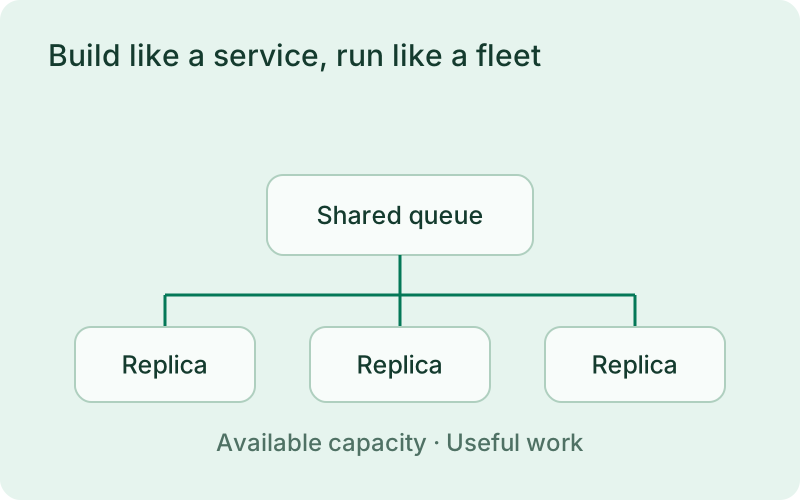
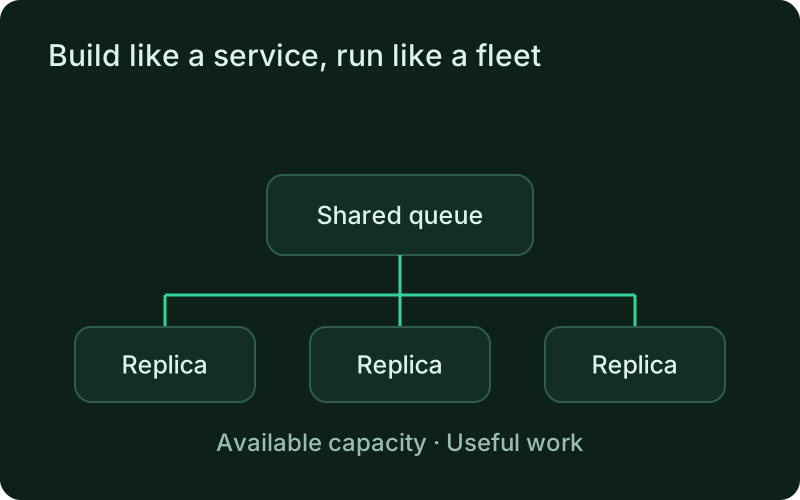
Try the workload with a small replica count and watch its effect on the queue, database, and any external service. More processes only help when the work can be shared safely. A worker that waits on a rate-limited provider may need better pacing rather than more replicas, while independent CPU-heavy tasks may benefit from additional capacity.
Operate the replica tree
phelix status prints the replica tree with per-slot state, PID, restart count, and last exit. phelix scale grows or shrinks in place at the current version: new slots launch from the environment snapshot, and drained slots exit as intentional stops that never count as crashes. phelix restart --replica N recycles one slot; phelix log --replica N tails its output. A rebuild replaces replicas one at a time under the rolling strategy: the replacement starts alongside the old slot, the old slot keeps running until the replacement passes the startup gate, and only then is it drained within drain_timeout. A failed deploy reverts the replicas already replaced.
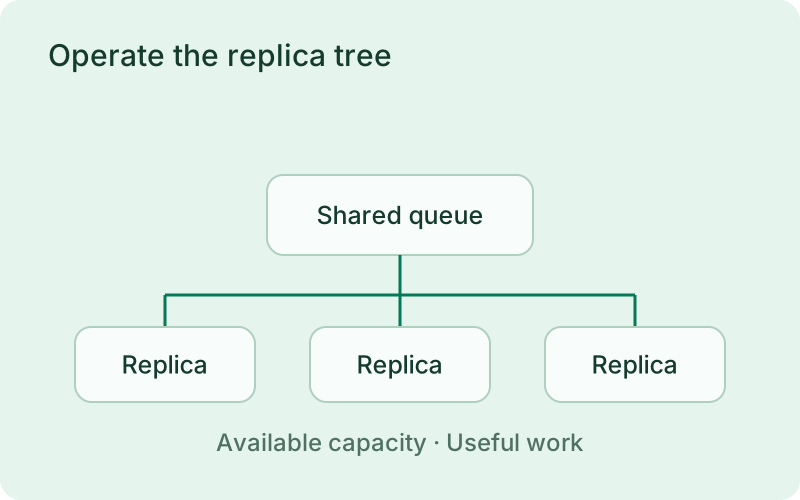
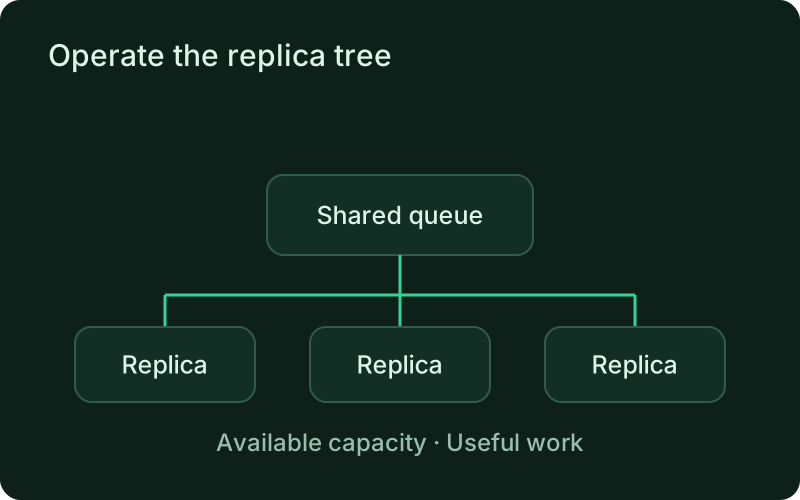
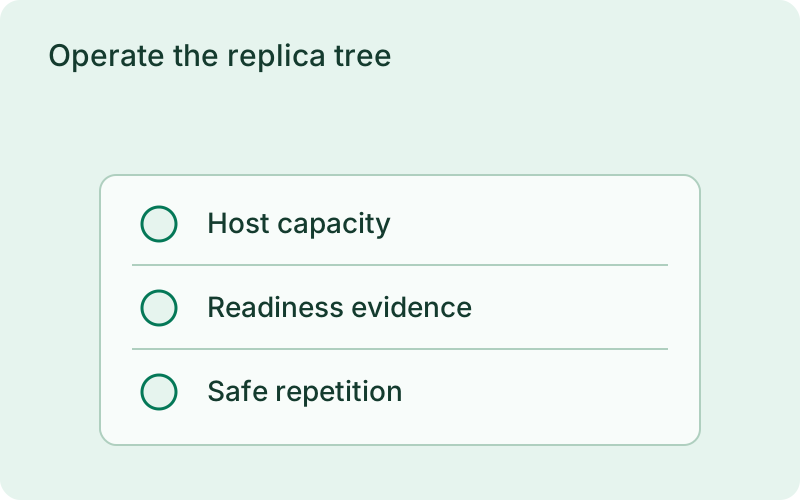
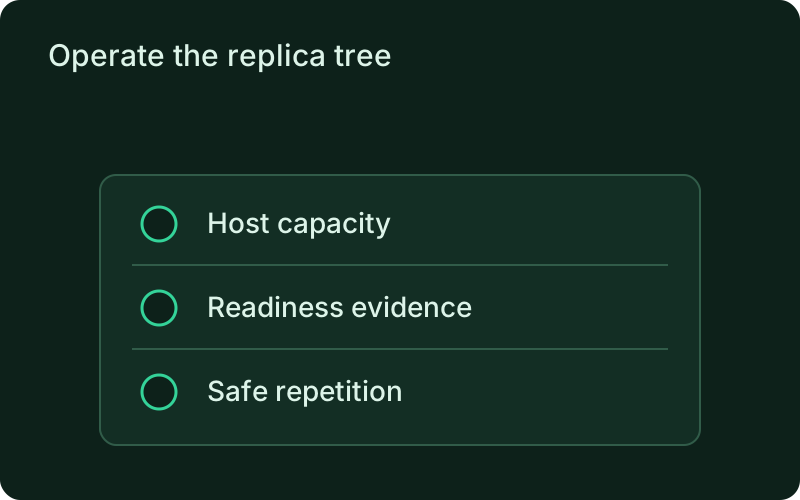
Check both process health and the age of unfinished work during routine operation. A running worker can still be stalled by an unavailable dependency. Before reducing capacity or replacing a version, allow active tasks to finish within the shutdown grace period and confirm that interrupted work can return to the queue without duplicate customer-facing actions.
Frequently asked questions
Short answers; the docs go deeper.
How do I run a Redis or Kafka consumer as a worker?
Declare the project with type: worker, build it, and start it. Phelix never injects PORT and never creates proxy routes, so the consumer needs no listen code. Give it an exec probe when you want queue lag or consumer-group state checked, and set deploy.replicas to the parallelism you want.
What does SIGTERM mean for my worker?
Phelix sends the configured signal and holds the grace period, but whether in-flight work is truly finished is the app's contract. Treat SIGTERM as: finish the current message, ack or nack it, then exit.
Can I scale a worker without rebuilding?
Yes. phelix scale --replicas N changes the replica count in place at the current version. Growth launches new slots from the recorded environment snapshot; shrink drains the highest-index replicas as intentional stops.
One binary between git push and production.
Install the CLI, verify the host, and follow the quick start to build your first application.