Worker workloads
Run background workers on your own server
Queue consumers, email senders, and schedulers need no port and no proxy, but they do need real supervision. Phelix treats a worker as a first-class workload type: replica sets, restart policies with growing patience, exec probes, and rolling replacement, all from the same CLI.
Released Phelix hosts: Linux and macOS. Builds Go and Rust with your host toolchain.
simulated
supervised port-less replicas on the host you control
Declared once, supervised forever
The type changes the run model, not the build.
phelix init --type worker writes a port-less phelix.yaml with the supervision defaults filled in: a restart policy with jittered backoff, a shutdown signal and grace period, and a health mode. Nothing ever connects to a worker, so there is no port to pick and no readiness path to declare. The build is the one you already know: a numbered version, a build report, and an encrypted environment snapshot. On start, every replica slot launches from the recorded snapshot and must come alive within startup_timeout. A crashed replica restarts on the policy, and after max_attempts consecutive failures it rests in crashloop until you intervene, instead of spinning all night.
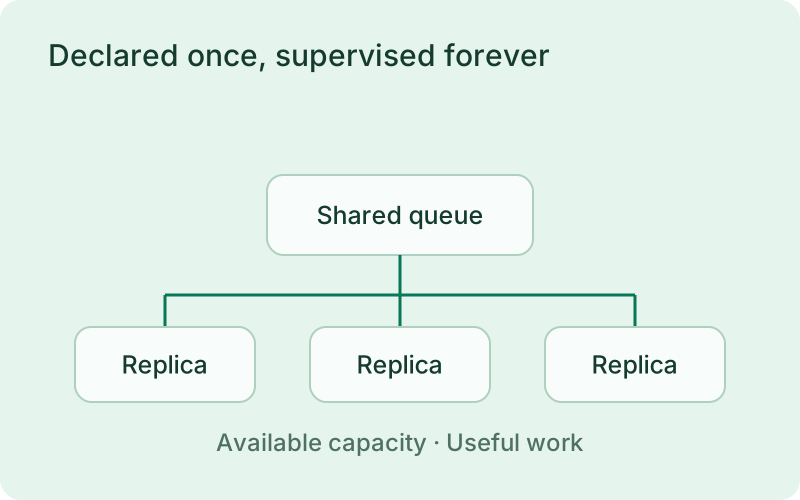
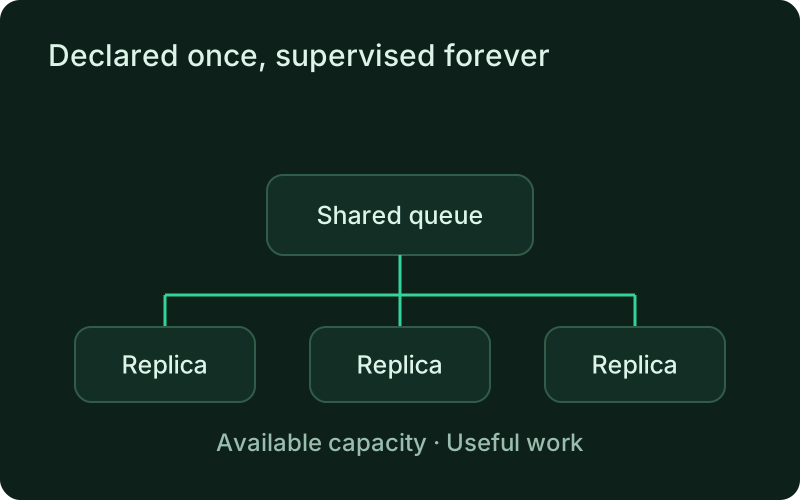
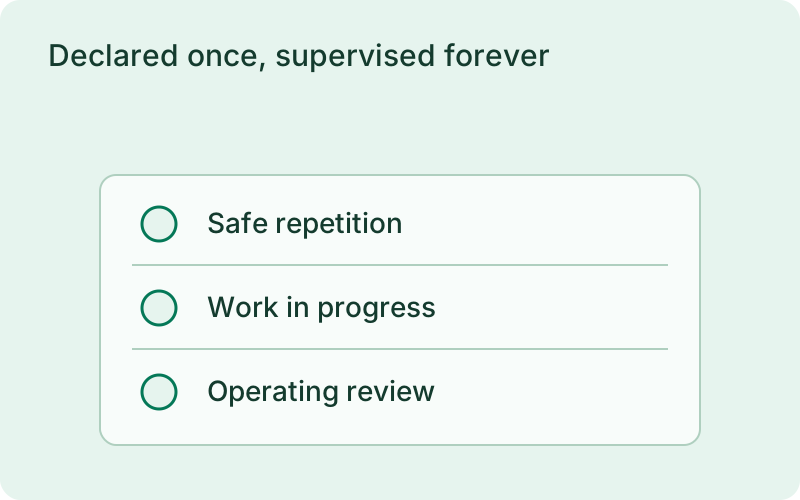
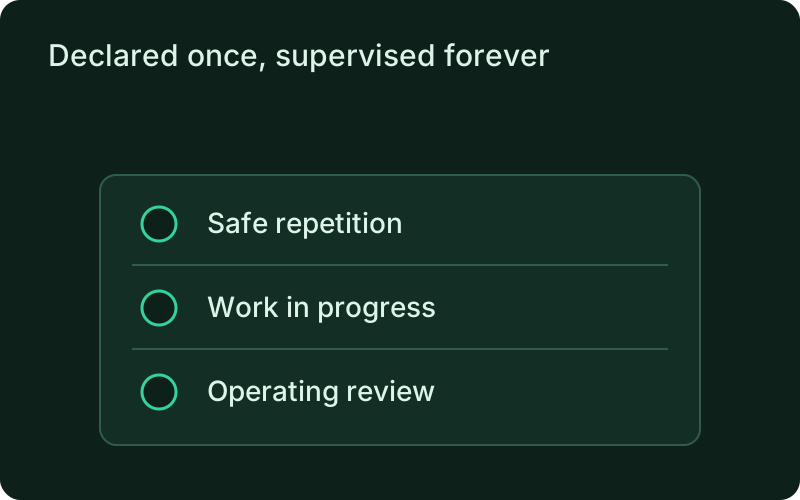
This fits ongoing work such as consuming messages, sending mail, or processing a stream. Decide how the worker shows useful progress and how interrupted tasks return safely before relying on supervision. Keeping the process alive is valuable, but the application remains responsible for acknowledging work and preventing duplicate effects when a task is attempted again.
phelix init --type workerphelix build email-workerphelix start email-workerNo port, no proxy, no port gate
Startup is judged by process identity, not by a listener.
A worker never allocates a port, never receives a PORT variable, and never gets proxy routes, so the port gate that a supervised service passes simply does not exist here. Health is a choice between two modes: identity liveness by default, or an exec probe whose argv runs without a shell from the app directory, where exit 0 means healthy and repeated failures trigger exactly one health-driven restart. The supervisor keys each replica by PID, executable path, and kernel start time, so a recycled PID is never mistaken for the original process. Configurations that mix the two workload types fail validation with the exact yaml path named.
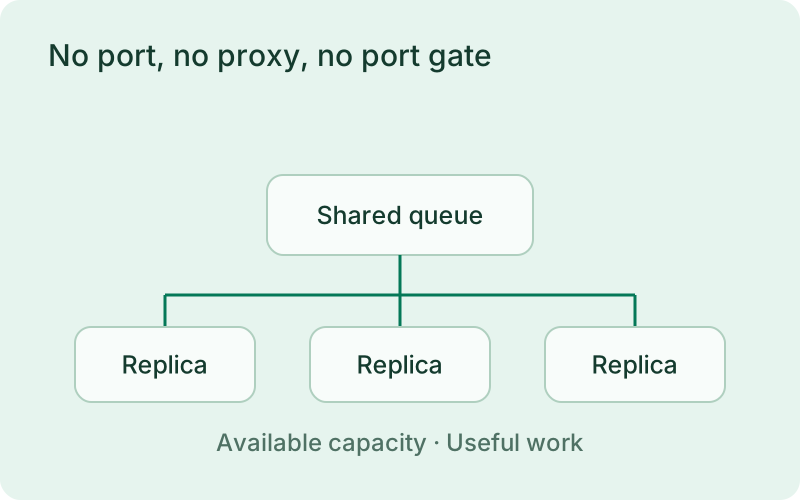
A worker can be healthy without serving web requests, so choose a check that reflects its ability to do work. Watch queue age or completed tasks alongside process status, particularly when an external dependency is slow. A listening-port check would describe the wrong responsibility for this workload and could hide a stalled worker behind an apparently healthy service.
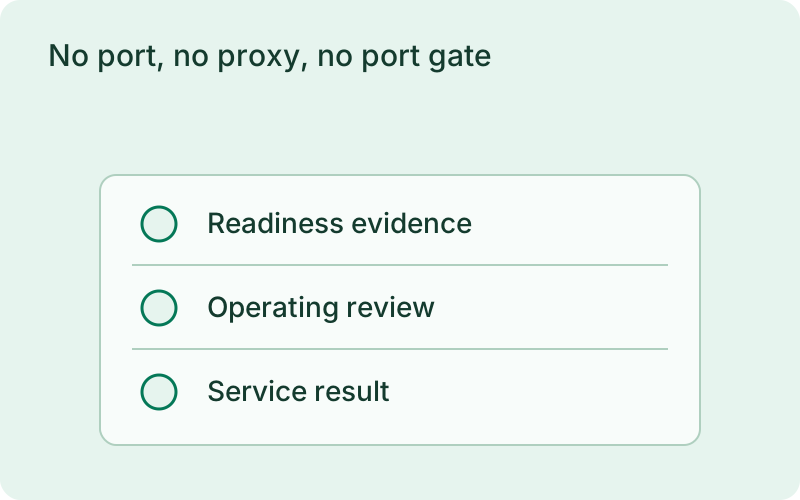
Day-2 operations on the replica tree
Scale, recycle, and replace without a rebuild.
phelix status prints the replica tree: per-slot state, PID, restart count, and last exit. phelix scale --replicas N grows or shrinks in place at the current version, and drained slots exit as intentional stops that never count as crashes. phelix restart --replica 2 recycles one slot and resets its crash counters; phelix log --replica 2 tails its output. phelix rebuild replaces replicas one at a time: the replacement starts alongside the old slot, the old slot keeps running until the replacement passes the startup gate, and only then is it drained within drain_timeout. A failed deploy reverts exactly the replicas already replaced, and an interrupted rollout is reverted at the next daemon start.
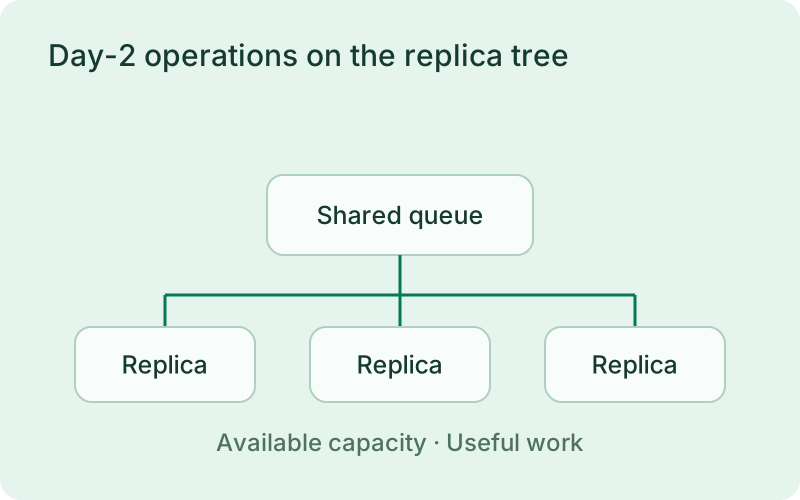
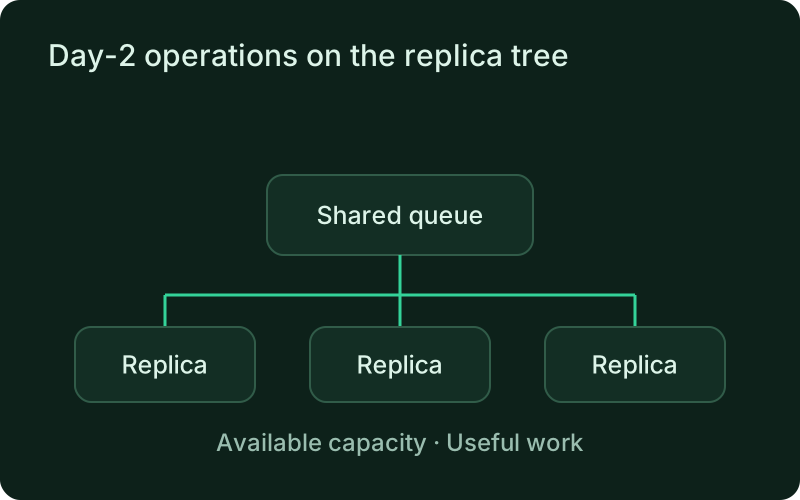
Add replicas only when the work can be shared and the supporting systems can absorb the extra demand. During replacement or scale-down, let active tasks finish within the configured shutdown period. Review the outcome after capacity changes, because increasing the number of running processes does not necessarily increase throughput when every worker waits on the same bottleneck.
phelix status email-workerphelix scale email-worker --replicas 5Scriptable like everything else
The replica tree speaks the same machine contract.
With --json, scale and the other lifecycle commands return the machine envelope, so the worker fleet is safe to drive from CI, scripts, or a coding agent through the MCP adapter. Per-replica CPU and memory ceilings ride on cgroups v2, documented in Resource limits.
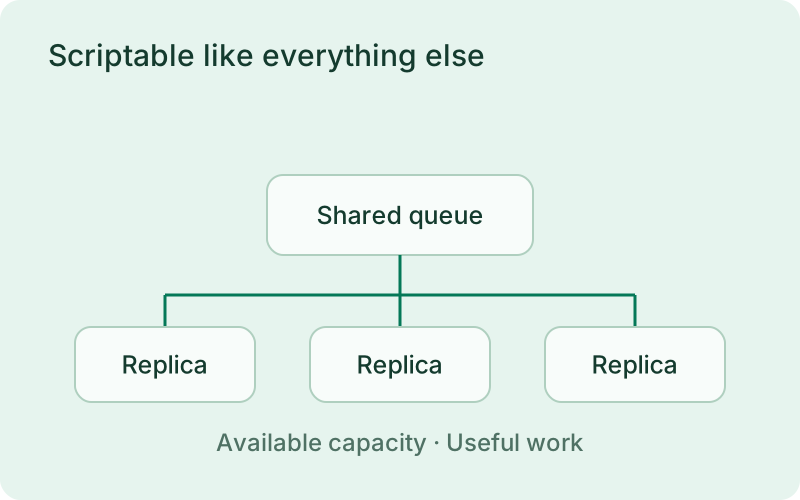
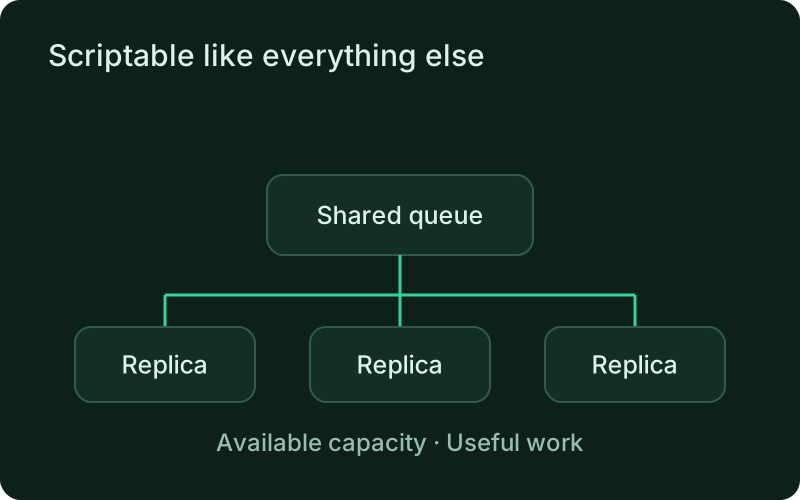
An automated operating request should identify the intended worker and replica count clearly enough to review later. Keep the result, including failures, with the workload history. The same caution applies whether a person or an assistant requested the change: observe completed work and shared dependency pressure after scaling rather than relying only on the number of running replicas.
One binary between git push and production.
Install the CLI, verify the host, and follow the quick start to build your first application.