Feature
Background workers
A worker is a long-running background process with no public port: a queue consumer, an email sender, a scheduler. Phelix treats it as a first-class workload type with process supervision, replica sets, and the same versioned builds services get.
simulated
one supervisor owns every worker app on the host
A second workload type next to services
Declaring type: worker in phelix.yaml changes the run model, not the build. phelix build, rebuild, versions, build reports, and encrypted environment snapshots all work unchanged; a worker version is a binary plus its snapshot, exactly like a service. What changes is everything around the port: Phelix never allocates one, never injects PORT, and never creates proxy routes, so blue-green, canary, and progressive do not apply. Services need no type key: every config written before the key existed is a service. The worker keys are rejected for services, and the service keys (port, endpoint probes, the docker runtime) are rejected for workers, so an invalid combination fails with a CONFIGURATION_ERROR naming the exact yaml path.
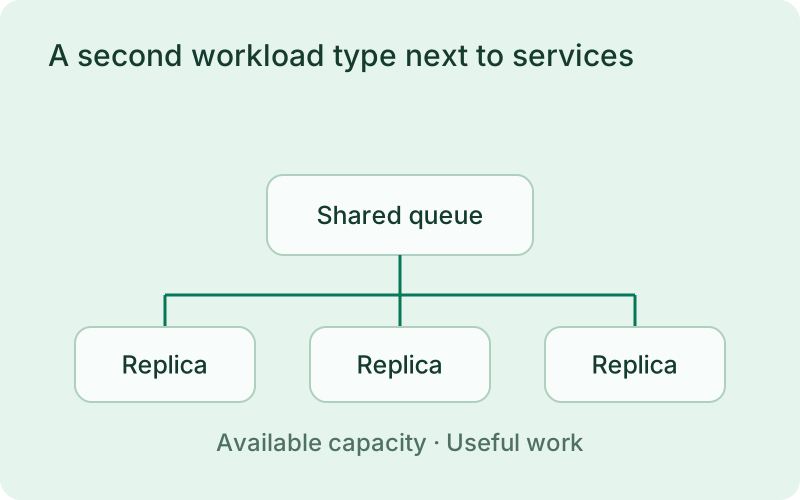
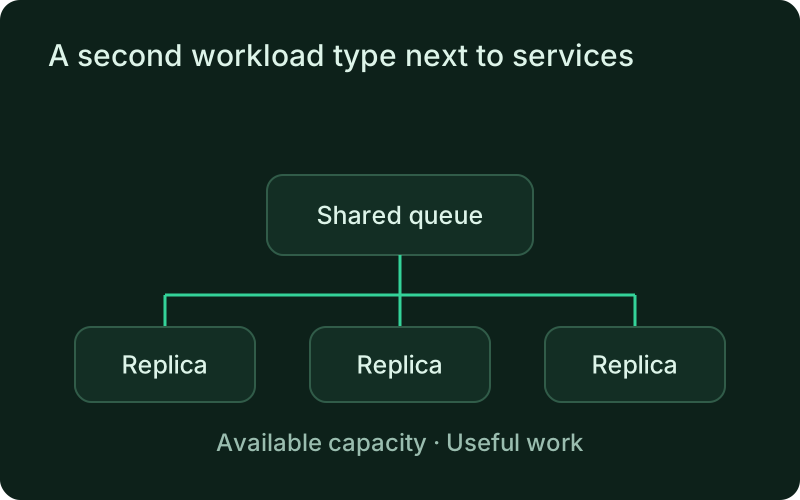
Background workers fit continuous queue processing, email delivery, and other work that does not serve an HTTP listener. A job that runs once and exits belongs to the scheduled-job workload instead. Choosing the right workload makes success easier to interpret: a worker should remain available for work, while a job should finish with a recorded result.
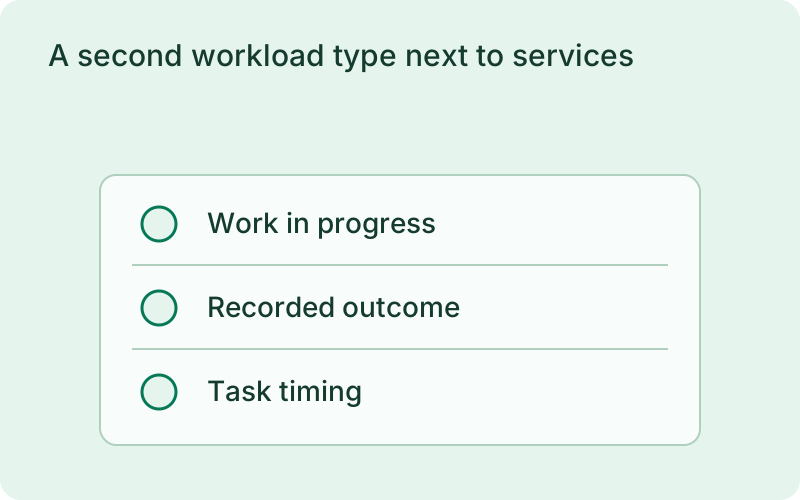
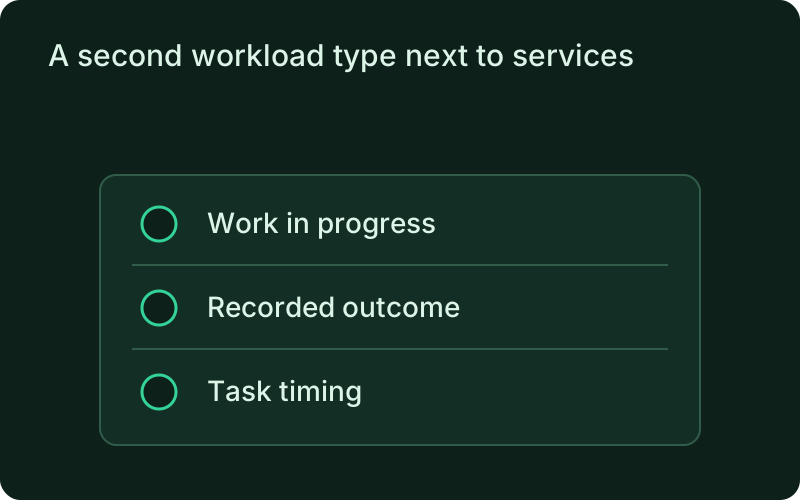
- No port gate: startup success means the process is alive and, in exec mode, passing its probe
- Native runtime only in v1; a docker worker is rejected at validation
- Per-replica cgroups v2 resource limits on Linux
phelix build email-workerphelix scale email-worker --replicas 5phelix status email-workersimulated
replaced one at a time · no proxy, no port, no dropped work
Supervision with growing patience
The monitor daemon runs one supervisor loop that owns every worker app, keyed by full process identity: PID, executable path, and the kernel start time, so a recycled PID is never mistaken for the original process. The restart policy decides what an exit means: always restarts on any exit, on-failure (the default) on non-zero exit, signal, or OOM, and never leaves the replica down. Restart delays grow initial × multiplier^attempt, capped at max, with jitter, so a hundred replicas crashing together do not retry in lockstep. After max_attempts consecutive failures the replica enters crashloop and stays there until a manual restart or a redeploy. A clean exit is never a failure: under on-failure the replica is marked completed and left alone.
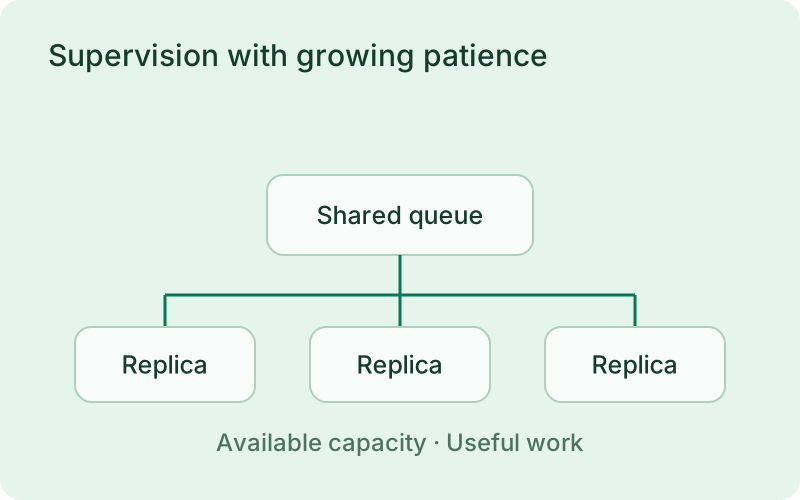
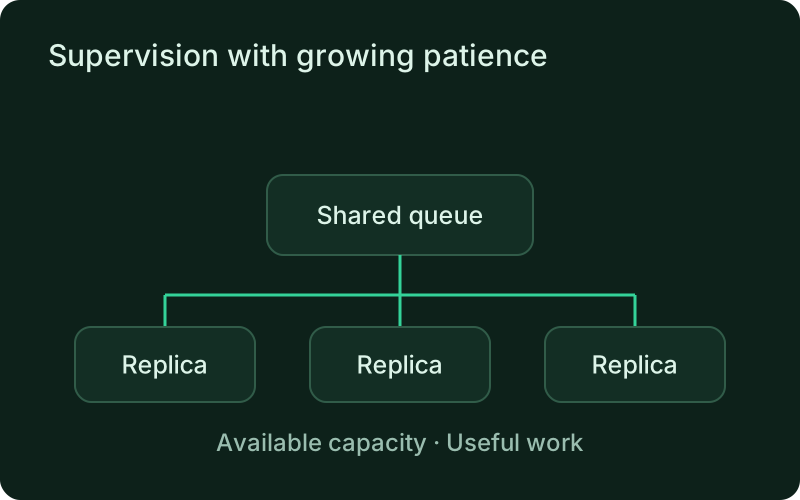
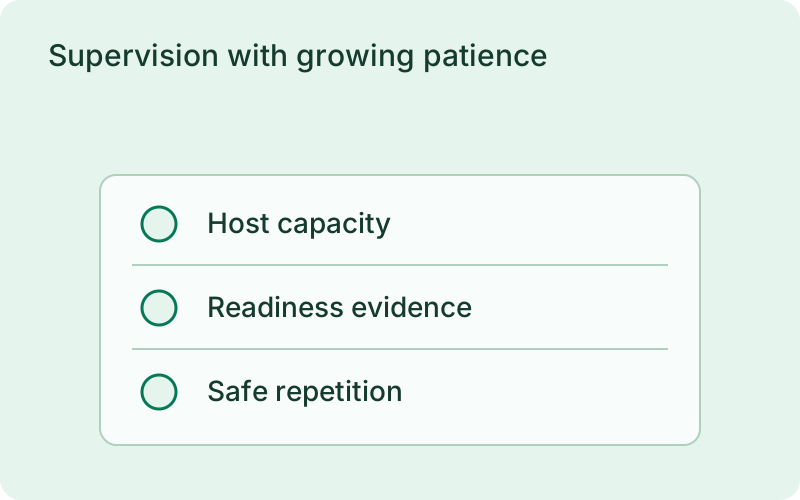
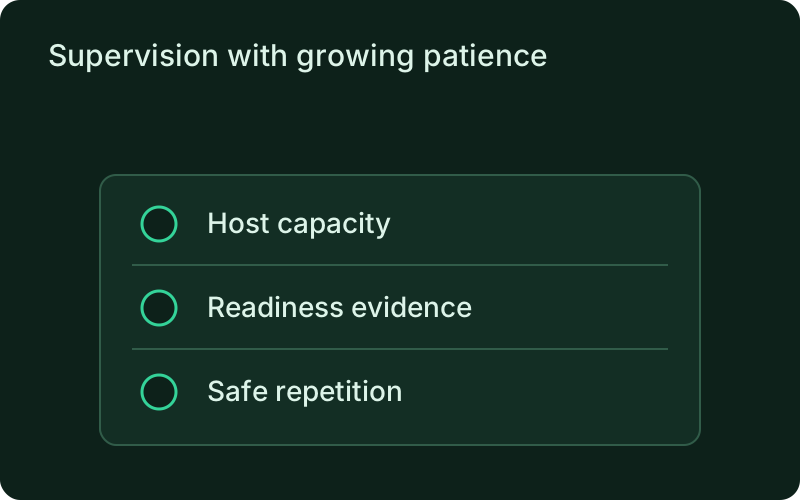
Restart policies provide a recovery boundary when a process exits or its health check fails. They cannot decide whether a message was safely acknowledged or an external action happened twice. Keep retry-safe processing in the application and watch queue age as well as process status, so a repeatedly restarting worker does not look like productive capacity.
Day-2 operations on the replica tree
phelix status prints the replica tree: per-replica state, PID, restart count, and last exit. phelix scale changes the replica count in place at the current version, growing from the recorded environment snapshot and draining the highest-index slots on shrink; scaled-down replicas never count as crashes. phelix restart acts on one replica or all of them, and phelix log --replica N tails one slot's output. phelix rebuild on a worker runs the worker deploy engine: rolling replaces one replica at a time, launching the replacement, proving it through the startup gate, then draining the old replica within drain_timeout; classic drains everything first. A failed deploy reverts exactly the replicas already replaced.
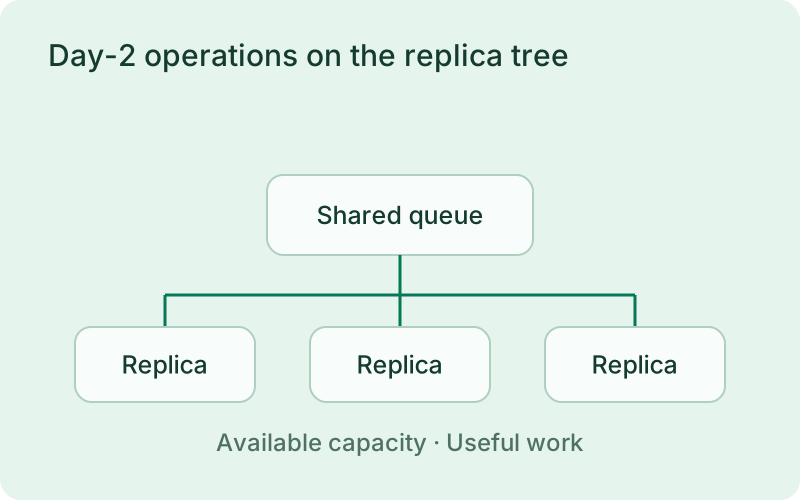
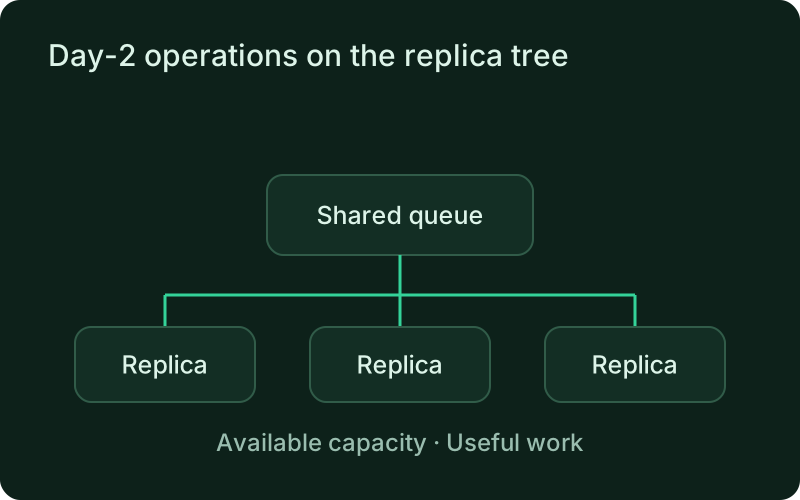
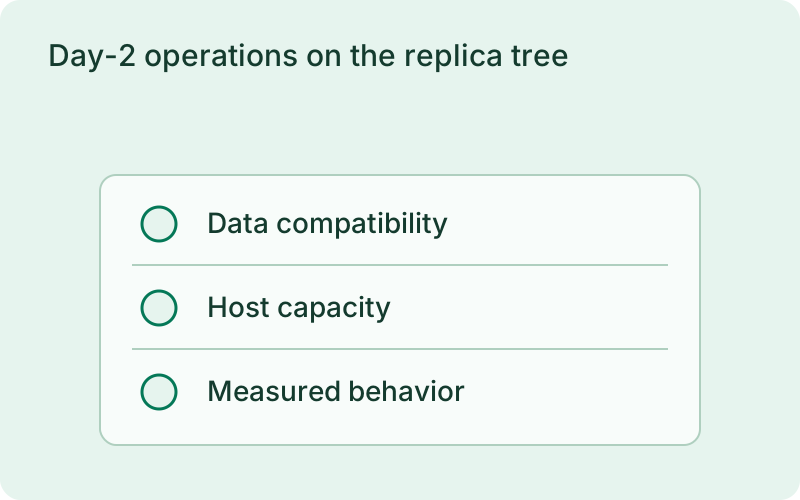
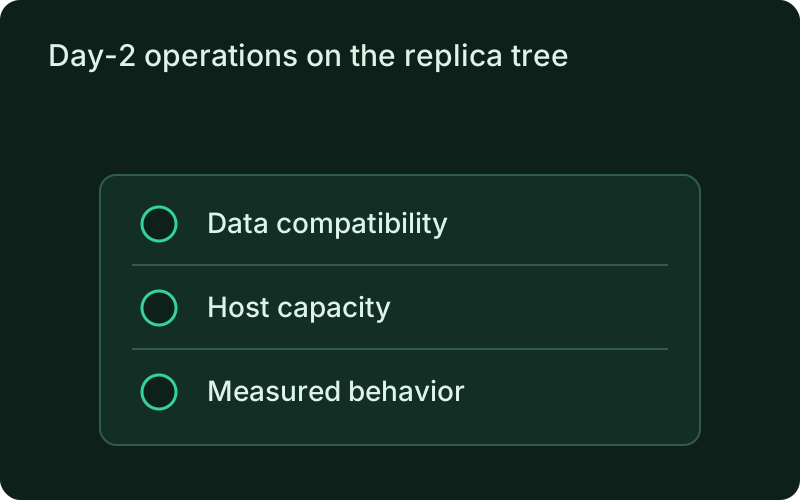
Before changing the replica count, review the capacity of shared dependencies such as a database or mail provider. Extra workers can increase pressure without increasing useful throughput. During replacement or scale-down, allow active tasks to drain and ensure interrupted work can be picked up safely. Process management supports those choices but does not own task completion.
simulated
scale changes the replica count without a rebuild
Frequently asked questions
Short answers; the docs go deeper.
What is a worker in Phelix?
A long-running background process declared with type: worker, such as a Redis or Kafka consumer or an email sender. It has no public port: Phelix never injects PORT and never routes traffic to it. Instead it supervises a replica set with restart policies, optional exec health probes, in-place scaling, and rolling replacement.
How are workers health-checked without a port?
Two modes. health.mode: process (the default) is identity liveness: the replica is healthy while its process is alive. health.mode: exec runs a probe command on an interval, exit 0 means healthy, and consecutive failures trigger one health-driven restart that counts toward the restart cap.
What happens when a worker keeps crashing?
Restart delays grow with jitter until the cap, and after max_attempts consecutive failures the replica enters crashloop instead of restarting forever. It stays there until a manual restart or a redeploy resets it, so a broken release cannot spin the fleet all night.
One binary between git push and production.
Install the CLI, verify the host, and follow the quick start to build your first application.