Release automation
Automate the steps around a deployment
Make migrations, checks, warm-up, and notifications part of the deployment, with execution records that can be inspected remotely.
Illustrative workflow
Your server
A connected workflow
Working through your release
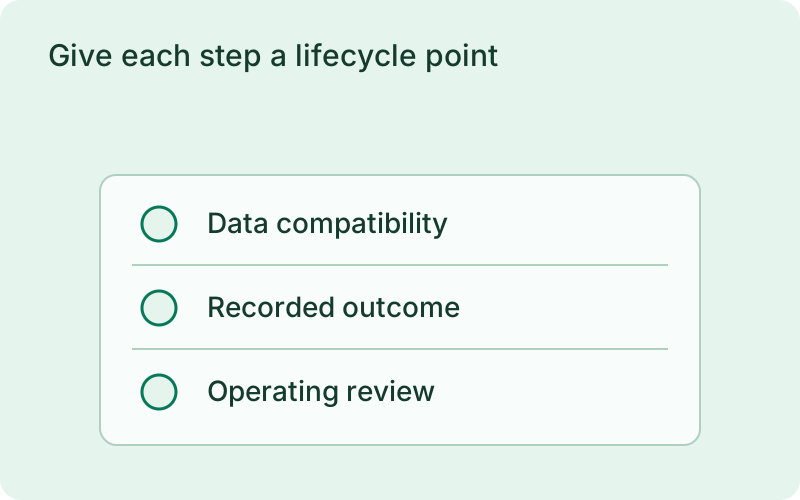
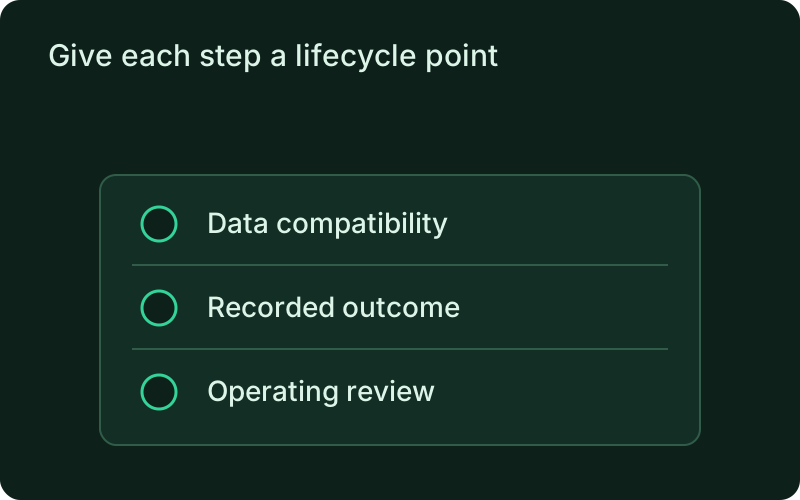
Give each step a lifecycle point
Place compatible migrations before instance changes, smoke tests after candidate health checks, and cache warm-up before traffic switches. Notify after the deployment is committed. Hooks keep these responsibilities attached to the release instead of relying on a separate checklist that someone must remember to run.
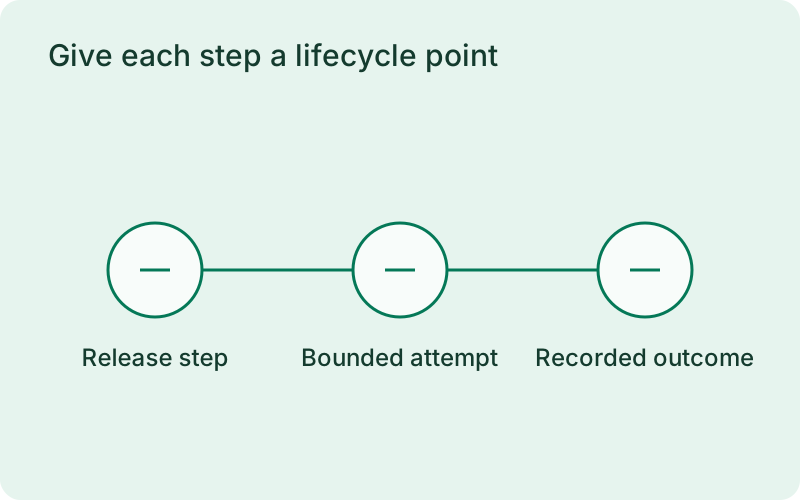
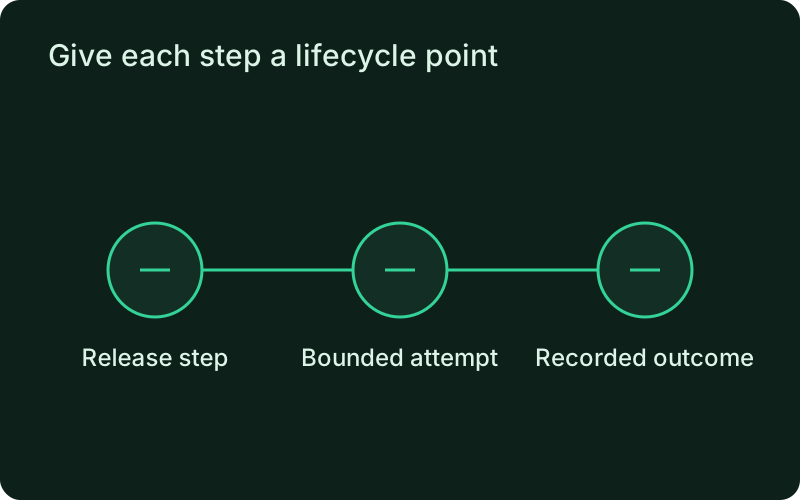
This helps when releases regularly include a migration, a smoke test, or another step that should happen at a precise point. Give each responsibility its own hook so the history shows what succeeded. Keep migrations compatible with the version still serving traffic, and separate customer-impacting checks from optional follow-up messages.
Bound failures and keep their evidence
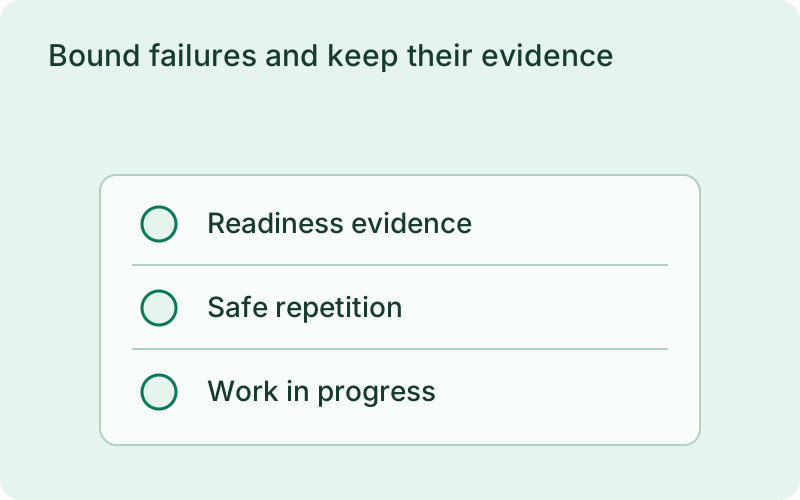
Timeouts and retries keep attempts bounded. Critical failures use the normal deployment recovery path, while post-deploy failures remain recorded without reversing the committed release. Captured output is redacted. The history gives the operator a clear place to inspect the failed step before deciding whether another attempt is appropriate.
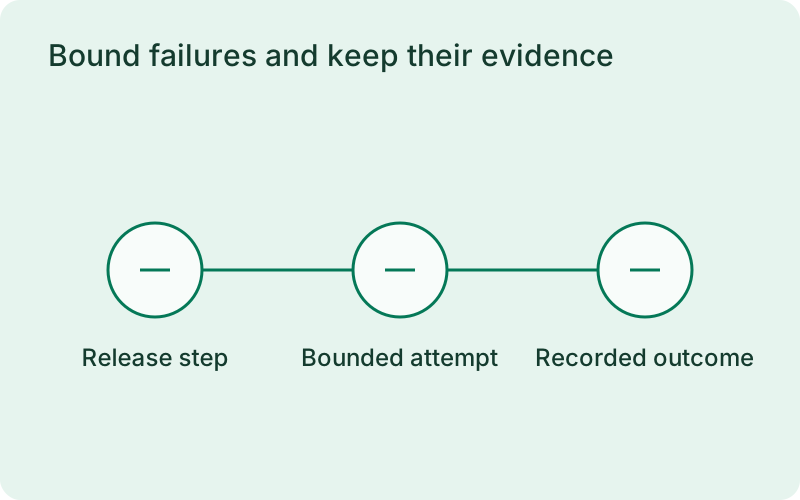
Choose failure policy and retries according to the work being performed. A critical readiness-related step should not disappear into a successful release message, while a notification failure should remain visible without undoing a live application. For work that changes external data, make repeated attempts safe and inspect any interrupted attempt before running it again.
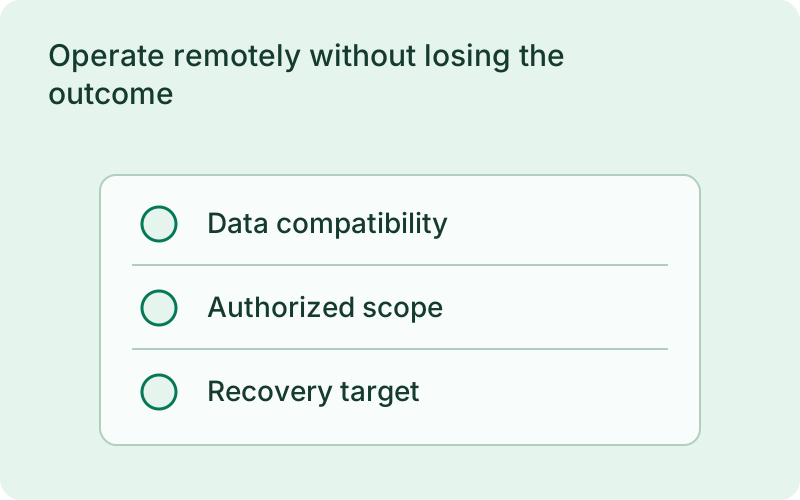
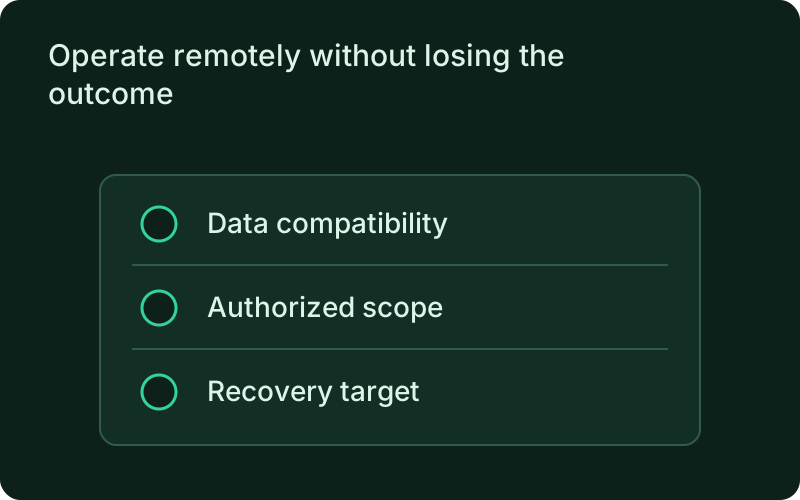
Operate remotely without losing the outcome
Inspect configuration, status, history, and execution output through the connected monitor and request remote execution under host authorization. Inspect uncertain attempts before repeating side effects, and keep database migrations compatible with rollback.
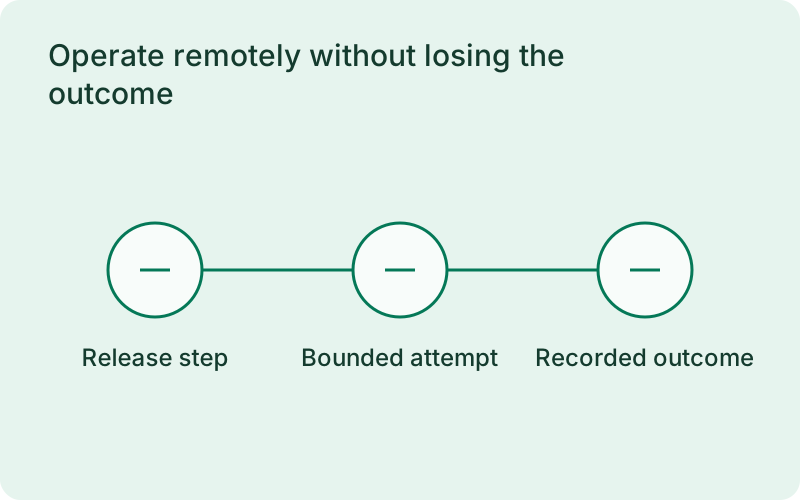
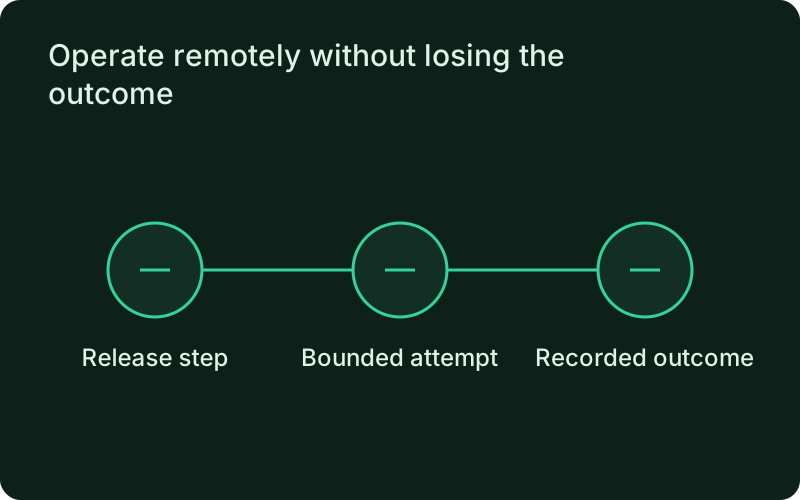
Remote history is useful when the person reviewing the release was not present for execution. Use the recorded timing, exit result, and redacted output to decide the next action. Application rollback restores a version; it does not undo database changes or other external work performed by a hook, so recovery planning must cover those separately.
One binary between git push and production.
Install the CLI, verify the host, and follow the quick start to build your first application.