Scheduled work
Run recurring tasks on your server
Give daily reports, cleanups, and batch tasks a versioned build, a timezone-aware schedule, and a durable result for every run.
Illustrative workflow
Your server
A connected workflow
Working through your release
Schedule the task that finishes
Declare a job with one command and one schedule. Building it records a version without a port or a running service. The monitor executes scheduled occurrences using the configured timezone.
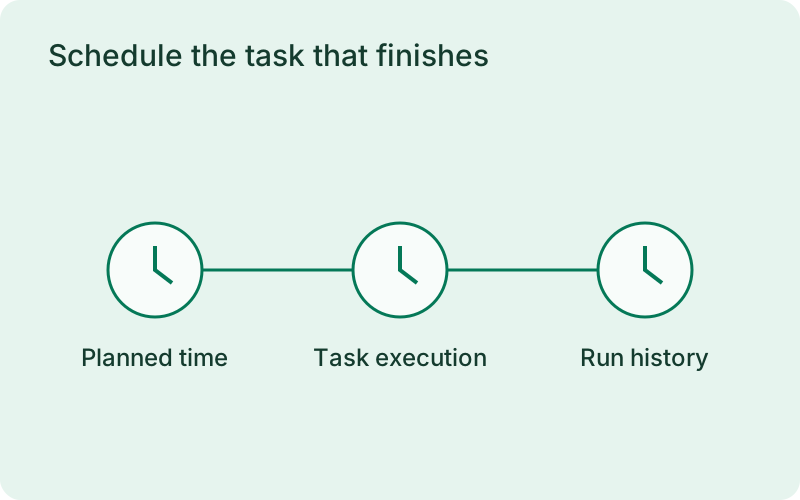
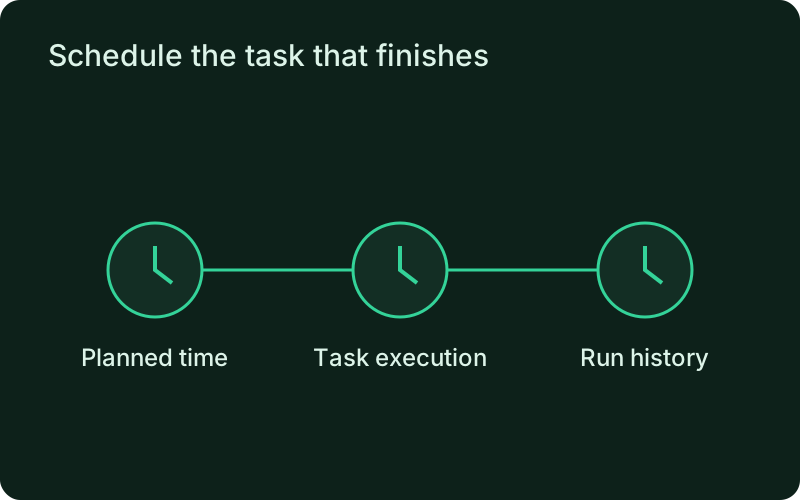
This suits daily reports, periodic cleanup, and other work with a clear expected result. Choose the timezone and deadline around the people using that result, then test a manual run before relying on unattended execution. Keep the task distinct from a continuous worker so normal completion is recorded as completion rather than treated as an unexpected process exit.
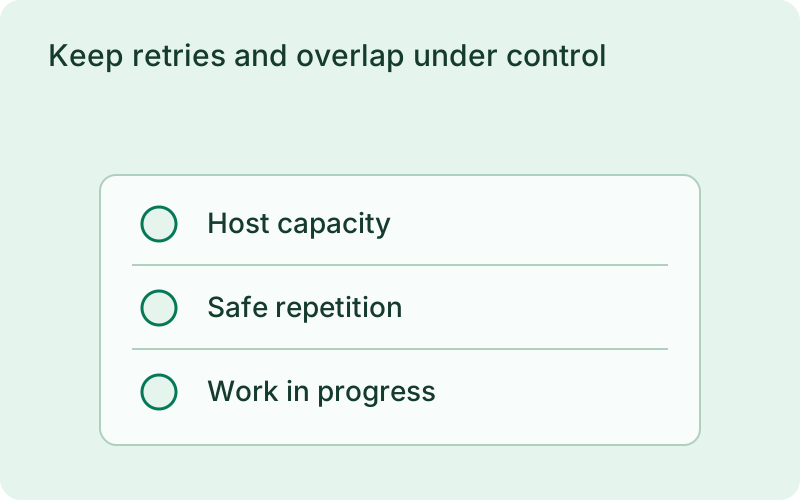
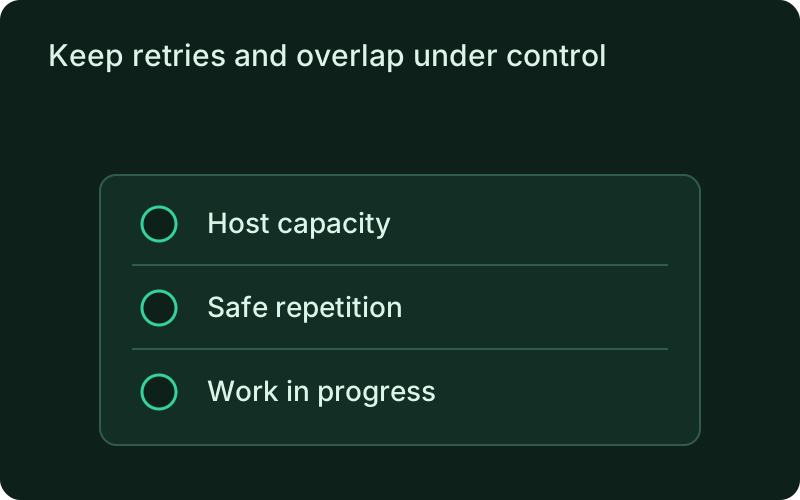
Keep retries and overlap under control
Set a timeout, sequential retries, and a concurrency policy. The default prevents the same job from overlapping itself. Missed occurrences are skipped without automatic backfill. Execution history records the result of each attempt, making a missed or unsuccessful task visible for a deliberate recovery decision.
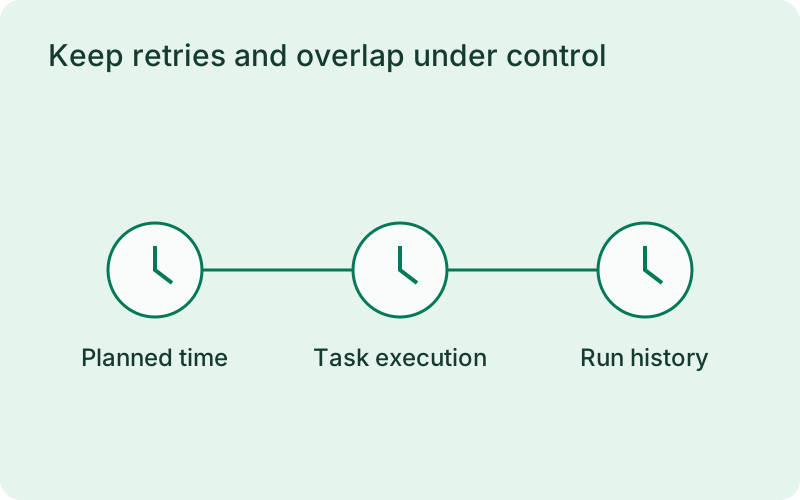
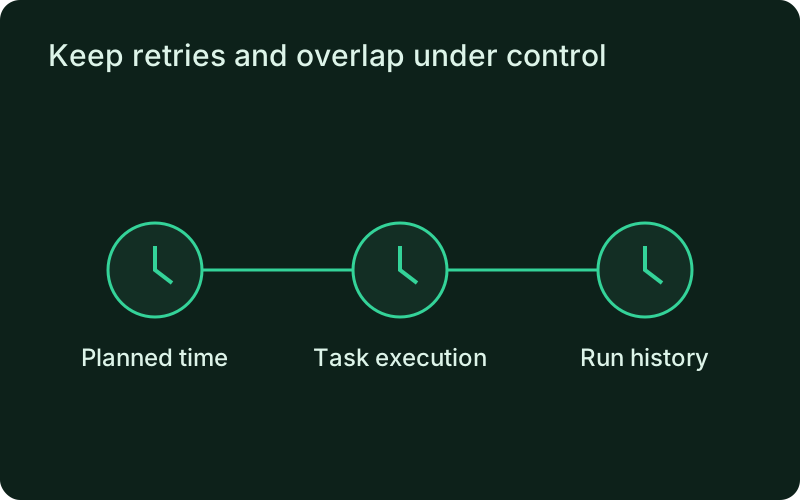
Consider what happens when an attempt stops after writing only some of its output. Safe retries should finish or repeat that work without creating duplicate effects. Preventing overlap helps protect shared resources, while skipping missed occurrences avoids a burst of old work after downtime. Decide explicitly when a missed task still needs a manual run.
Review and trigger runs remotely
Inspect execution history and redacted logs or trigger a manual run through the connected monitor. Active records are retained and interrupted executions remain distinguishable from success. Stagger long scheduled tasks because dispatch is sequential.
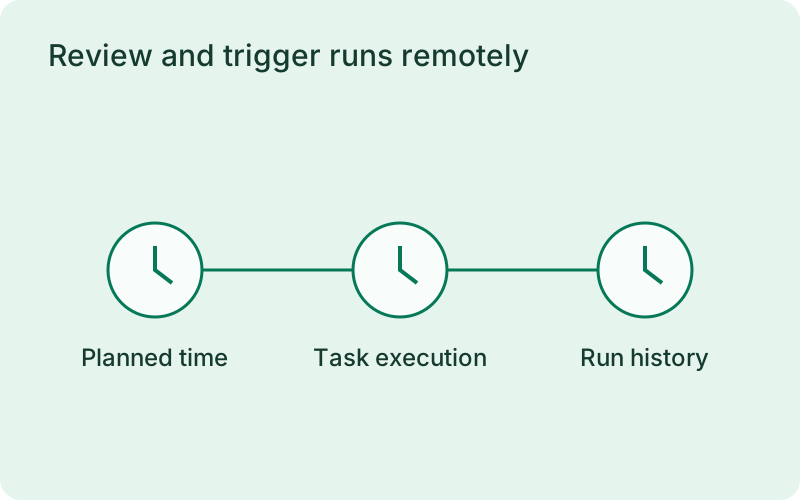
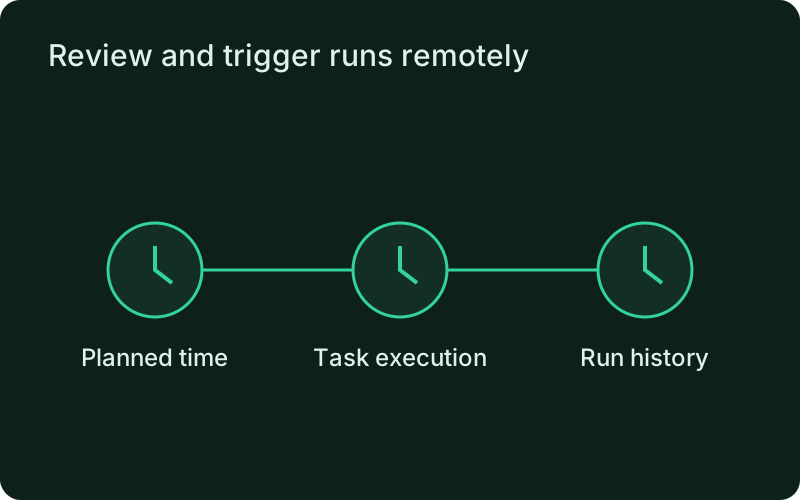
Execution history makes the recurring task reviewable by the person responsible for its result. Check the recorded outcome and the expected output after a failure or release change. Keep the monitor available and plan long tasks around sequential dispatch so one batch operation does not unexpectedly delay another report or maintenance task.
Read next
One binary between git push and production.
Install the CLI, verify the host, and follow the quick start to build your first application.