Adaptive capacity
Scale workers and rolling services automatically
Let capacity respond to measured demand within limits you choose. Keep the controls and the reason for every replica change.
Illustrative workflow
Your server
A connected workflow
Working through your release
Use the metrics that fit your workload
Set replica bounds and CPU or memory thresholds for workers and rolling services. Add request-rate and latency thresholds when the service uses the proxy. Missing or stale data remains explicit.
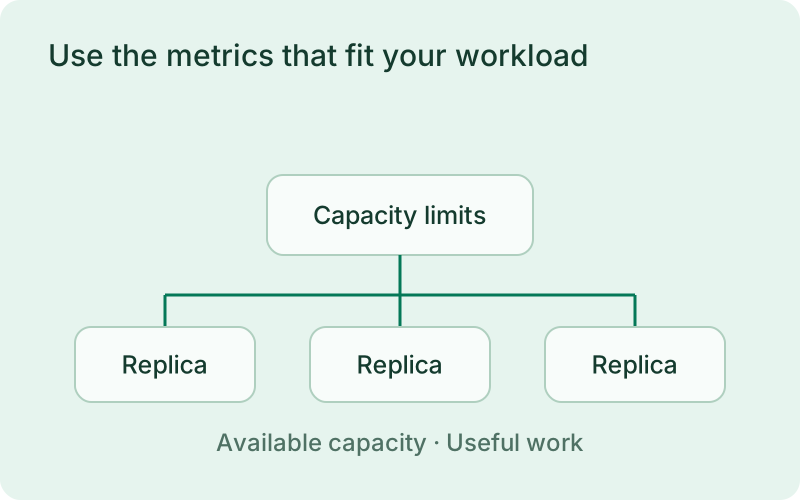
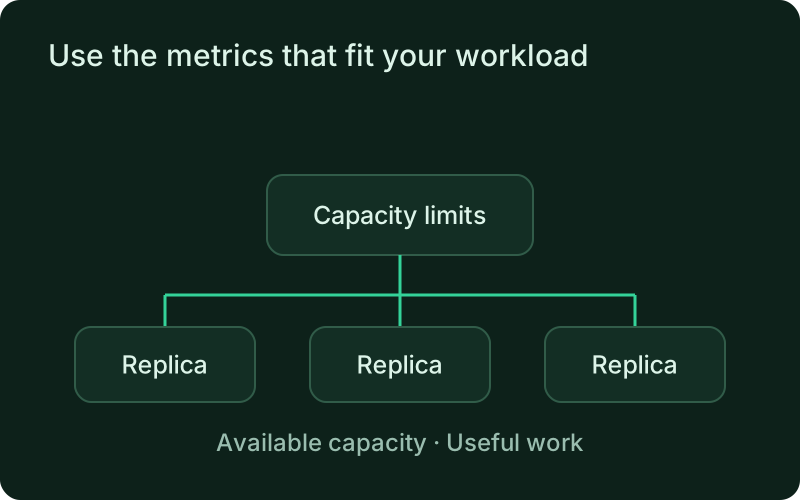
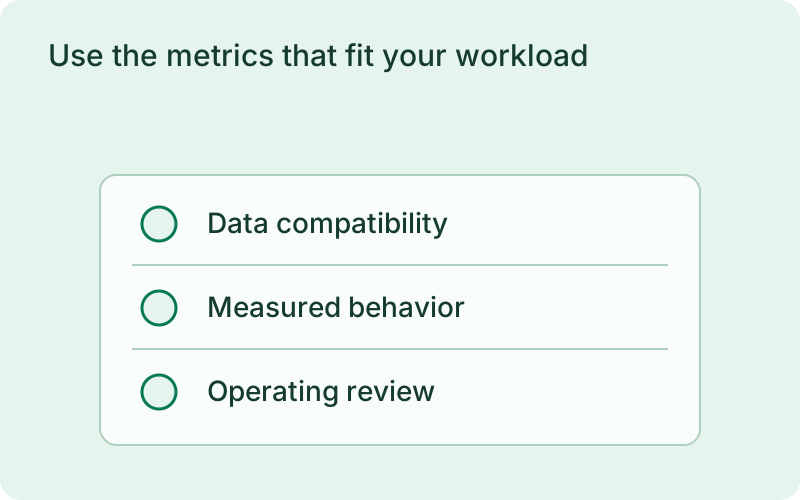
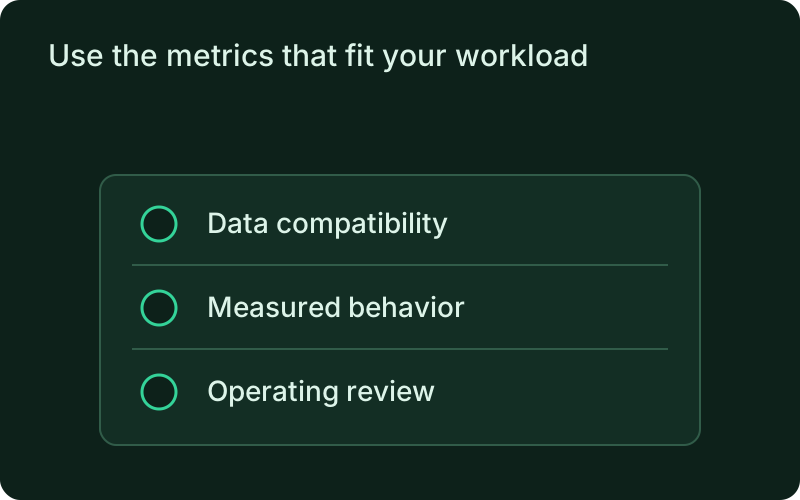
This fits workers and rolling services whose useful throughput improves with additional instances. Choose thresholds that represent that demand and a maximum the host can sustain. If a database or external provider is the bottleneck, more replicas can add pressure without improving the outcome, so begin with an understanding of where the workload is constrained.
Add capacity and drain it carefully
Evaluation windows, cooldowns, and stabilization prevent rapid reversals. Scaling uses the active artifact, shares the deployment lock, health-checks new rolling replicas, and drains replicas before removal. Each adjustment changes capacity within the declared limits while keeping the current application artifact and its normal operating protections.
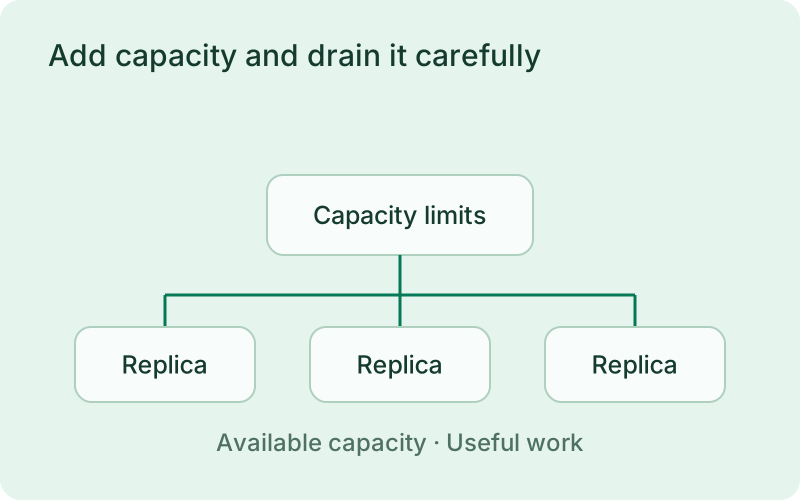
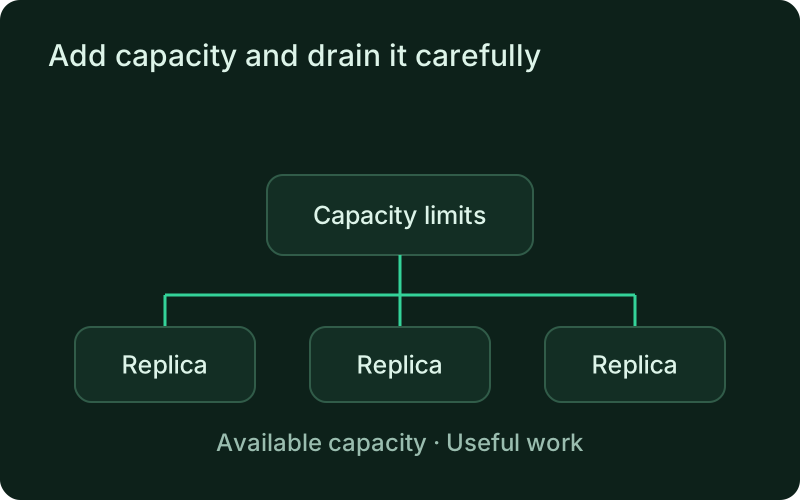
A deliberate adjustment should preserve the behavior customers and background tasks depend on. Leave time for new instances to become ready and for removed instances to finish their work. Cooldowns and stabilization make the controller easier to observe during changing demand, while the shared deployment lock keeps capacity changes from racing a release.
Retain manual and remote control
Pause and resume the controller remotely under scale authorization, inspect current resources, and review decision history. Pause state survives restarts, and interrupted scaling is reconciled when the monitor returns. Decision history preserves the reason and outcome of capacity changes so an operator can review what happened before resuming automatic control.
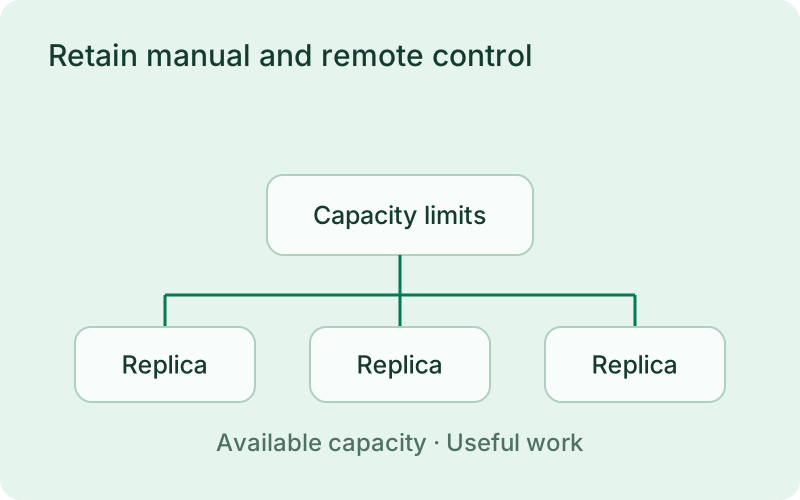
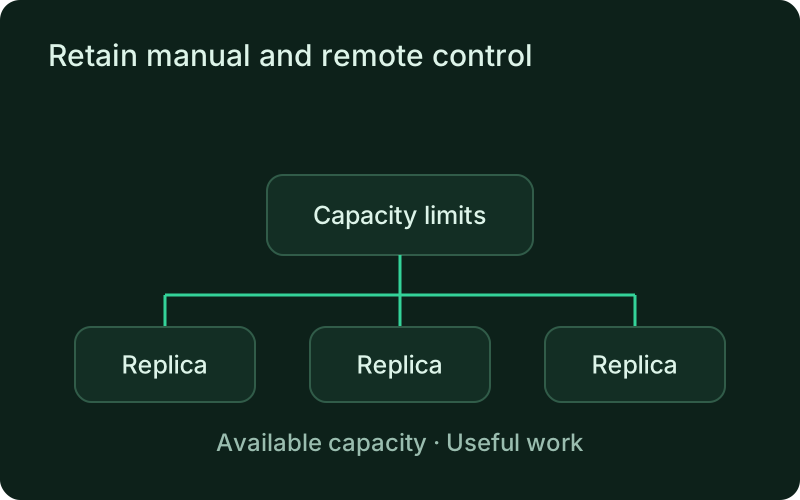
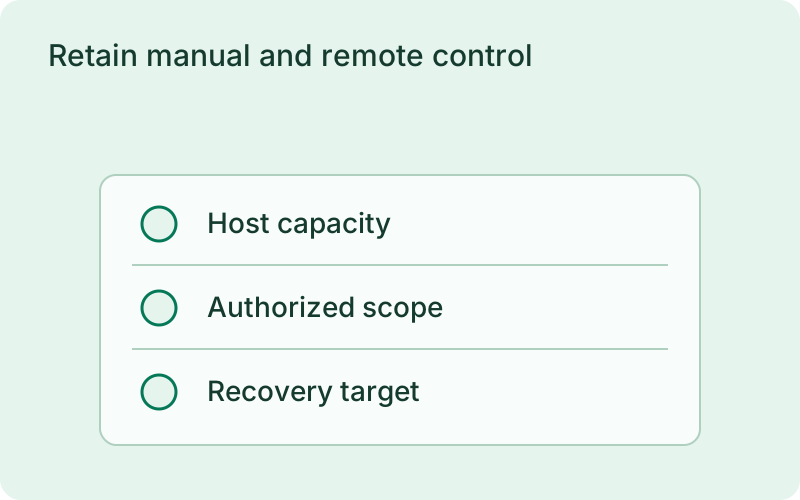
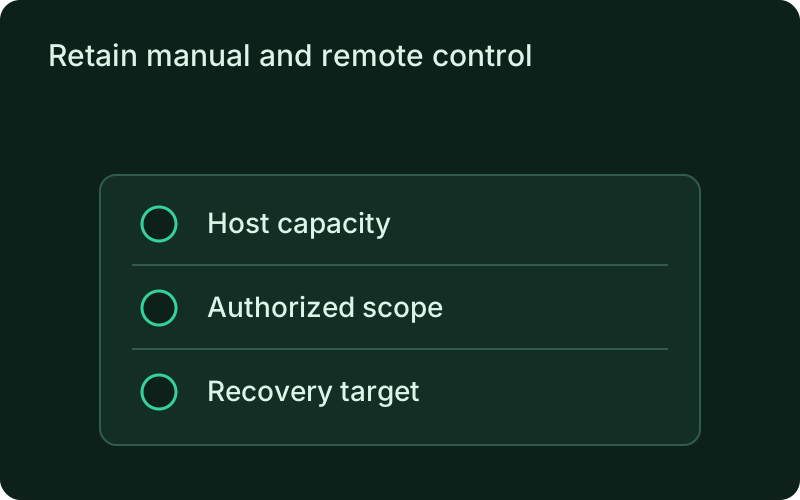
Keep a clear manual procedure for pausing changes during an incident and resuming after the cause is understood. Review the recorded decision reasons, current capacity, and resource measurements together. Scaling adjusts replicas on the current host rather than provisioning servers, so the limits and recovery plan must still reflect the machine supporting the workload.
One binary between git push and production.
Install the CLI, verify the host, and follow the quick start to build your first application.