Guide
Scan dependencies for vulnerabilities
Known vulnerabilities in dependencies are the quietest way a release goes wrong. This guide runs one full cycle: scan the project, read the findings with their evidence, wire the exit code into CI, and schedule the rescan.
simulated
the manifests are parsed in place, never built
Run the first scan
phelix security scan targets the project in the current directory or a registered application by name. Progress renders on stderr, the record is persisted under the data directory, and --json keeps stdout a pure machine envelope for scripts. phelix security report shows the latest completed scan and diffs it against the previous one with --previous; history lists recorded scans with status and counts, and show opens one advisory from the local cache first.
Use the first report as a starting point for review rather than a list of automatic upgrades. Note which dependency set was inspected and whether the advisory source was reachable. Repeat the scan after changing dependencies so the record describes the version you intend to release, and keep application findings separate from operating system package findings.
phelix security scanphelix security report myapp --previousRead the evidence
A finding is affected when the resolved version is established and lies inside the advisory range; potentially affected when only manifest minimums are known, with the reasoning attached; unknown when the scan could not decide, which is reported rather than silently cleared. Coverage is part of the report. An offline run that could not check every package reports partial coverage, so a quiet report is never mistaken for a clean one.
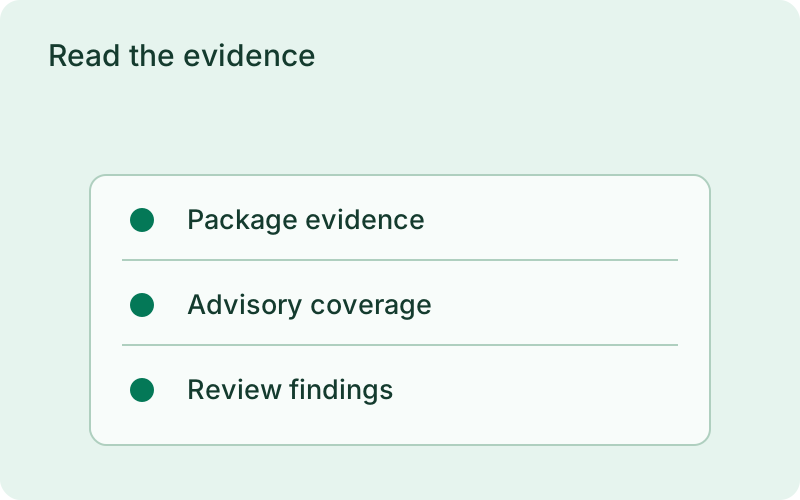
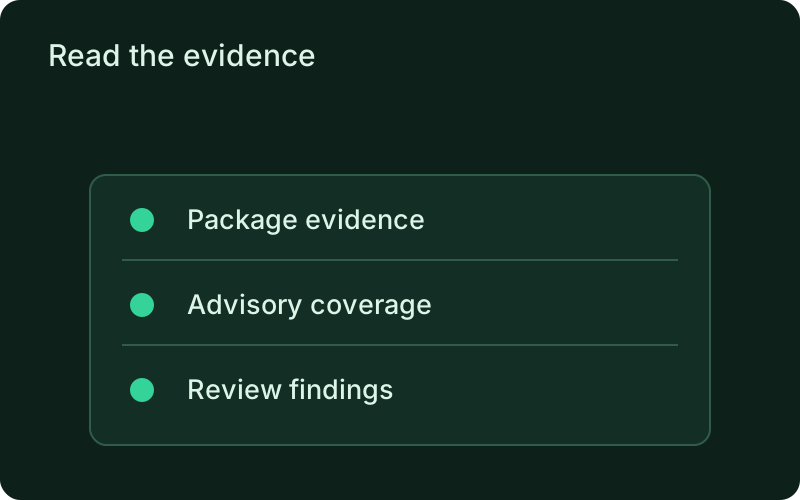
Prioritize a finding using its evidence, severity, and the role of the dependency in your service. An established affected version deserves a different response from an unresolved version range. Where the report is uncertain, investigate the missing information instead of assuming safety. The scan identifies known advisory matches; it does not replace a review of the application itself.
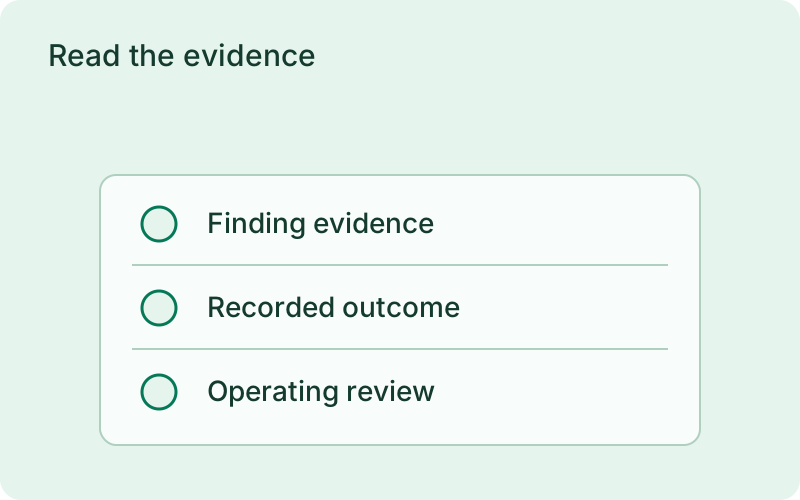
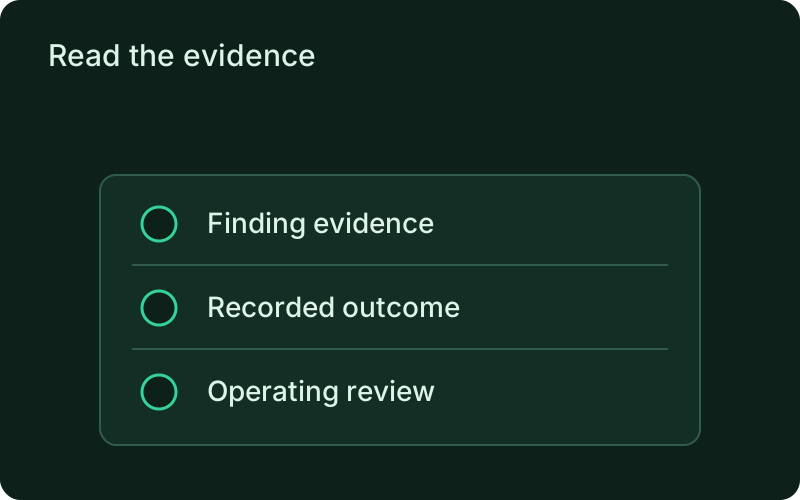
Gate CI and schedule the rescan
Set a threshold with phelix security config --set-fail-threshold; the flag edits phelix.yaml in place, preserving unrelated configuration and comments, and rejects invalid values before writing. In CI, exit 25 means findings reached the threshold and exit 30 means the advisory source was unreachable, so the two never blur. Scheduled scans run through the monitor daemon for applications with the scan enabled, and the dashboard can read reports only after the application opts in. Every remote mutation passes the host authorization boundary.
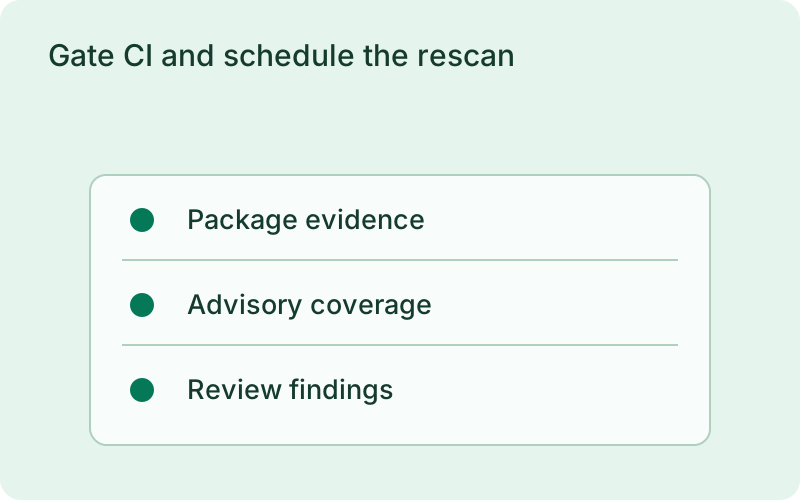
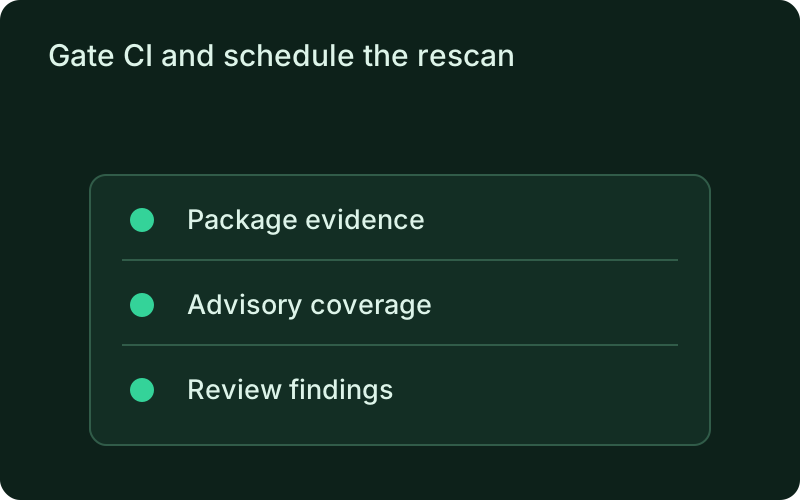
Assign someone to review scheduled findings and define what a failed release check requires. An unreachable advisory source should lead to a visible decision, not a silently successful release. Keep the previous report for comparison so newly disclosed issues can be distinguished from problems that were already known and are being addressed.
Frequently asked questions
Short answers; the docs go deeper.
Will the scan fail my build?
Only when findings reach the configured threshold, which surfaces as exit 25. A scan that could not check the project exits 30 instead, so a failed gate and an unchecked project are distinguishable signals.
What does the scan send over the network?
Ecosystem and package names to OSV.dev for the advisory lookup. Dependency data reaches the dashboard only after the application opts in; reporting is off by default.
How do scheduled scans work?
Enable the scan in phelix.yaml and the monitor daemon runs it at the configured interval, recording each run in the history. The dashboard sees the results only after the application opts in to reporting.
One binary between git push and production.
Install the CLI, verify the host, and follow the quick start to build your first application.